What Even Is a
A dynamic, highly readable exploration of digital files in art, clarifying what they are (and are not), how artists use them, why they matter for printing and preservation, and how to think about their value. The article speaks in a personal, authoritative voice, grounding technical concepts in concrete examples and a clear point of view.

What Even Is a "Digital File" in Art? (The Real Story, No Hype)
You've heard the term a million times. "We live in a digital age," "the future is digital," "my kid can't read cursive but can operate a tablet better than I can." It's all true. But when I, as an artist who lives and breathes color and form, hear the word "digital file" thrown around in the same breath as "art," something strange happens. People's eyes get a little glazed. They start using words that sound impressive but feel utterly disconnected from the messy, soulful act of putting a brush to canvas, or a pencil to paper.
So let's stop for a second. And let's actually think about it. What is a digital file in art? Is it the art itself? Is it a copy? Is it the ghost of the original? This isn't just a technical question. It’s a question about what we value, how we share beauty, and how we preserve our creative heritage for the future.
It raises practical questions, too. Why does a low-resolution JPG look fine on Instagram but turn into a blurry mess when printed large? Why do some digital prints feel soulful and rich, while others look flat and cheap? I've spent years in the studio wrestling with these exact problems. This article is a map of that territory, the real-world knowledge I've had to learn not just to survive, but to make my art resonate in a digital world.
It’s a question about what art even is in an era where the unique, physical object—the thing you can touch—has to coexist with an infinite number of perfect, weightless copies, all existing somewhere in a cloud.
The Glitch in the Gallery: My First Bumpy Encounter
I remember this so clearly. A new, slick magazine wanted to feature one of my paintings. They didn't want to send a photographer. They just sent an email with the subject line, "Requesting a high-res scan." I sat there, staring at my email, then at the 1.5-meter-wide abstract piece on my studio wall. How on earth do you fit that feeling, that texture, that dance of accidents and intentions, the history of every brushstroke, into a "file"? It felt like being asked to shrink the entire chaotic, wonderful energy of a live concert into the clean, silent lines of a piece of sheet music.
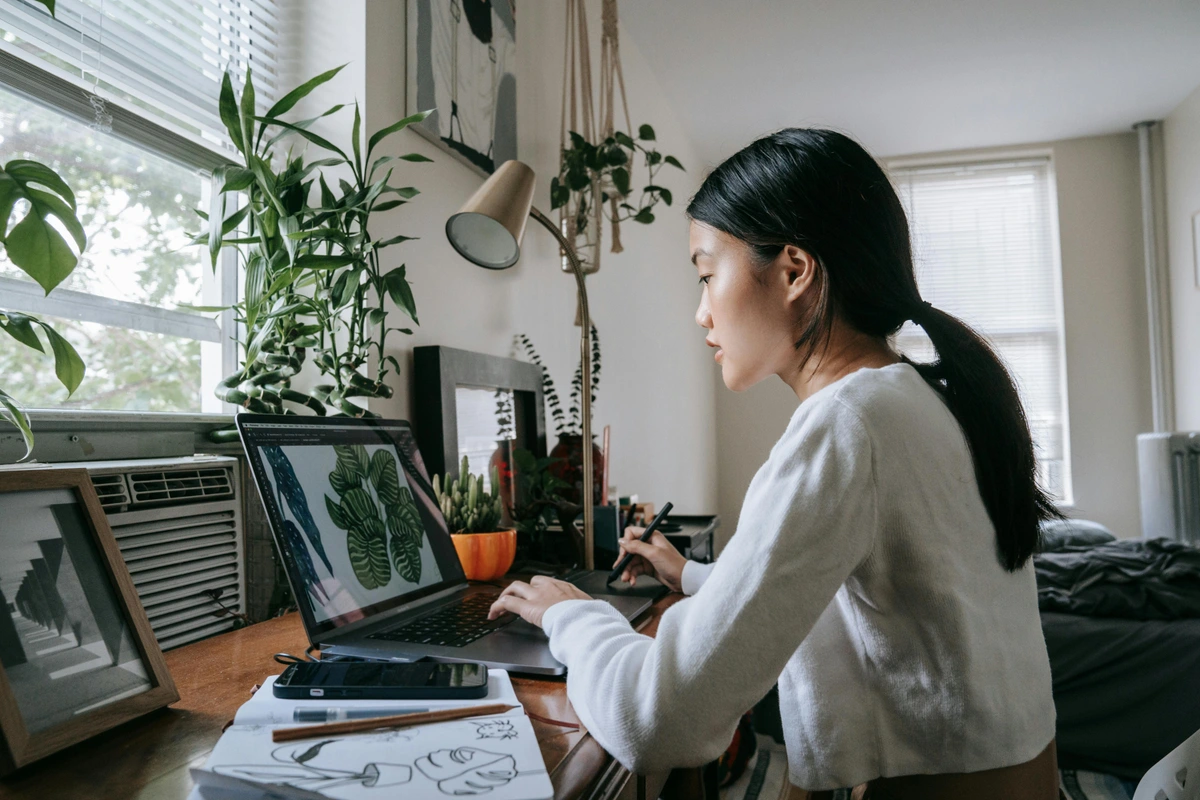
In the end, I learned to do it. I sent them the file, and the feature came out beautifully. But that question has never really left the back of my mind. The process of digitization itself had a learning curve. My first few attempts were a mess. Common rookie mistakes you might recognize: using a cheap scanner that introduced weird color casts, scanning at too low a setting, or trying to photograph a painting at night under a single, yellow-tinted bulb. I ended up with files that looked nothing like my work—soulless, flat, and sometimes tinged with a sickly green hue. Each failed attempt was a lesson in how much this "simple translation" is actually a technical craft in its own right.
That moment, for me, encapsulates the entire weird, wonderful, and often misunderstood relationship between art and its digital counterpart. A digital file in art is simply a translation of the artwork into a language that computers can understand. It’s a meticulous set of instructions for how to display, print, or share an image.
It's like a musical score: the score is not the music itself, but you can use it to recreate the music on any piano in the world, or even on a banjo if you're feeling adventurous. It captures the idea, the structure, but filters out the noise—the smell of the stage, the slight squeak of the piano pedal, the cough from the third row. A digital file does the same for art. It captures the information—the color values, the shapes, the light—but it's up to us to translate that information back into an experience. A monitor does it one way, a high-quality giclée print another, a cheap office printer yet another.
From Atom to Pixel: How the Magic Happens
Think of it this way. My original painting is a universe of atoms. There's a physicality to it. You can run your fingers over the ridges of paint, see how the light catches a thick impasto stroke, feel the tooth of the raw canvas. It's a one-of-a-kind, unique thing in a specific place and time. This physicality is what we call aura, a term the philosopher Walter Benjamin used to describe the unique presence of an original work of art—its history, its location, its singular existence.
A digital file, by its very nature, has no aura. It can be copied perfectly, instantaneously, and infinitely. But in shedding its aura, it gains something else: portability. It can be everywhere at once, a ghost of the original that can haunt a million screens simultaneously. This trade-off—aura for ubiquity—is the central drama of art in the digital age. To really grasp it, imagine a physical painting. Every viewing is a unique event. The light changes, you move, the atmosphere is different. The digital file bypasses this. It doesn not experience; it presents. It offers a single, repeatable visual experience, detached from the physical world. This isn't a flaw—it's a fundamental difference in what the object is. The file is a portal to the work, but it is not the work itself.
A digital file is a map of that universe. The process of creating this map usually involves one of two tools:
- A Scanner: This is essentially a highly sophisticated camera that moves across the artwork in a perfectly straight line, capturing a sliver of light at a time. It breaks the image down into tiny, tessellated squares called pixels. Each pixel is assigned a specific color value, usually in combinations of Red, Green, and Blue (RGB). The more pixels per inch (PPI), the more detailed the map. A 72 PPI scan is a tourist map, good enough for a quick look on a screen; a 300 PPI archival scan is a satellite image, revealing every microscopic crack and brush hair. Some high-end scanners can even capture data beyond what the human eye can see, into the infrared or ultraviolet spectrum.
- A Digital Camera: For larger works, or to capture the artwork in its environment, a high-quality camera is the tool of choice. This process is far more demanding. The key is controlling every variable: ensuring the lighting is even (often using polarized lights to eliminate glare), making the camera is perfectly parallel to the artwork to avoid keystone distortion, and using a high-quality macro lens to ensure edge-to-edge sharpness. It's a painstaking setup, more akin to a scientific experiment than a casual snapshot. The resulting photograph is then processed and converted into a digital file.
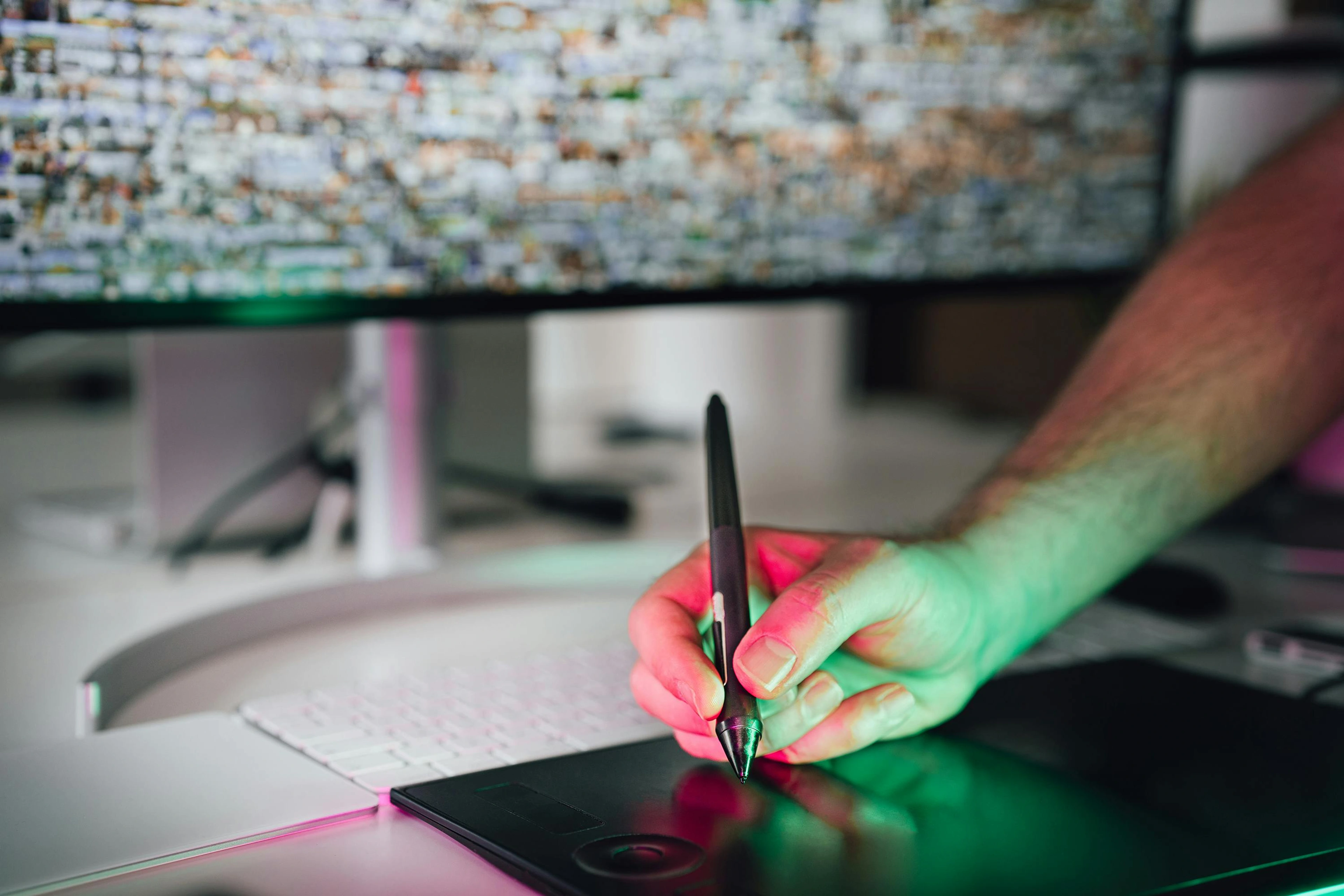
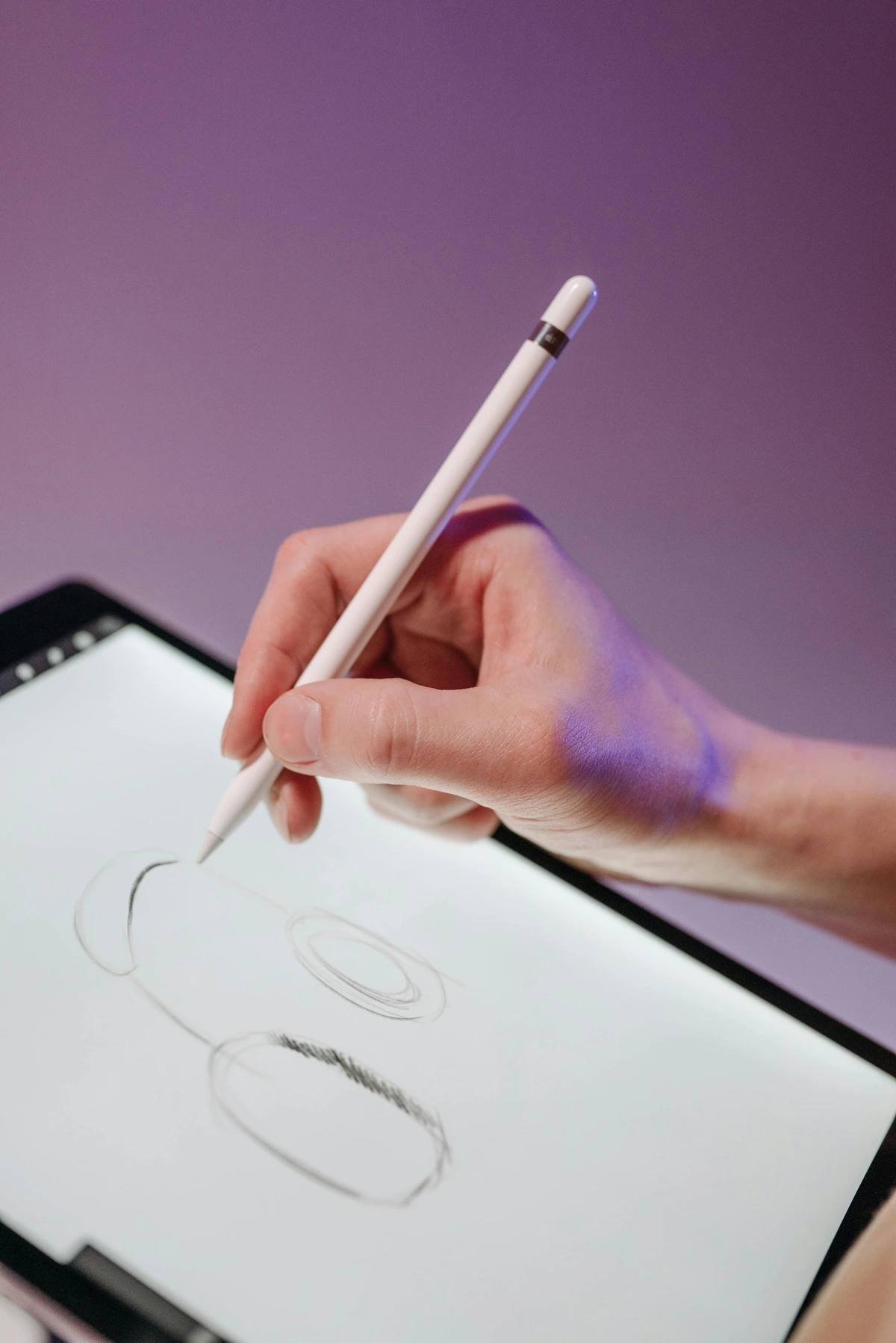
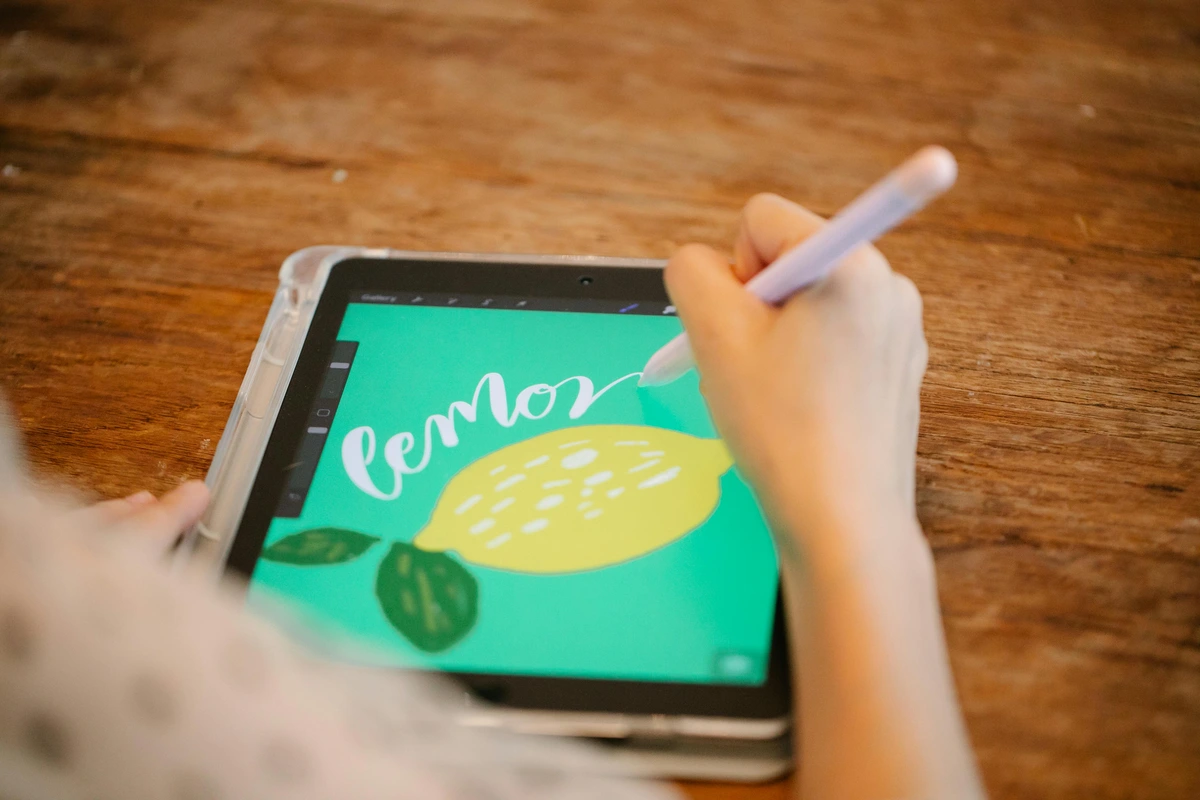
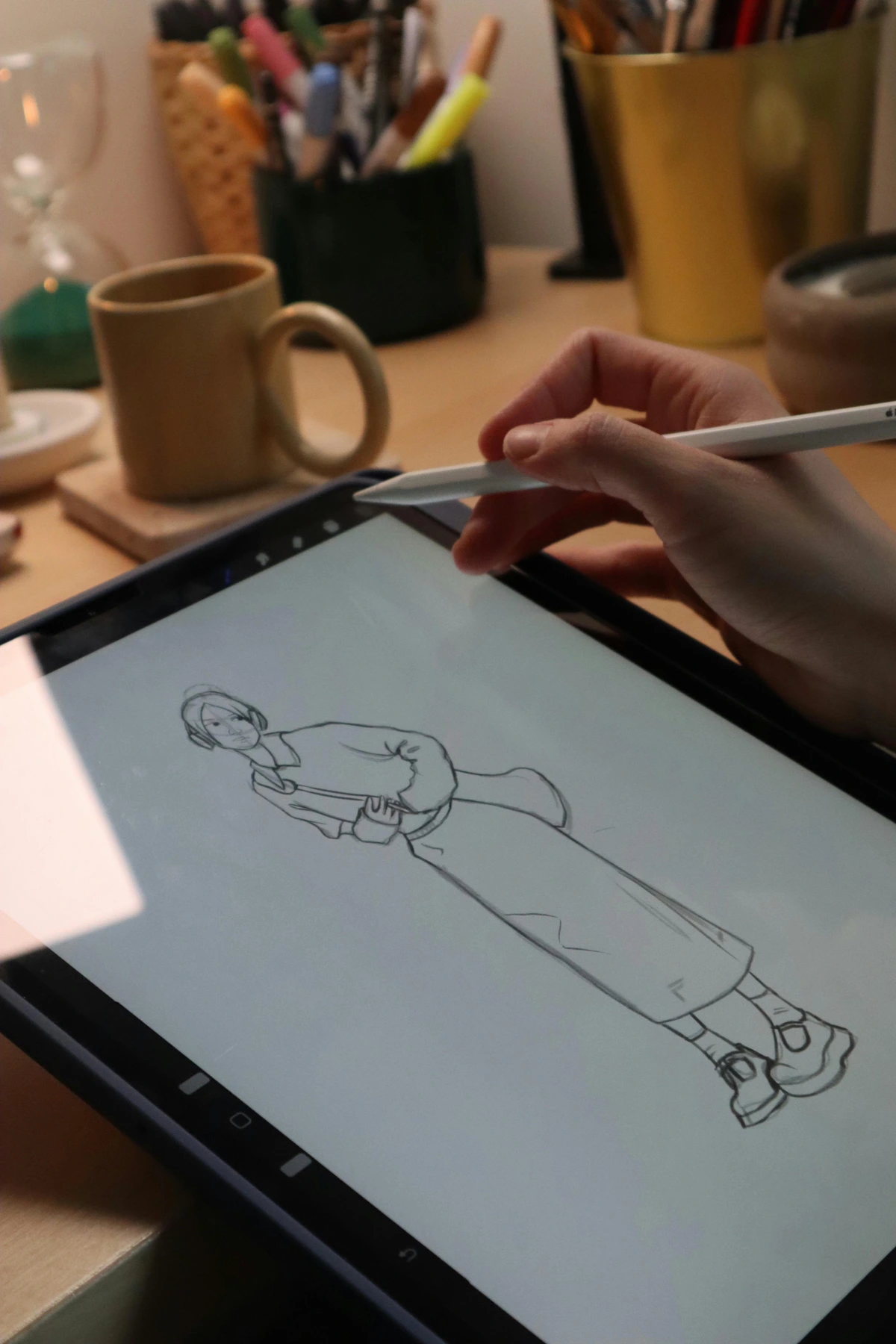
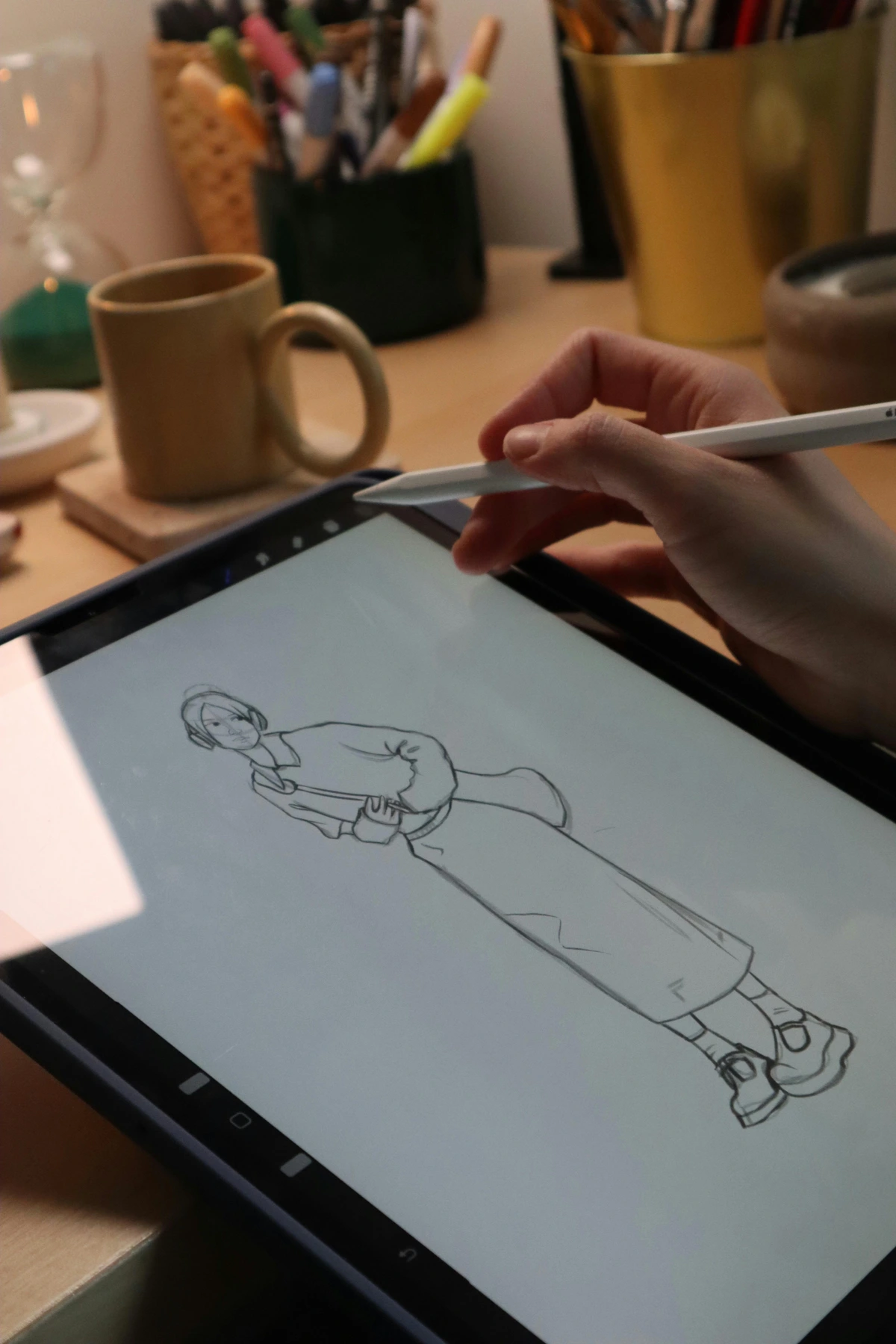
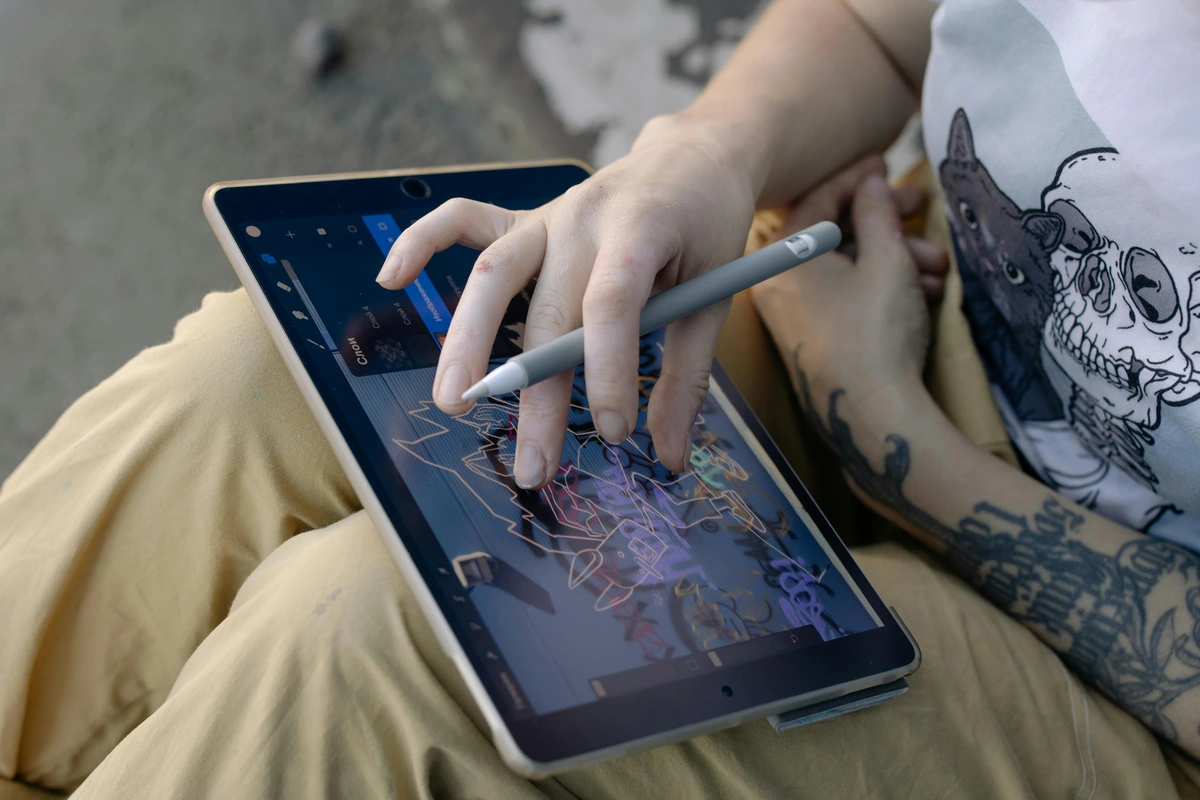
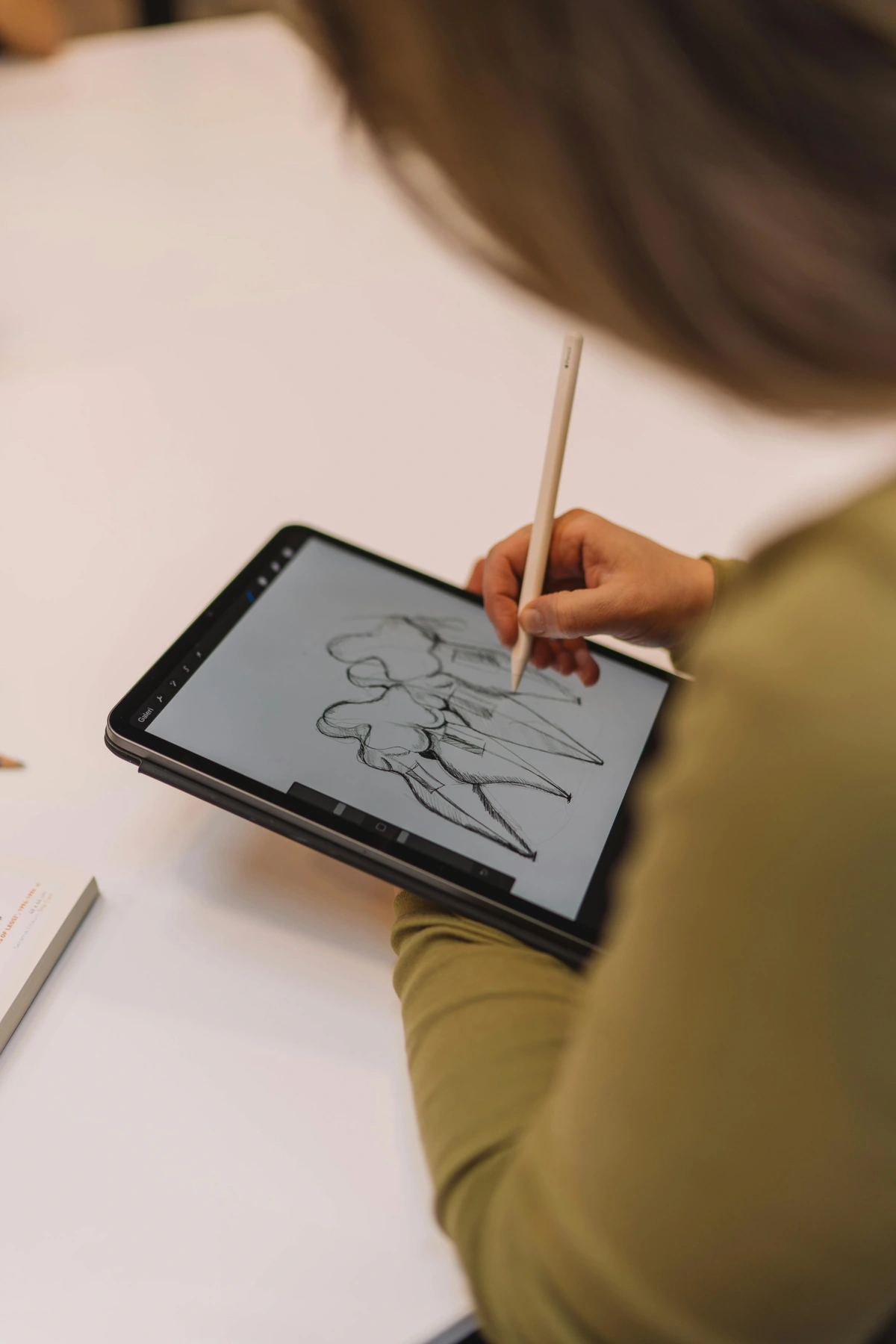
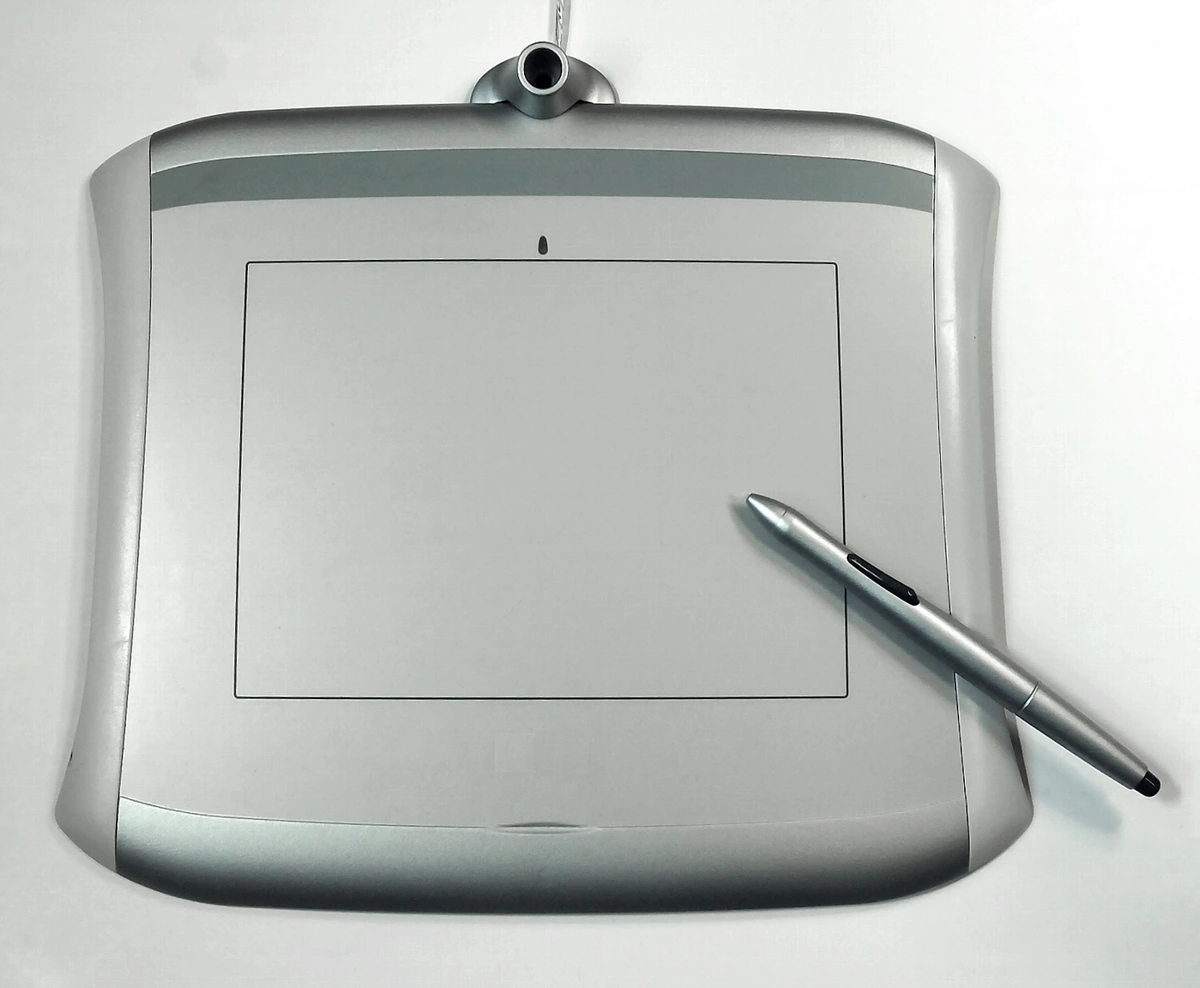
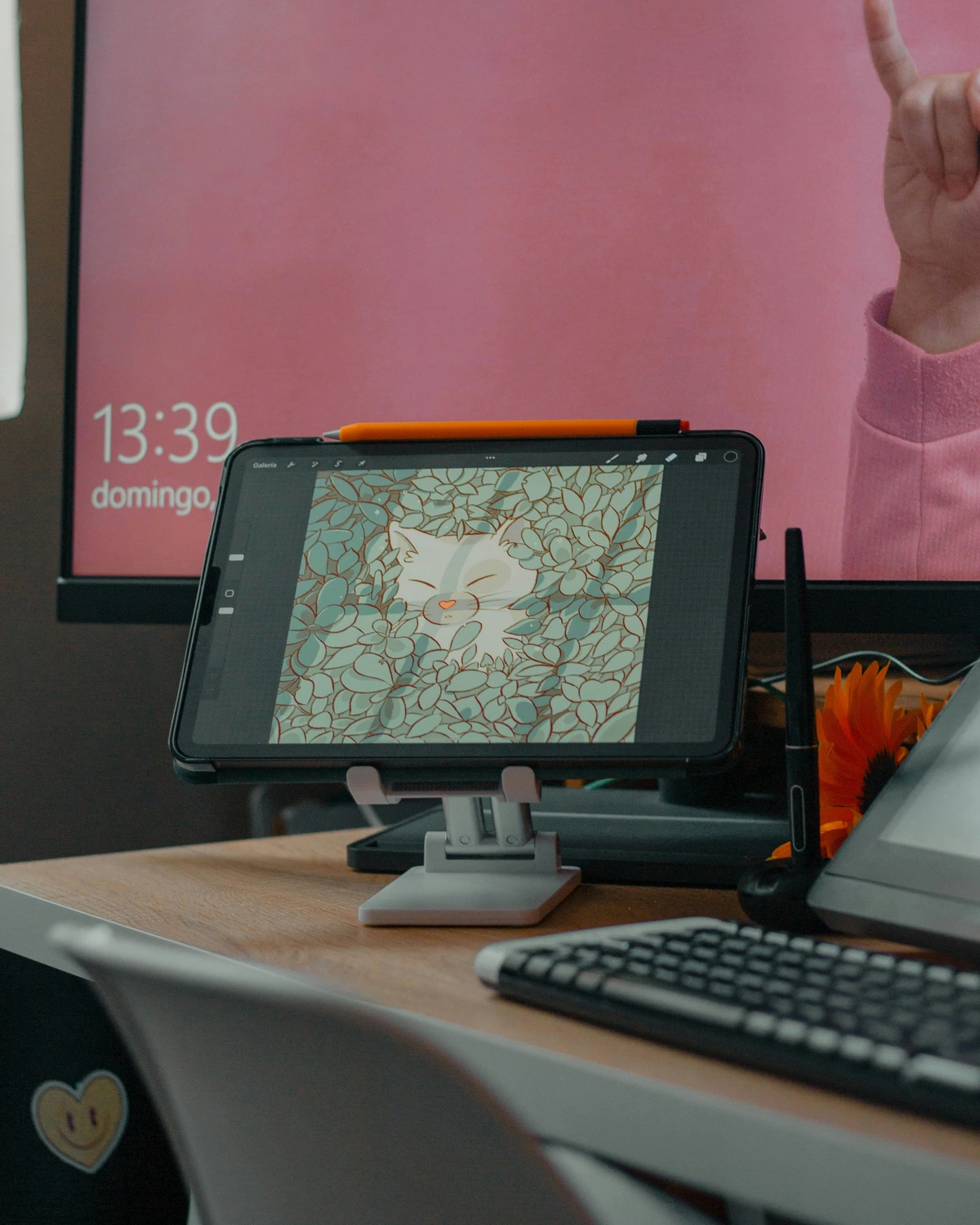
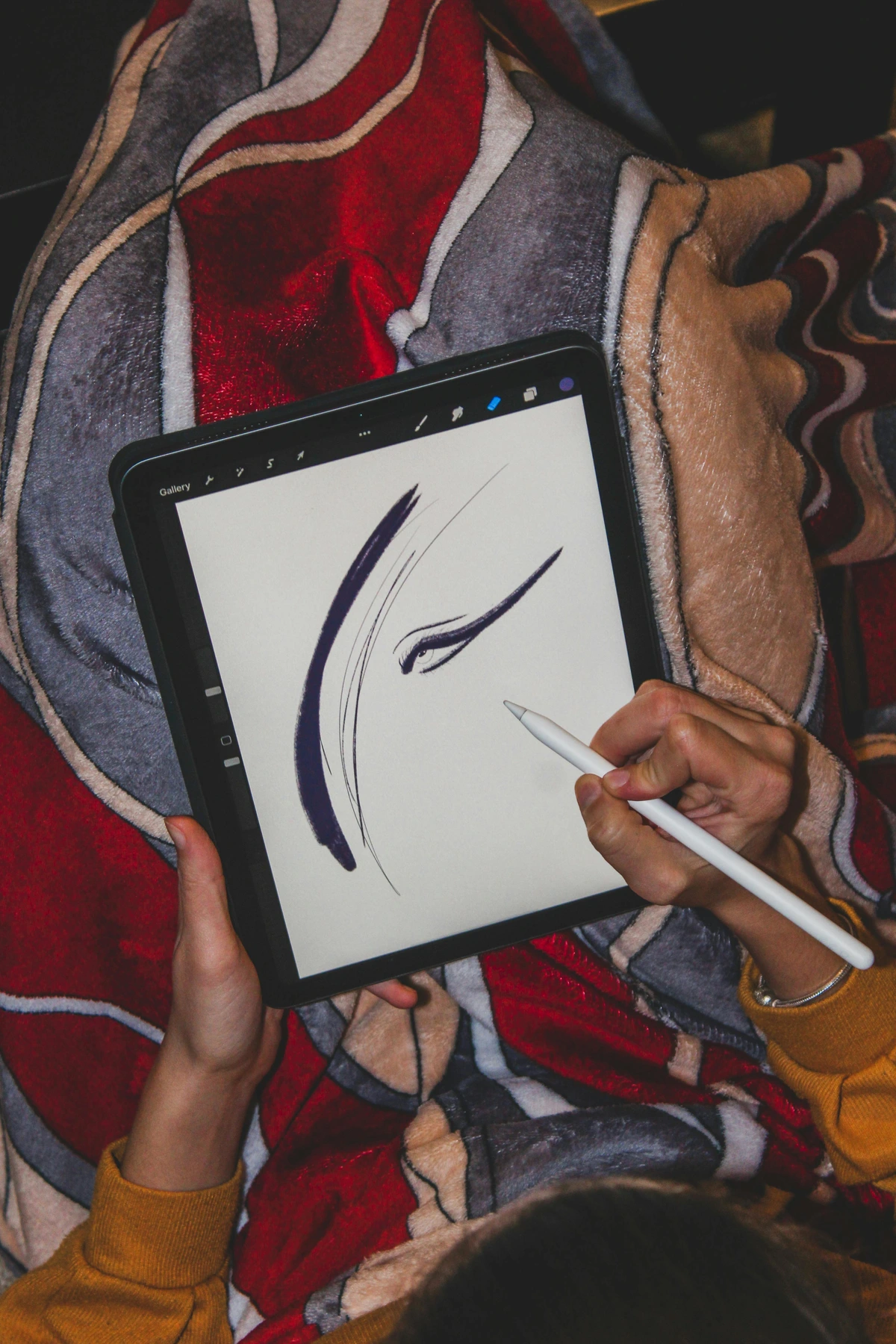
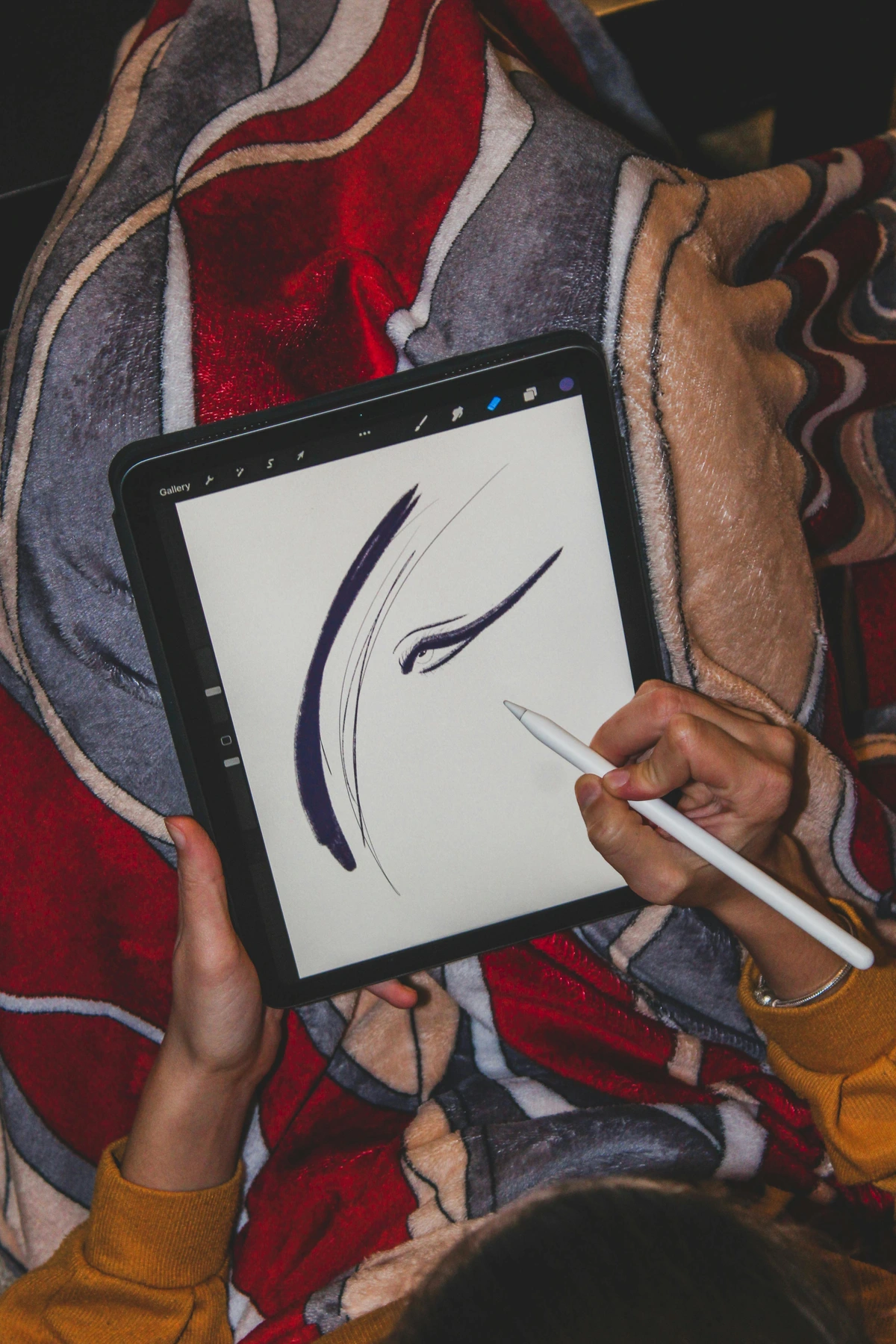
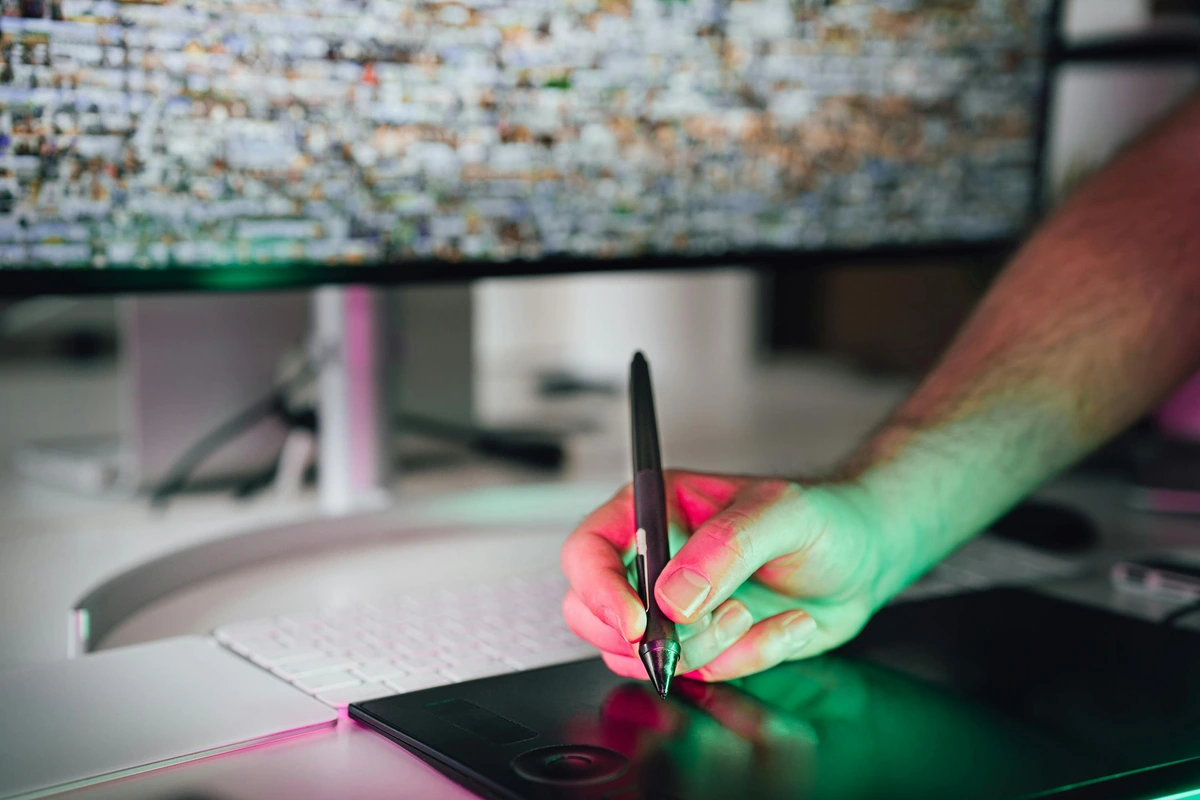
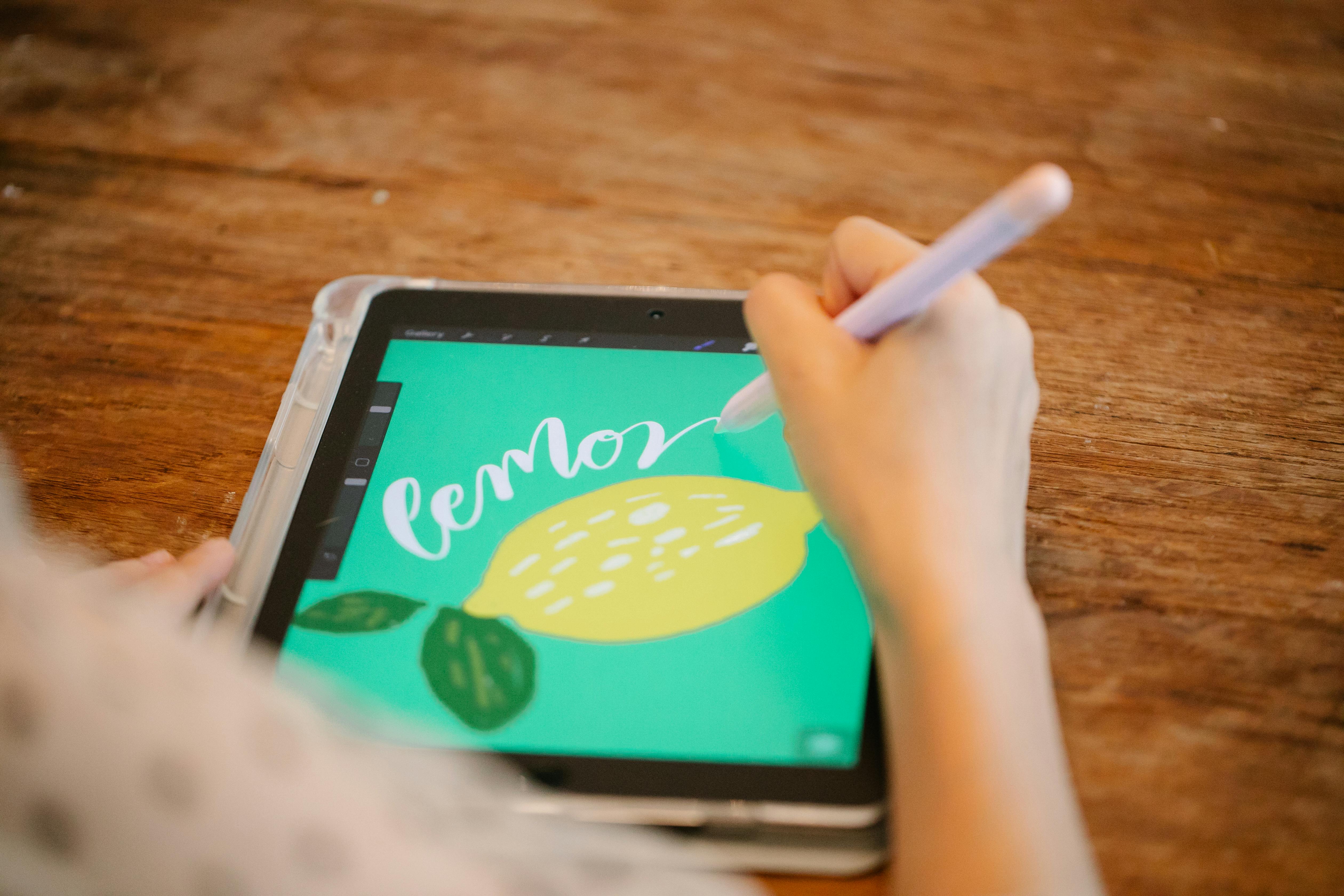
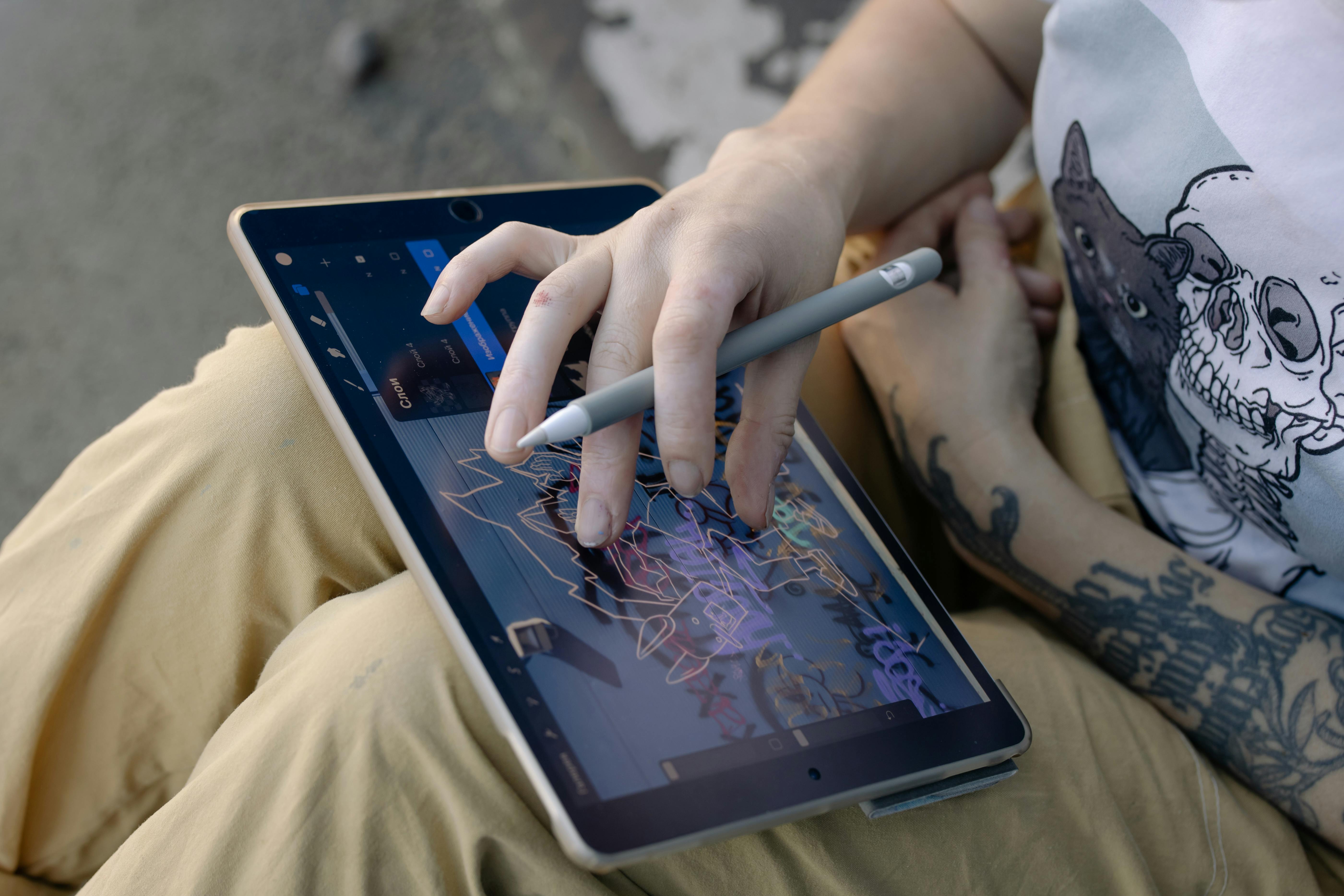
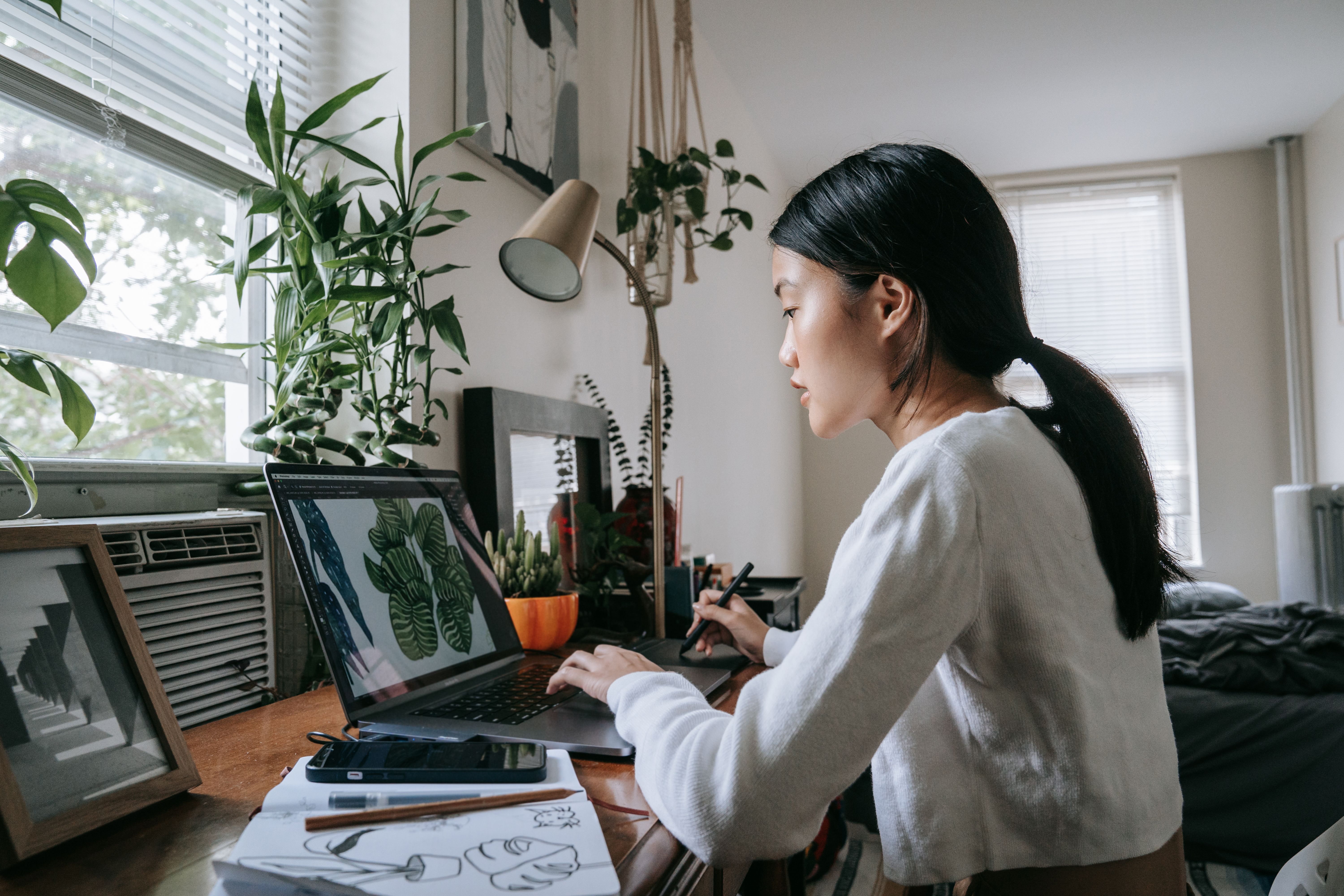
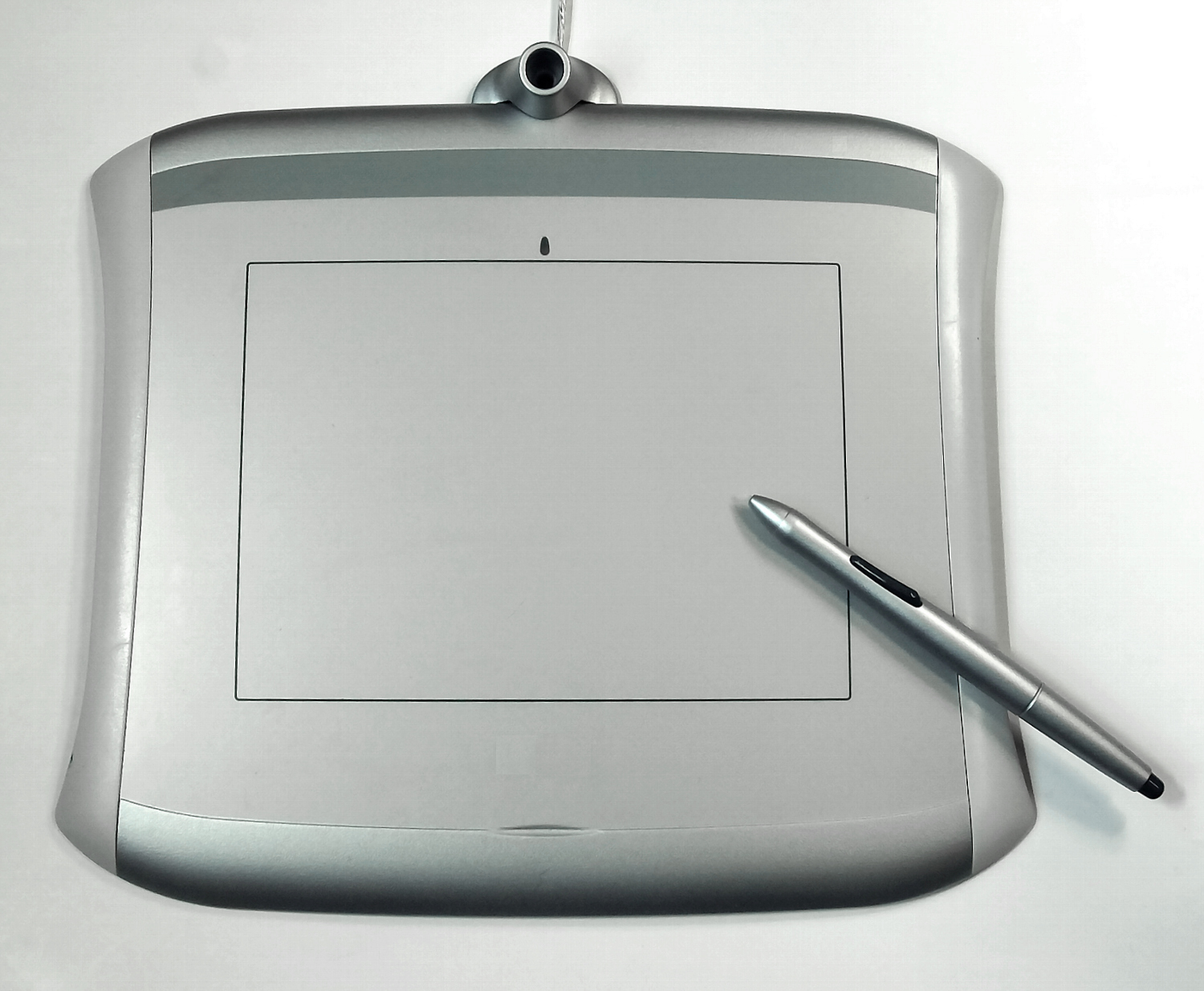
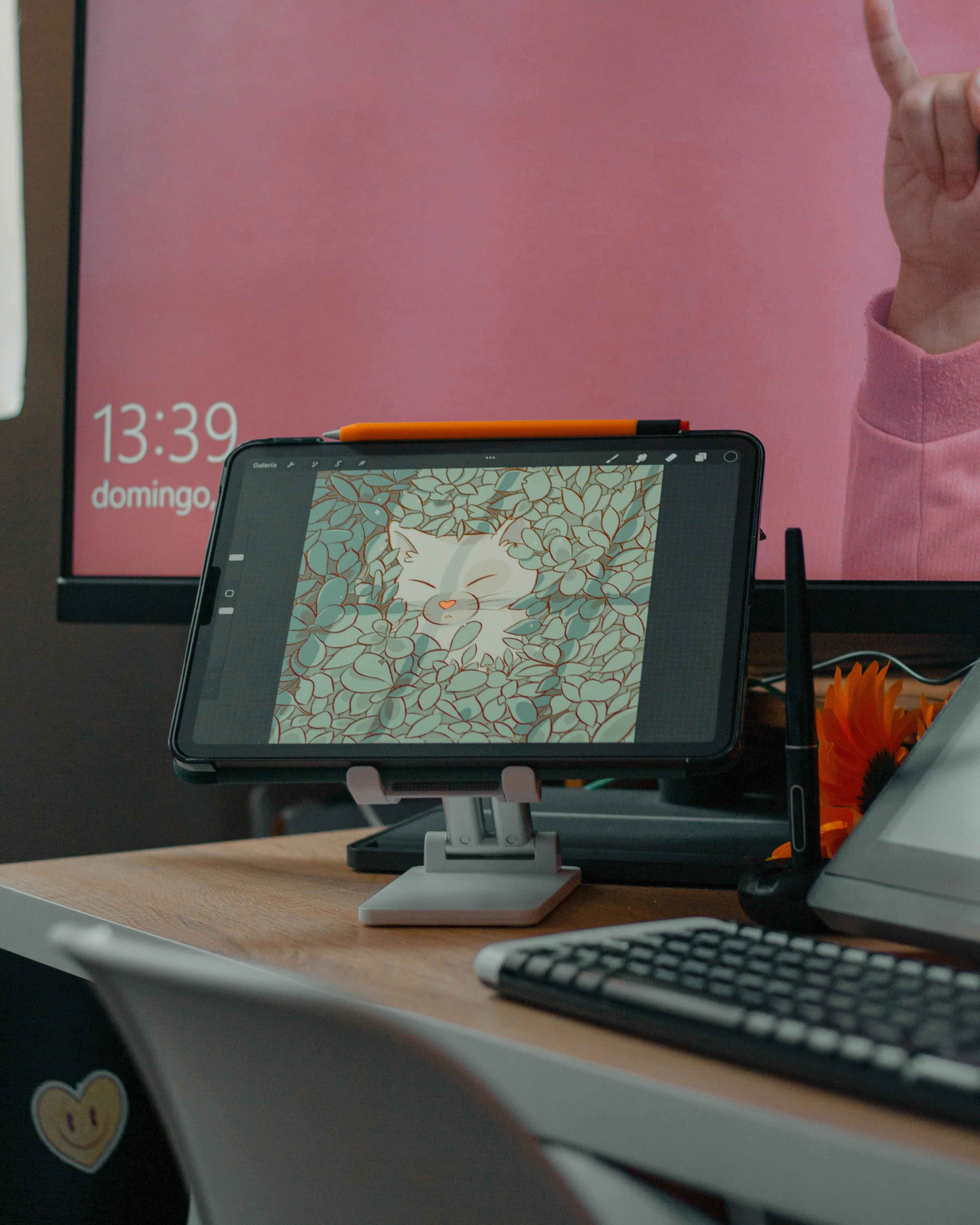
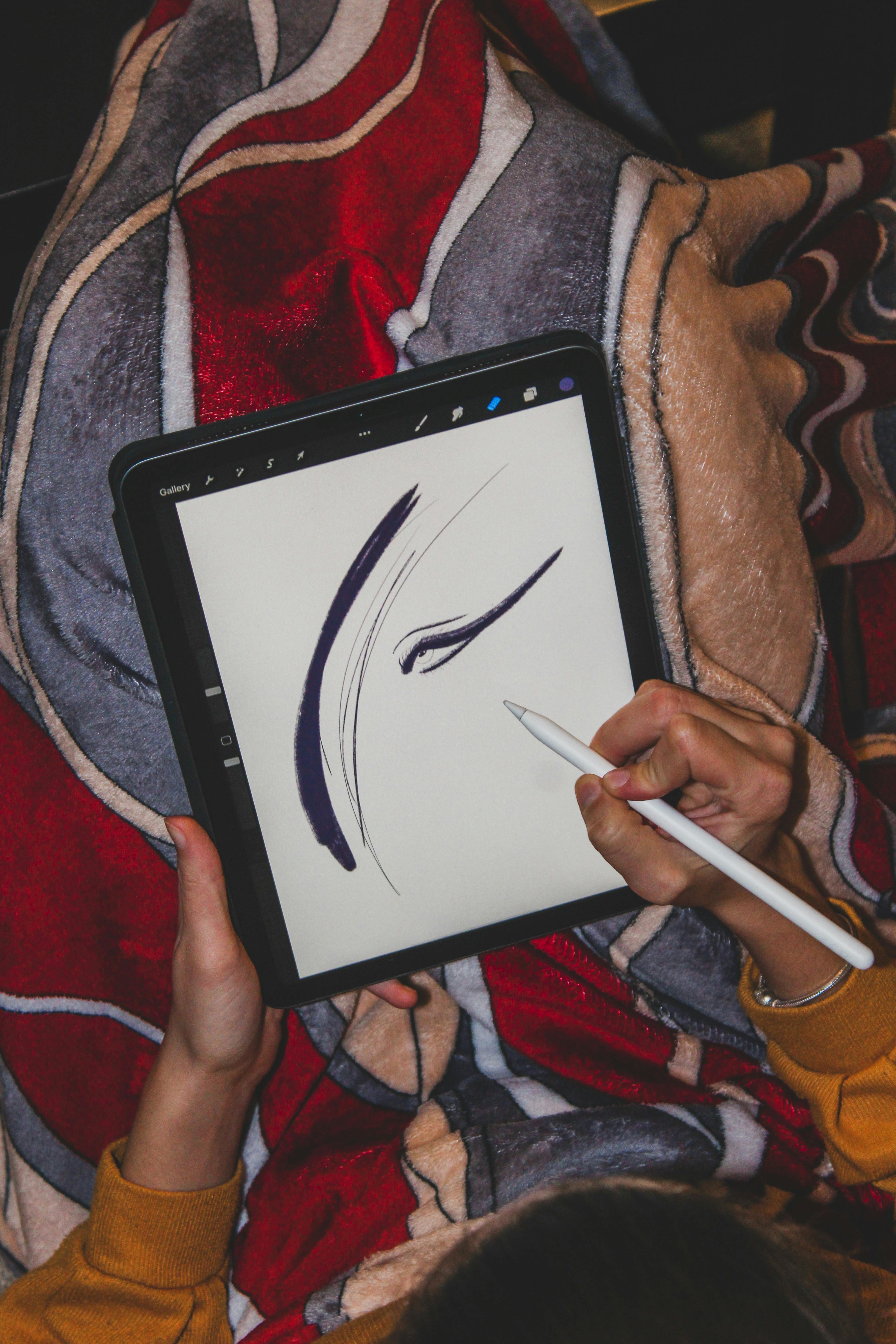
- A Digital Tablet or Stylus: For artists working in a purely digital medium, there is no initial "original" to scan. The artwork is born digital. Programs like Adobe Fresco, Procreate, or even Photoshop create a file from scratch based on the artist's stylus movements. Here, the file isn't a translation of a physical object; it is the object. It is the master record of the artist's gesture, saved as a sequence of vectors or pixels.
In all these cases, what we're doing at a fundamental level is converting a continuous, physical reality into a discrete, numerical one. We're turning the infinite, analog gradients of color and light in a painting into a finite (but very, very large) set of numbers. This introduces a fascinating challenge: what happens to the information that falls between the pixels? This is the phenomenon of aliasing, where subtle, curved brushstrokes can appear jagged, a problem cameras and scanners solve with low-pass filters. It's these tiny trade-offs that separate an amateur scan from a professional-grade digital surrogate.
This act of digitization is an act of interpretation. Is that color crimson, or is it scarlet? Is that edge a hard line, or is it a soft blend of two fields of color? The scanner or camera makes a decision, a calculation, for every single pixel. The resulting digital file is one possible interpretation of the artwork, frozen and flattened. The higher the quality of the capture process, the more faithful that digital interpretation will be. This idea—that a digital file is an interpretation, not a truth—is the most important concept for any artist working today to internalize.
The Language of the Machine: Decoding File Types
This is where most people's brains start to fry, but bear with me. The numbers—the pixel colors—need to be organized and saved in a specific way. That's what a file format is. It's the rule book for how the data is stored, dictating everything from compression to color profile. And the rule book you choose matters immensely. It's not just a technical choice; it's a curatorial one.
Think of it like this: choosing a file format is like choosing a material for a sculpture. Stone is permanent and heavy. Clay is malleable. Wax will melt in the sun. Your choice will determine what you can do with your work later and how it will survive over time.
The Print-Perfect Maps: TIFF & PSD
The Hidden Power of the Working File: RAW
Before we get to the polished formats like TIFF and JPG, there's the secret weapon of professional digitization: the RAW file. If your digital camera can shoot in RAW, you should. Unlike a JPG, which is a pre-processed, compressed image, a RAW file is the complete, unprocessed data captured by the camera's sensor. I think of it as the "digital negative"—it contains all the potential images you could create from that single exposure.
A JPG locks in settings like white balance and contrast. The RAW file keeps them open. When you're staring at a scan that looks too cool because of the lights you used, you can perfectly correct it in seconds from a RAW file. With a JPG, you're fighting an uphill battle to fix something that's already baked in. For archival work, where you want to future-proof your digital files against better correction technology, RAW is non-negotiable.
If you want to make a high-quality print that honors the original, a "digital master," you need an uncompressed or losslessly compressed file. This is your digital negative, the one you go back to time and time again.
- TIFF (.tif): Think of this as a perfect, airtight archive box for your data. It stores all the pixel data in high fidelity using a lossless compression algorithm (LZW) or no compression at all. It’s the undisputed standard for archiving and high-end printing. Its file size can be enormous, but it contains a 1:1 map of your image. What you put in is exactly what you get out, years down the line.
- PSD (.psd): This is Adobe Photoshop's native format. I live in Photoshop when I'm preparing or editing my scans. Its superpower is that it can save layers. Layers are like a stack of transparent sheets, each holding a different part of the image—the base scan, color corrections, dust spotting, and so on. This allows for non-destructive editing; you can go back and tweak a single layer without affecting the others. For printing, I'll almost always deliver a flattened TIFF (where all layers are merged) or the layered PSD, depending on whether the printer needs the ability to make adjustments.
The Web's Juggling Act: JPG, PNG & WebP
For sharing art on the web, large files are a death sentence for loading speeds. A 50MB TIFF file would make your website feel like it was running through molasses. This is where compression comes in, and it's a game of trade-offs between file size and image quality. The key is to master the "export for web" process in your editing software. This means creating purpose-built JPGs from your high-quality master TIFF or PSD, not just resizing the original. You are creating a specific tool for a specific job.
- JPG (or JPEG, .jpg): This is a type of lossy compression, and it's the workhorse of the internet. To make a file small, it literally throws away data it thinks you won't notice. It's like a highly efficient but slightly clumsy packing expert who jams your clothes into a tiny suitcase, slightly wrinkling them in the process. For photos and complex paintings with lots of subtle gradients, it works great. But if you compress it too much, you get ugly artifacts—blurry patches, weird halos, and blocky shadows. Every time you save a JPG, it compresses again, causing a gradual loss of quality known as "generation loss."
- PNG (.png): This is the hero of web graphics. It uses lossless compression, meaning no data is lost in the process. Its file sizes are larger than JPGs, but its real party trick is that it can handle transparency. Ever see a logo on a colored background that isn't a white box? That's PNG. For an artist, it's essential for creating images for websites, product mockups, or anything that needs to overlay another image cleanly. It's great for images with sharp lines and flat colors, but less efficient for complex, gradient-heavy paintings.
Here’s a quick look-up table to keep it all straight:
File Format  | Use Case | Compression | Key Feature | Good For Art? |
|---|---|---|---|---|
| TIFF | Archiving, High-Res Printing | None or Lossless | Maximum Fidelity | Absolutely. The gold standard. |
| PSD | Editing | None (special case) | Saves Layers | Crucial for editing before export. |
| JPG | Web, Email | Lossy | Small File Size | Yes, but only as a final web image. |
| PNG | Web Graphics, Logos | Lossless | Transparency | Yes, for web graphics and overlays. |
| GIF | Simple Animations | Lossless (indexed color) | Animation | Rarely for fine art, but useful for creating simple, looping animations from digital sketches. |
| PSB | Extremely Large Files | None (special case) | Handles files >2GB | An incredibly niche but vital format for artists working with massive, multi-gigabyte scans or complex files. |
| Multi-page Documents, Embedding | Varies (can be lossy or lossless) | Versatility for documents | Great for sending a proof where annotations or embedded text are needed, or for creating a simple portfolio document. |
The High-Value Relay Race: Digital Files in the Art World
So, why does all this matter so much? Because the digital file is not just a copy; it's become a crucial bridge in the artist's workflow. It's a multi-talented employee that works tirelessly in the background. From preserving a legacy to fueling a printing press, the role it plays is central to how modern artists create, share, and sell their work.
- The Protector (Archiving): This is perhaps the most critical, non-negotiable role. An original painting can be damaged by fire, water, extreme temperature, or the slow, inevitable creep of time and light. A high-resolution digital file is an insurance policy. It's a perfect, unchanging record of the work at a specific moment. Museums and archives do this for priceless works all the time, creating digital surrogates that allow for study without risking the original.There's a strategy here, called the "3-2-1 Rule," which I follow religiously: keep at least 3 copies of your important files, on 2 different types of media (like an external hard drive and a cloud service), with 1 of those copies stored off-site. My TIFF scans are on my studio computer, backed up to a physical hard drive, and also exist on a cloud storage service. If my studio floods, my backup hard drive is at my house across town, and the cloud is, well, somewhere in the sky. Sleep comes easier that way.
- The Ambassador (Distribution): Before you buy a print, you browse a website. Before you visit a gallery, you scroll through its online viewing room. The small JPGs you see are the artist's ambassadors. They represent the work to the world, often making the very first impression.There's a subtle art to preparing these ambassadors. You want them to be small enough to load instantly on a phone, but clear and vibrant enough to be compelling. That often involves creating different sizes of the same image (a thumbnail, a medium web image, and a large one for full-screen viewing) and doing a final, targeted export that balances quality and performance. This workflow—master TIFF to targeted web JPG—is a fundamental digital literacy skill for the modern artist. It's the difference between an online presence that looks amateur and one that feels professional. This is also where a "digital native" discipline like 3D modeling or generative art can feel more at home; its ambassadors are faithful representations, not translations.
- The Collaborator (The Giclée Print): For many artists, the most practical use of a digital file is creating Giclée prints. This is where the digital file stops being an abstract idea and becomes a hardworking collaborator in the printmaking process. I don't just send a JPG to a printer; the process is a meticulous, almost alchemical collaboration. A critical part of this is sending the printer a color-calibrated file, usually in the Adobe RGB (1998) color space. This ensures we are, quite literally, speaking the same color language. I was once sent a print proof where the vibrant oranges in my painting had turned into a dull, muddy brown. The problem? I had sent them a standard sRGB file, which has a much narrower range of color. This small technical detail made all the difference between a print that felt alive and one that felt dead.It begins with that perfect, high-resolution TIFF or PSD file. I work with a master printer who operates museum-grade inkjet printers. They take my file and run a color proof, which is a small test print on the exact same paper the final edition will use. We then put the proof next to my original painting under a special daylight-balanced lamp to make sure we're seeing colors accurately. The choice of paper is a huge part of this. A bright white, smooth paper will give a crisp, modern look. A warm-toned, textured watercolor paper will absorb the ink differently, creating a softer, more organic feel. The digital file is just the starting gun; the paper is the track the race is run on.This is where the conversation starts. I might say, "The magenta is a little weak in the bottom corner," or "This blue has too much cyan; it needs to be purer." We go back to the digital file, I make micro-adjustments to the layers I set up back in my studio, and we run another proof. We repeat this, sometimes several times, until the print is a faithful, beautiful echo of the original. This entire process of color matching is called proofing. Without that high-quality, editable digital file, this level of fidelity would be impossible. It's the bedrock of the entire reproduction process. A low-res JPG forces the printer to try and "invent" information that isn't there, which inevitably leads to a print that looks blurry, pixelated, and amateurish. Garbage in, garbage out, as they say. The file is the source of truth.
- The Connector (Social Media & Marketing): In today's connected world, your digital files are your first impression. That perfectly cropped, well-lit JPEG of your painting might be what stops a potential collector from scrolling past. It's not vanity—it's visibility. A strong digital presence, built on high-quality image files, can literally put food on your table by reaching audiences you'd never access otherwise. Each post is a chance for the art to find its audience, and it all starts with a file. I've learned to never underestimate the power of a well-prepared file. A sharp, vibrant image looks professional; a blurry, poorly color-corrected one screams amateur. In a sea of content, that quality signal is what makes someone pause, click, and explore further. It is the digital equivalent of a well-lit, clean gallery space versus a dimly lit, messy one.Different platforms have different appetites. Instagram loves a square, 1080x1080 pixel image. A portfolio website needs crisp, high-resolution files. Understanding how to size and format your files for these different channels is a small but critical skill for a modern artist.
The Trace of the Original: The Value of a Copy
So, if a digital file is just a map, a set of instructions, does that make it inherently worthless? This is where things get interesting, and where the art world's traditional thinking starts to bend and crack.
The history of art is filled with reproductions. For centuries, the only way most people would ever see the Sistine Chapel ceiling was through an engraving. Those prints weren't the "original," but they carried its influence across continents and inspired generations. In a very real way, they performed the work of art. Each generation has had its own version of this. In the 20th century, it was the mass-produced poster—think of the iconic, slightly-off-register silk-screens that spread pop art into every college dorm room. They were low-fidelity, but they were democratic. They put art in places it had never been before. The digital file is the 21st-century inheritor of that tradition—a far more perfect, far more versatile poster.








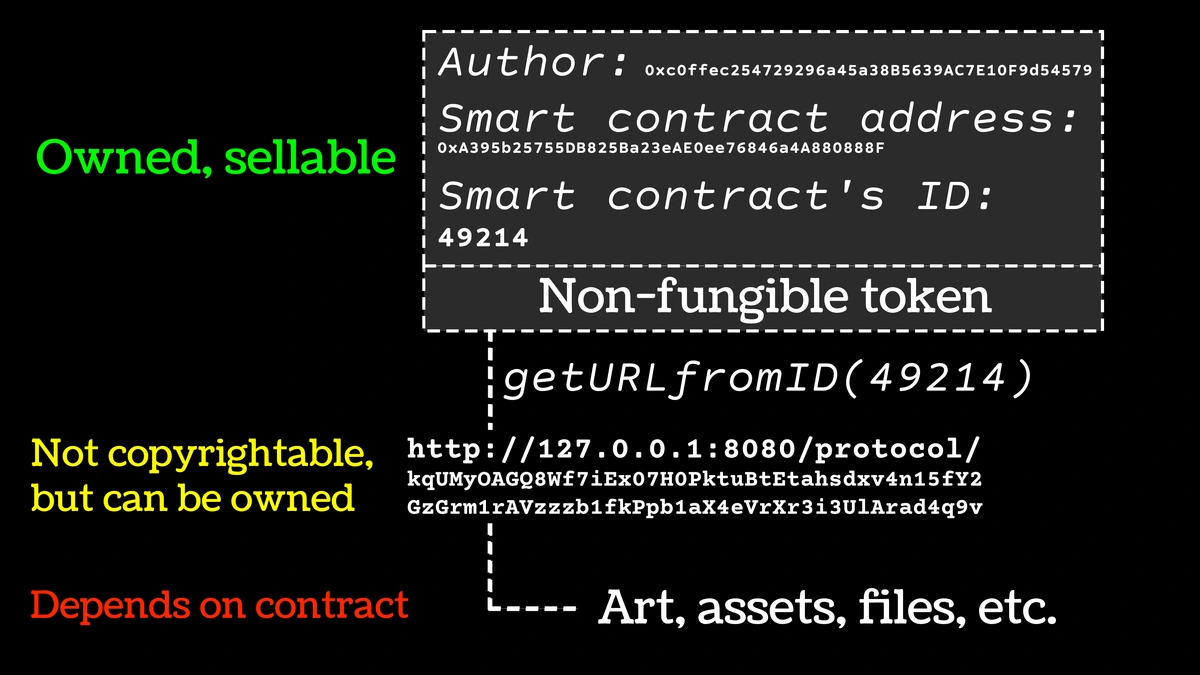
A digital file is the modern equivalent of that engraving, just infinitely more precise. It carries the trace of the original. An NFT, I would argue, is largely a speculative bet on the perceived—and marketable—"aura" of this trace, wrapped in the pseudo-clarity of the blockchain. For most of us, it's a carnival sideshow to the main event. It confuses ownership of a receipt with ownership of the art, and it overlooks the fact that a true collector values the physical or unique digital object, not just a line in a digital ledger.
A digital file's true value isn't in mimicking a stock certificate; it's in its function. The value is in the perfect print hanging in someone's home, making their day a little more beautiful. The value is in the image shared on social media that stops someone in their tracks. The value is in the archived file that allows a lost or damaged work to live on in some form. It's a practical, powerful tool, not a mystical replacement.
It democratizes art in a way we've never seen before, making it accessible, preservable, and shareable. To dismiss it as "just a copy" is to miss its revolutionary potential as a tool for connection and preservation.
FAQ
Q: What is the best file format for archiving my original artworks? A: Without a doubt, the best format for archiving digital images of your art is TIFF. TIFF uses lossless compression, which means it stores all of the original image data without throwing any information away. Think of it as a perfect digital negative. For the absolute best results, make sure your TIFF files are saved at a high bit depth (16-bit) and with no compression. This will give you the maximum flexibility for processing and printing in the future.
Q: I want to post my art on Instagram. What file type should I use? A: For social media like Instagram, the ideal format is JPG. JPG is designed for a great balance of image quality and small file size, which is perfect for fast loading on mobile phones. The key is to prepare the file correctly. Start with your high-quality master TIFF or PSD file, resize it to 1080 pixels on the longest side, and export it as a JPG at a high quality setting (usually around 85-90%). Avoid uploading PNG files for photos of your paintings, as the file size will be unnecessarily large and Instagram will compress it anyway.
Q: What exactly is a "high-resolution" scan? What PPI should I use? A: "High-resolution" means capturing enough detail to reproduce the artwork faithfully. While PPI (Pixels Per Inch) is the common metric, it can be misleading. The most important figure is the total number of pixels. For example, a camera sensor's megapixel count is a pure measure of its ability to resolve detail. For professional printing, aim for a file that can print at 300 PPI at the final output size. Here is a simple formula:
Required Megapixels = ((Width in inches x 300) x (Height in inches x 300)) / 1,000,000
This ensures the printer has enough data to create a continuous-tone image without visible pixels. If you can exceed this number, even better. For archiving, more is always more.
Q: What does "lossless" vs. "lossy" compression mean for my art? A: Think of it this way:
- Lossless Compression (TIFF, PNG): Imagine folding a map perfectly. You can unfold it later and it's identical to the original. No detail is lost. TIFF and PNG are lossless.
- Lossy Compression (JPG): Imagine crumpling that map into a tight ball to make it fit in your pocket. When you uncrumple it, it's still basically the same map, but some of the fine lines are smudged and the creases are visible. JPG works by discarding data it thinks your eye won't notice to make the file smaller. Every time you save a JPG, it compresses it again, potentially losing more quality. This is why you should always work on a lossless TIFF or PSD file and only export to JPG as a final step for the web.
Q: Should I be shooting my paintings in RAW format? A: Yes, if your camera allows it, you absolutely should. A RAW file is like a digital negative—it contains all the unprocessed data from the camera's sensor. This gives you maximum control over the final image. You can adjust white balance, exposure, and shadows without degrading the image quality. It's the best starting point for creating an accurate, high-quality TIFF file for archiving and printing.
Q: Can I just take a photo of my art with my phone? A: A modern smartphone can absolutely capture a good reference photo for social media or your own records. The quality of phone cameras has improved drastically. However, it is not a replacement for a professional scan or a digital camera capture for high-quality printing. Phones have tiny sensors that struggle in low light, and their fixed lenses can introduce distortion and uneven focus across a large canvas. For professional reproduction, especially for prints, investing in a proper capture process is essential. Garbage in, garbage out.
Q: How do I back up my digital art files properly? A: Please, please back up your files. Digital files are incredibly fragile. A hard drive failure can wipe out years of work in an instant. The gold standard in the industry is the "3-2-1 Rule":
- 3 copies of every important file.
- On 2 different types of media (e.g., your computer's internal drive and an external hard drive).
- With 1 copy stored off-site (e.g., a cloud storage service like Backblaze, Dropbox, or Google Drive). I follow this rule religiously. My studio computer holds the working files, a physical hard drive at my home across town holds the backup, and everything is automatically uploaded to a cloud service. This way, even in a worst-case scenario like a fire or flood, my digital archive survives. It democratizes art by making it accessible, preservable, and shareable in a way the physical object can never be. To dismiss it as "just a copy" is to miss its revolutionary potential as a tool for connection and preservation.