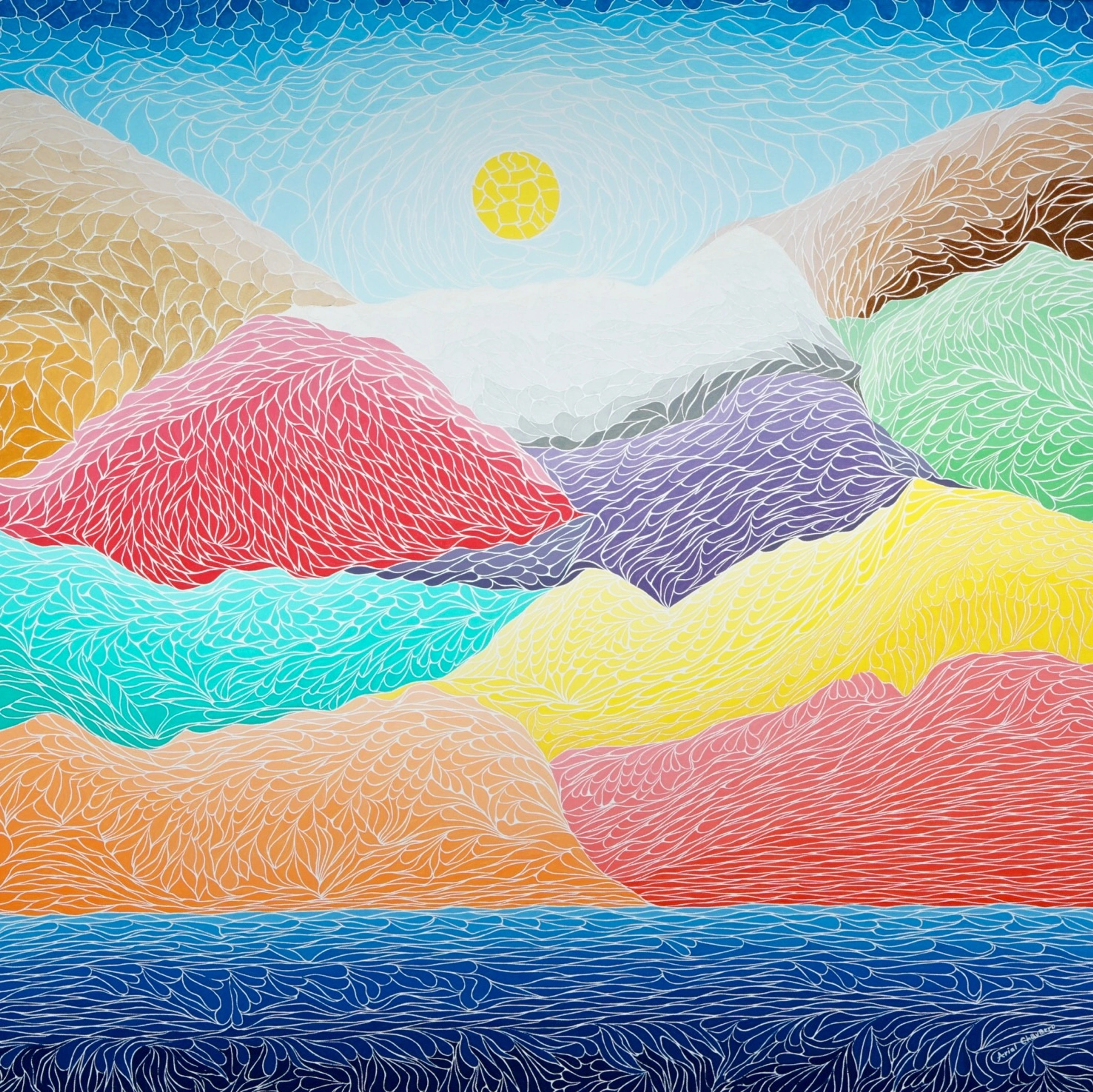
What Even Is a Digital Art File? A Painter's Honest Guide
Serving a contemporary abstract visual artist with a deep, personal exploration of the essence and meaning behind their art.

What Even Is a Digital Art File? A Painter's Honest Guide
You've probably heard the term tossed around—along with JPEGs, PNGs, and "high-res" this and that. But if you're like me, when you close your laptop, you're left with a simple, nagging question: what is this thing I'm looking at?
It’s a question I’ve wrestled with myself, standing in my studio with a finger-smudged phone, trying to get a halfway decent photo of a new canvas before the light fades. I’m looking at a screen filled with color, but my hands are still covered in physical paint. What exactly is the relationship between the two?
Is it the art itself, or just a photograph of the art? Is a PDF the same as a JPEG? And if I buy a "digital file," what am I actually getting for my money—a digital print, a license to print, or just a souvenir? Does it carry any of the artist's intent, or is it just an electronic ghost? The answers to these questions aren't just academic; they're reshaping how we buy, sell, and even define art in the 21st century. It impacts everything, from a museum's reproduction strategy to an emerging digital artist's entire business model.
Is it the art itself, or just a photograph of the art? Is a PDF the same as a JPEG? And if I buy a "digital file," what am I actually getting for my money—a digital print, a license to print, or just a souvenir? Does it carry any of the artist's intent, or is it just an electronic ghost?
Stick with me for a moment. Let's pull this apart, not with the dry dust of a computer science manual, but with the eyes of someone who thinks about light, color, and texture every day. I spend most of my time with brushes and canvases, so when I talk about digital files, it’s always through that messy, physical-world lens. I promise, this won't feel like a textbook.
By the end of this, you won't just know what a digital art file is; you'll have a whole new way of seeing what hangs on your wall and what lives on your screen. You'll grasp the subtle art of the digital reproduction, the profound difference between a file of an artwork and the artwork itself, and the technological DNA that dictates everything from Instagram quality to giclée perfection. Most importantly, you'll be equipped to make smarter, savvier decisions whether you're buying, selling, collecting, or just admiring art in our connected world. I can't promise it will always be simple, but it will finally make sense.
The Chasm Between a Photograph and the Real Thing
Let's start with the single biggest source of confusion. A digital art file can be two fundamentally different things. Think of it as the difference between a detailed map of Paris and a plane ticket to go there.
This separation is the most crucial concept to grasp in understanding digital files, and it fundamentally shapes the value, the ownership, and the very nature of the artwork. It's something I think about every time I send a file to be printed.
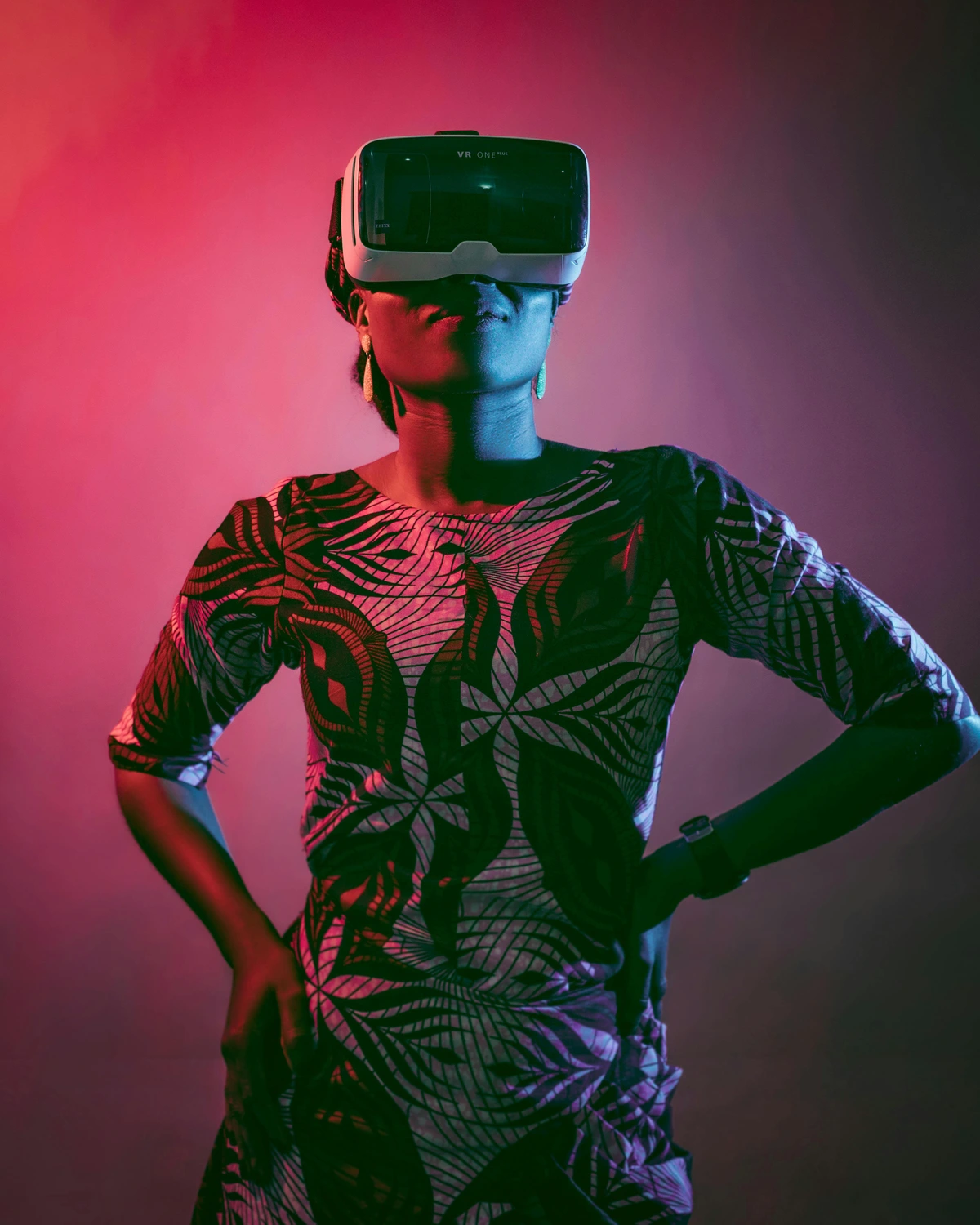
On one hand, you have a document. A document is a photograph, a scan, or a digital record of something else. That breathtaking photo of a sunset on your phone? It's a document of a real event. The iPhone snaps a picture of the photons hitting its sensor, and that's a beautiful, powerful document. Its purpose is to stand in for, or reproduce, that original moment.
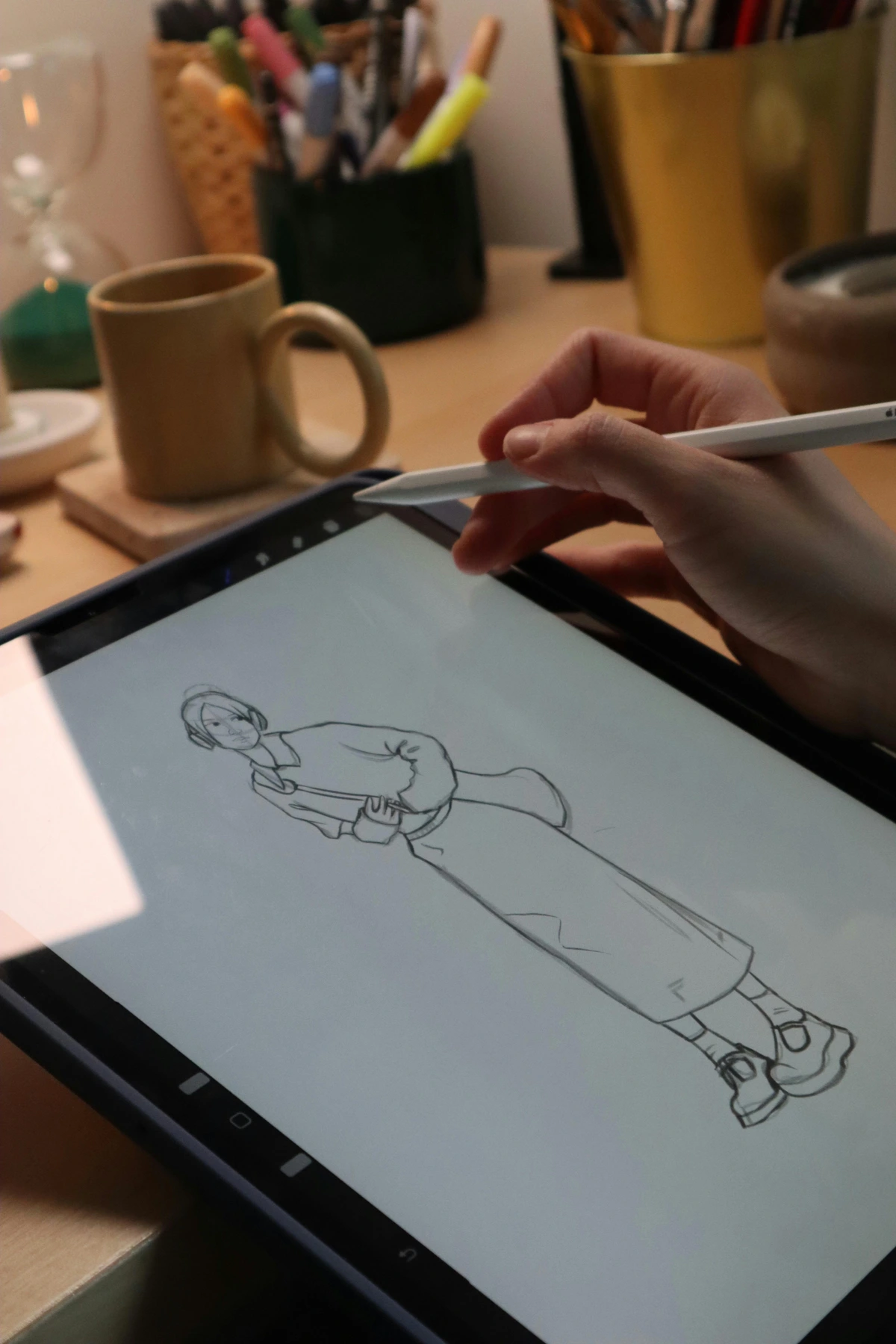
Then, you have the original object itself, born digital. This is a file that isn't a record of another thing; it is the thing. The pixels on the screen are the final destination. When you save a file you've just created on a tablet, the file itself is the primary artifact.
This distinction is everything. It changes the file's purpose, how it's used, and what its value is. It determines whether you have a souvenir postcard or the master key to a Rembrandt painting's public face.
The file's intended function dictates the level of detail required. A high-resolution TIFF file for a museum poster requires thousands of times more data than a thumbnail JPEG for an online catalog. The artist's digital file choices, in turn, open up new avenues for contemporary art approaches, allowing artists to work purely in the digital realm or explore hybrid techniques that blend physical and digital creation. The distinction between a document and an original is the single most important mental model you can build.
Case Study 1: The Reproduction (The Rembrandt Poster)
Imagine this: A museum wants to sell posters of a famous Rembrandt portrait. They don't put the 400-year-old painting in a giant scanner (a horrifying thought). Instead, a photographer takes a high-resolution photograph of it under perfect, even lighting, sometimes using specialized gear like a reproduction rig or a large-format camera. That photograph is saved as a giant digital file.
That file's entire purpose is to be a perfect, pristine document of the original painting. From that file, the museum prints thousands of posters. The file is the master key that unlocks the reproduction. But the file is not Rembrandt's painting. The painting has texture, cracks, a physical history. The file is a flawless, two-dimensional ghost of it. It captures luminance and chrominance, but it completely discards the physical tactility, the smell of the oil and varnish, the sheer presence of the object.
Case Study 2: The Digital Original (The Screen-Born Illustration)
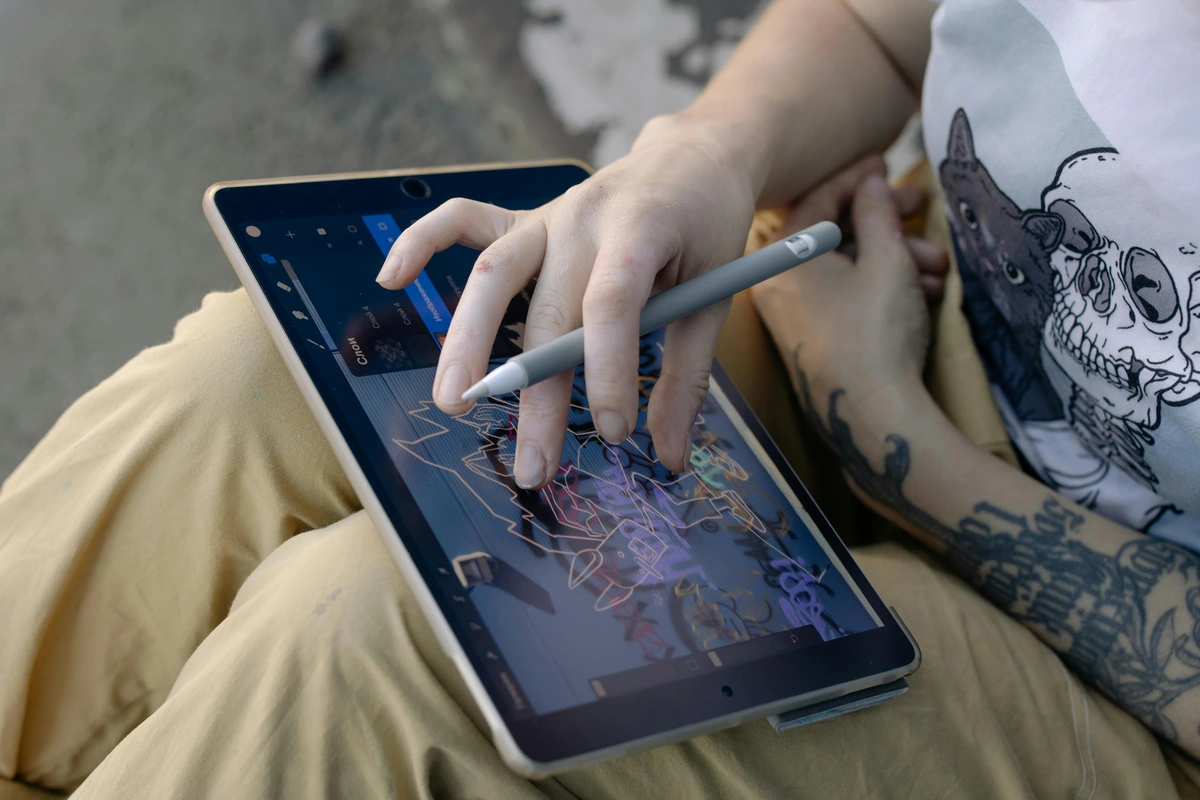
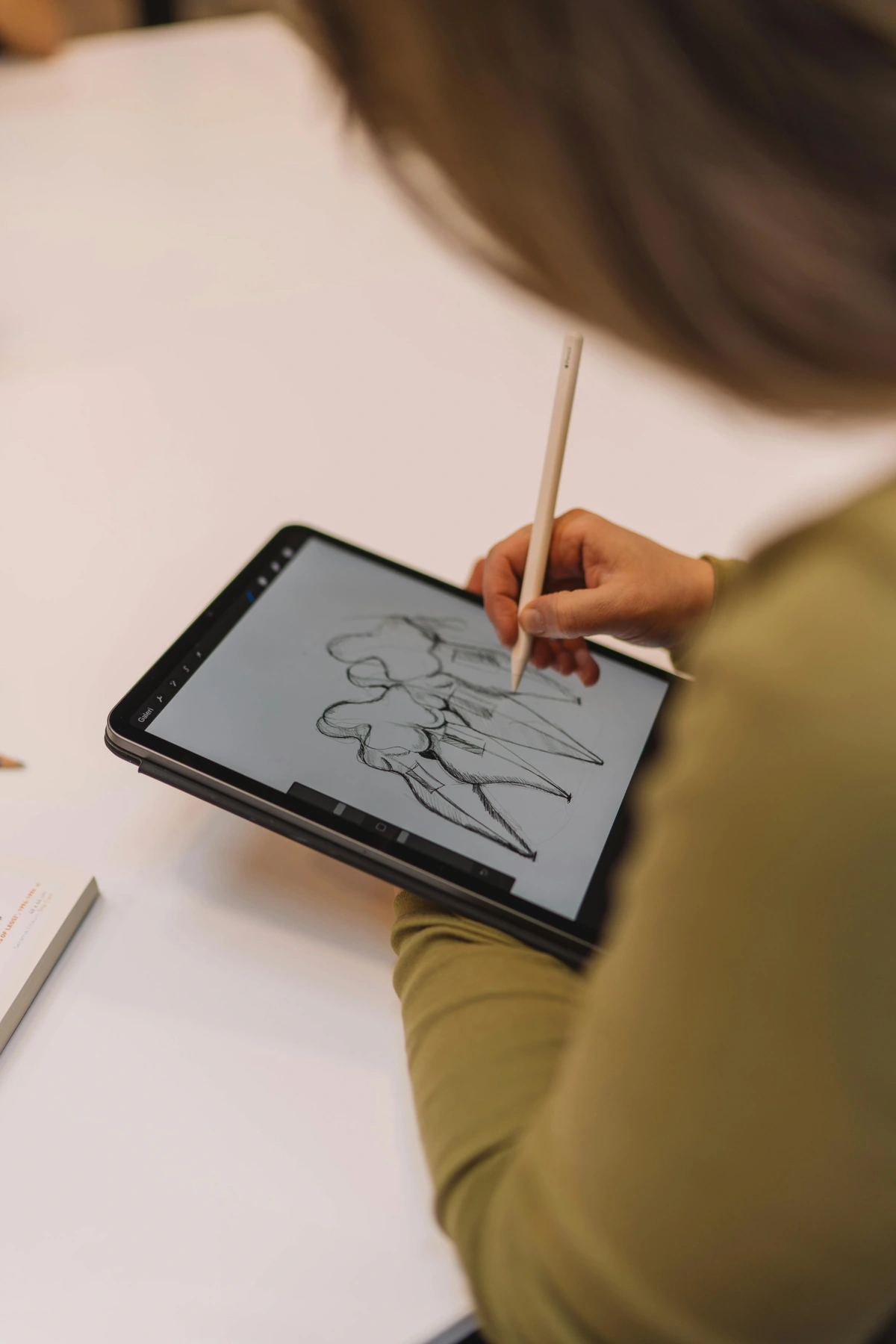
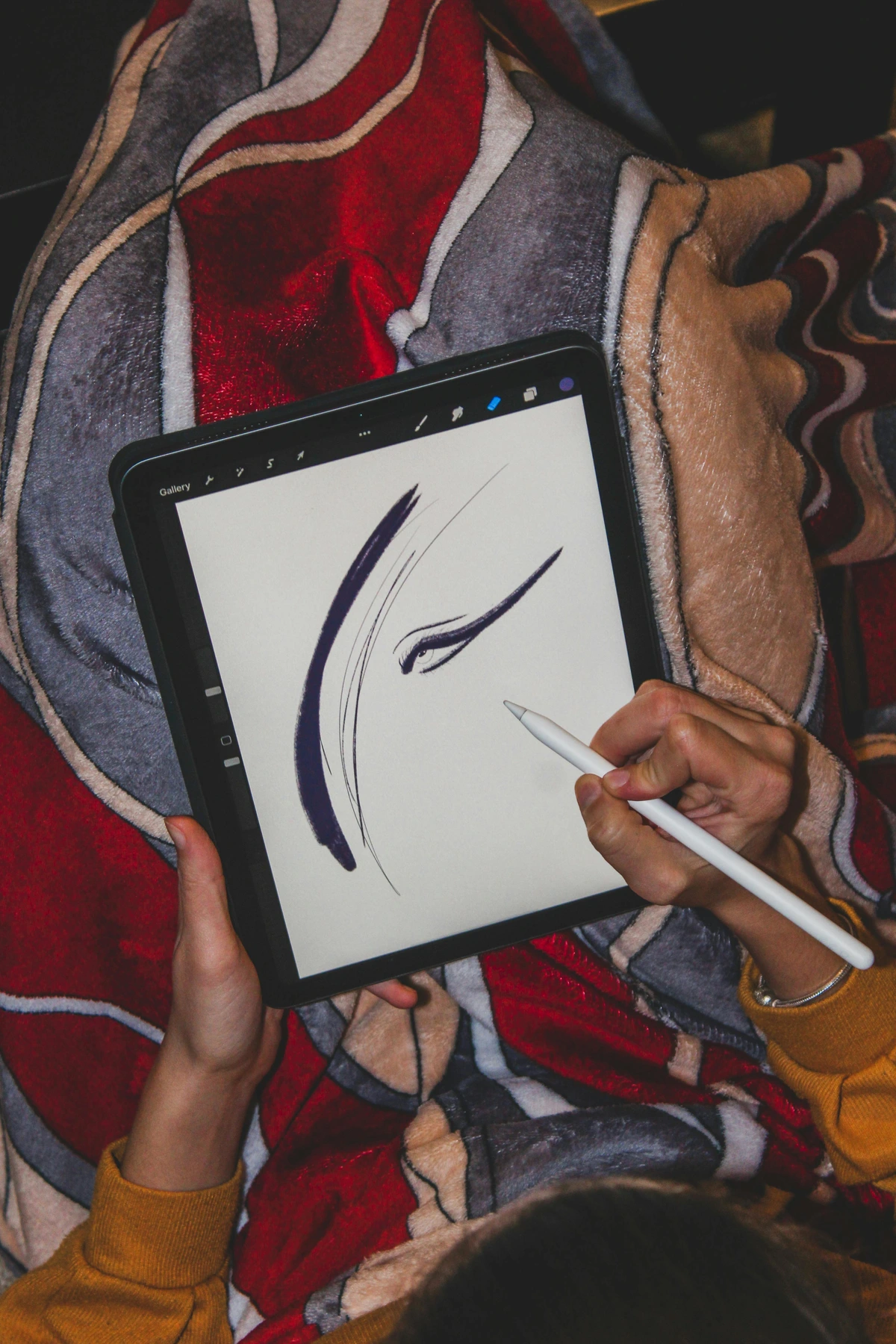
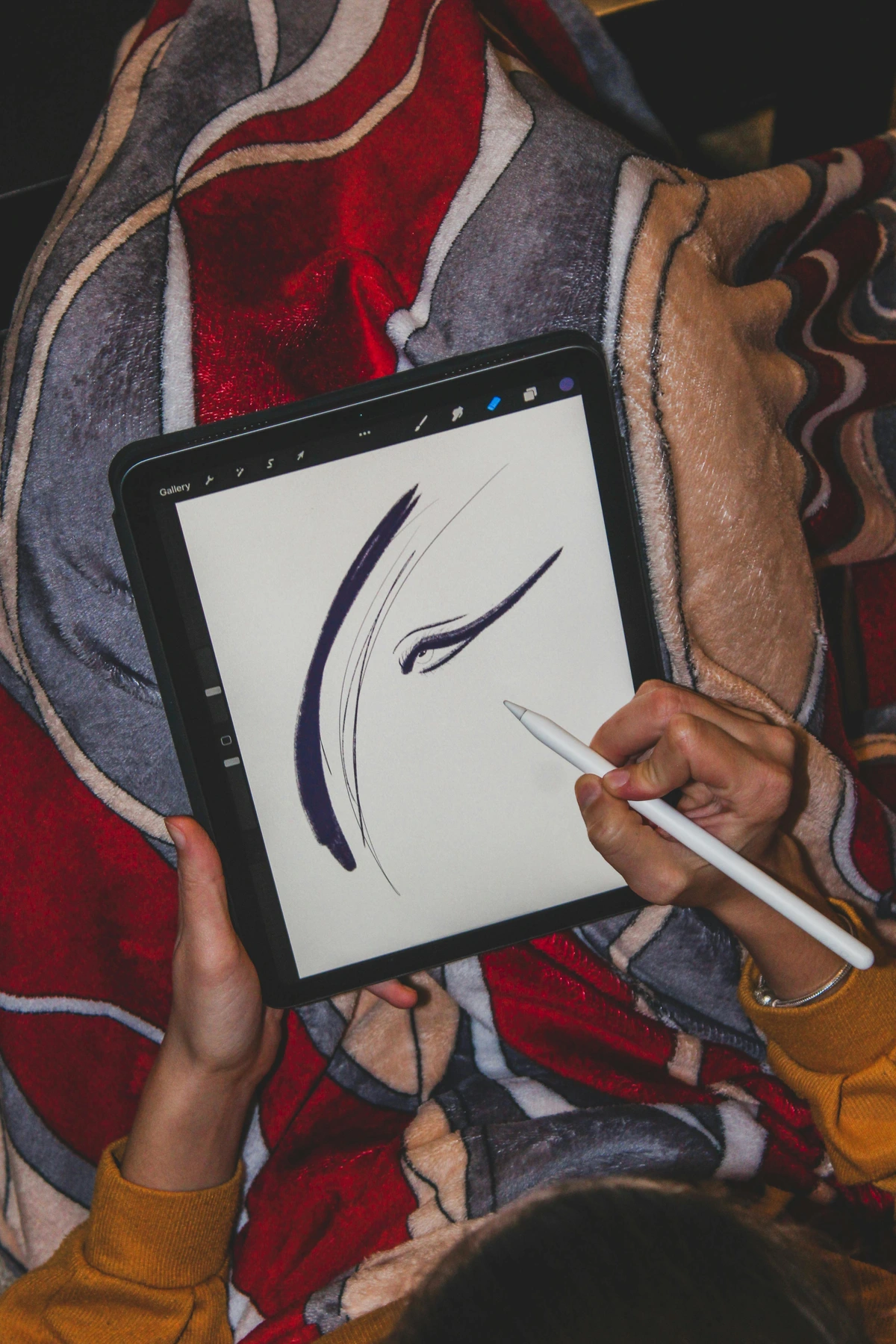
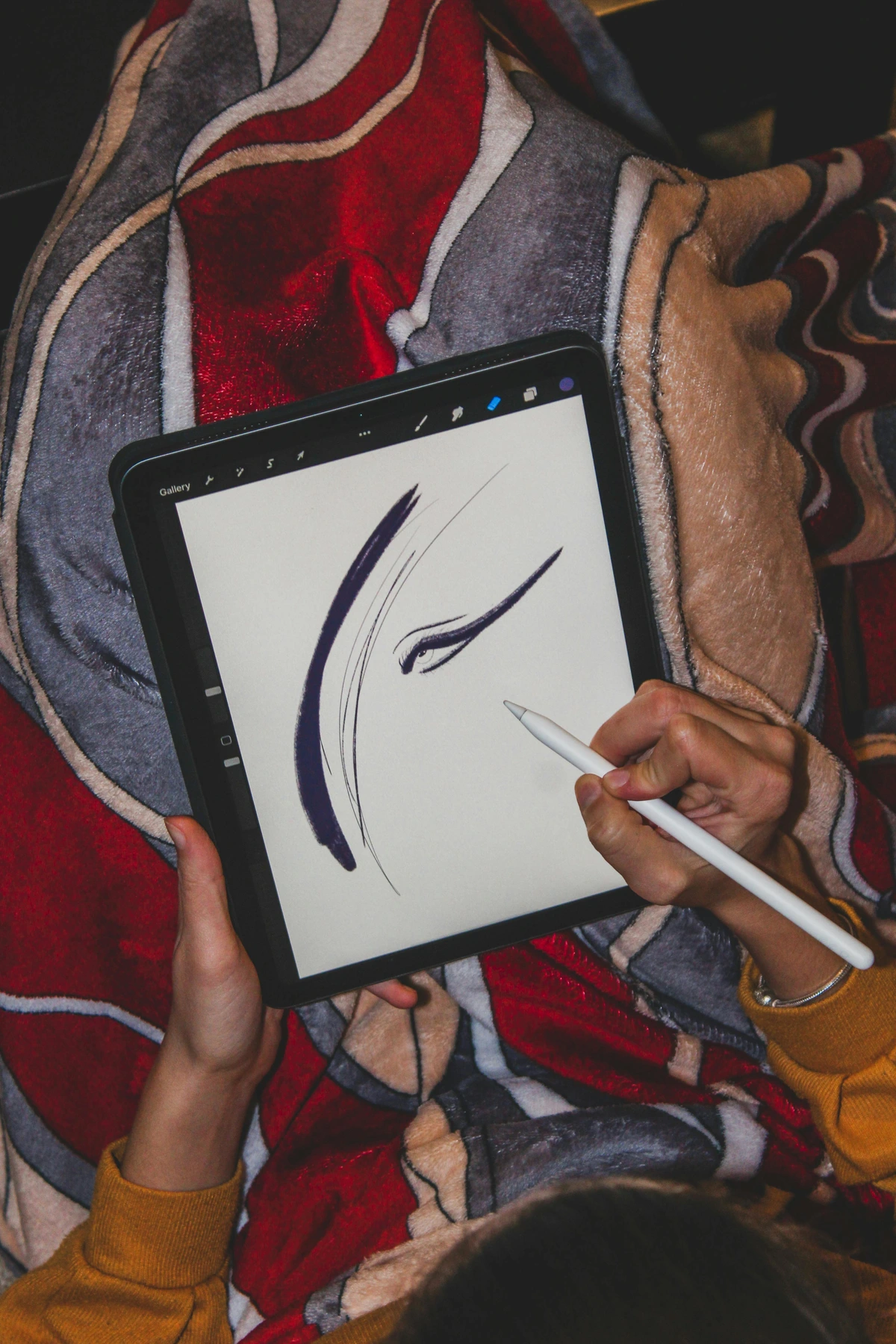
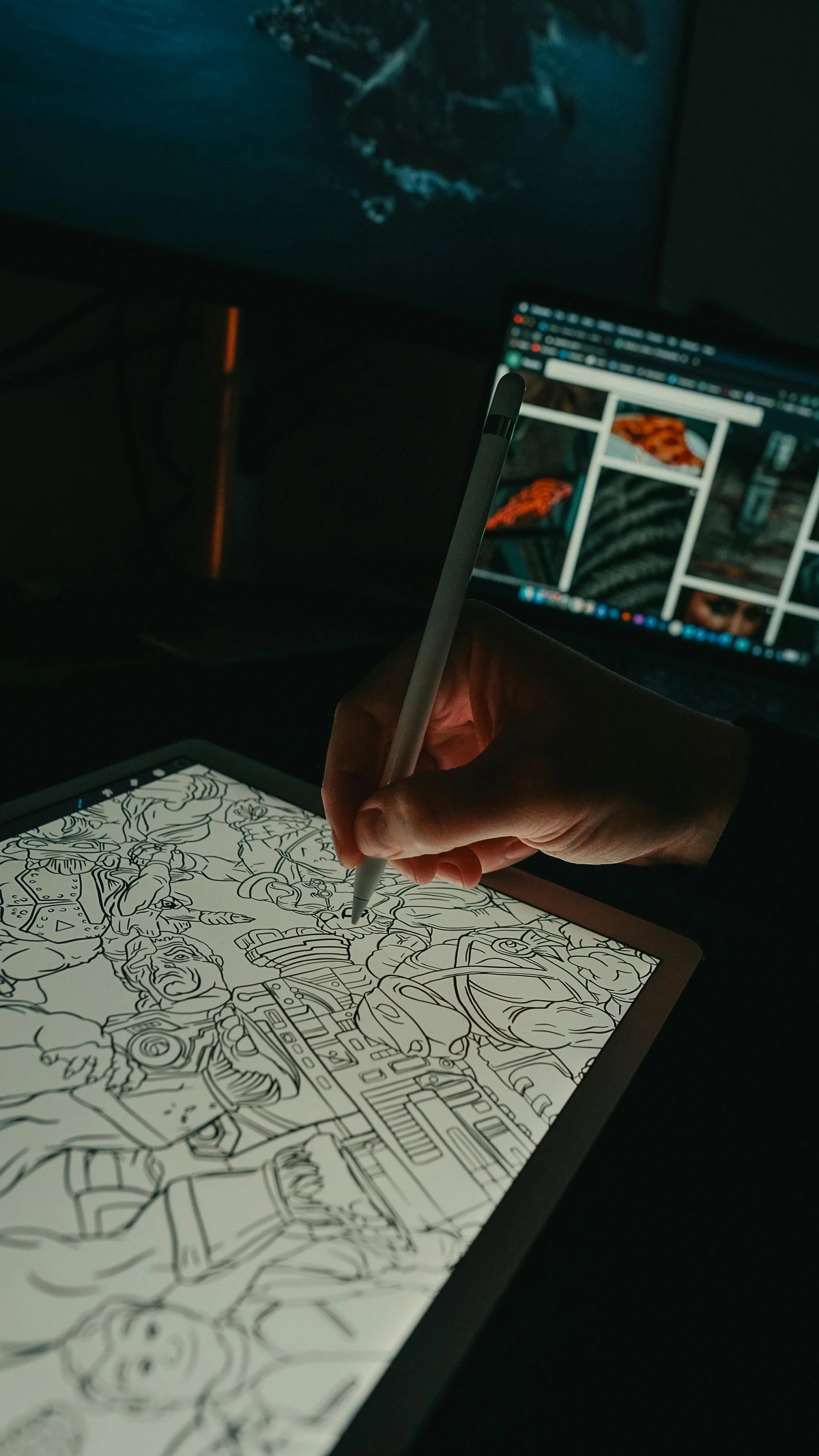
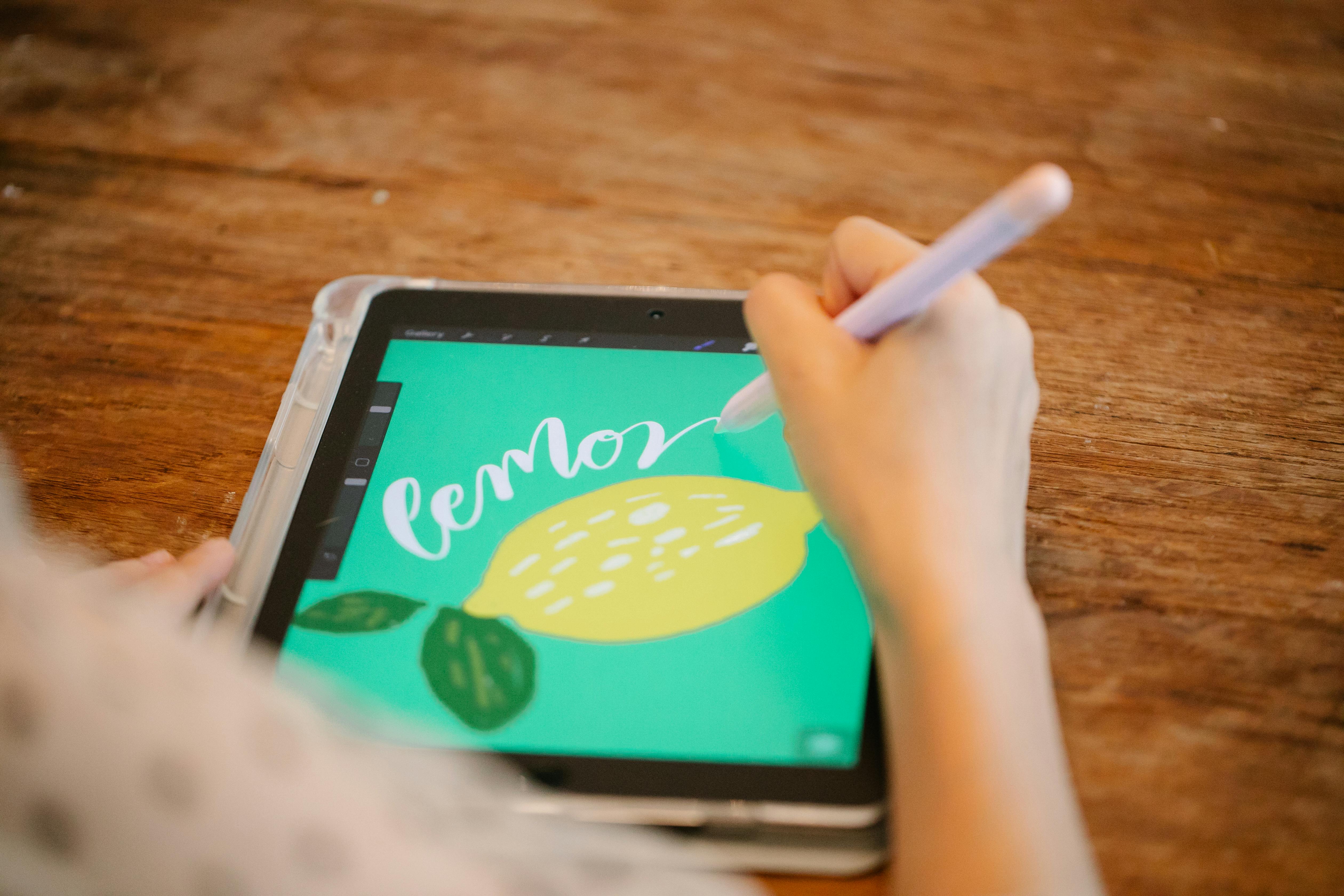
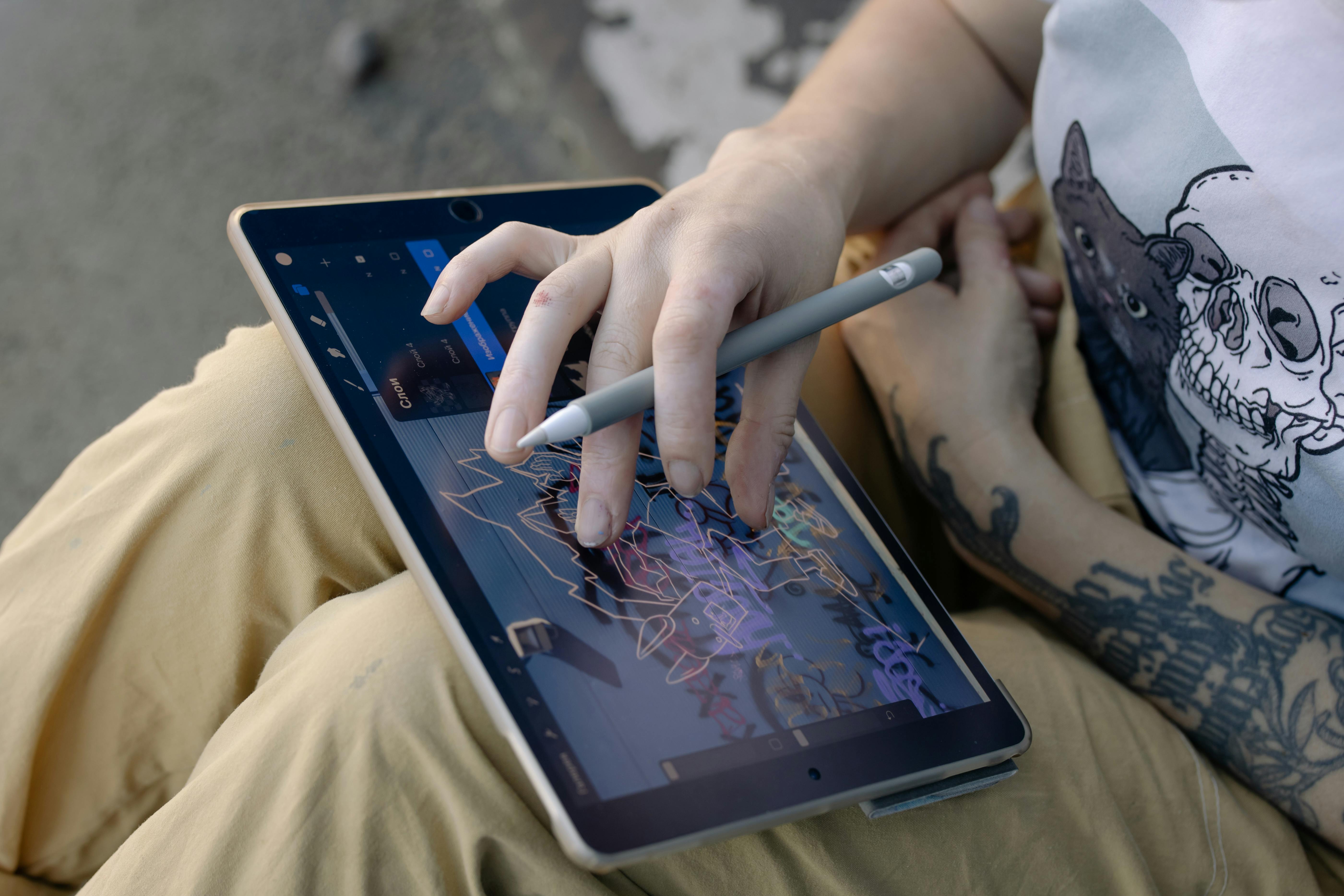
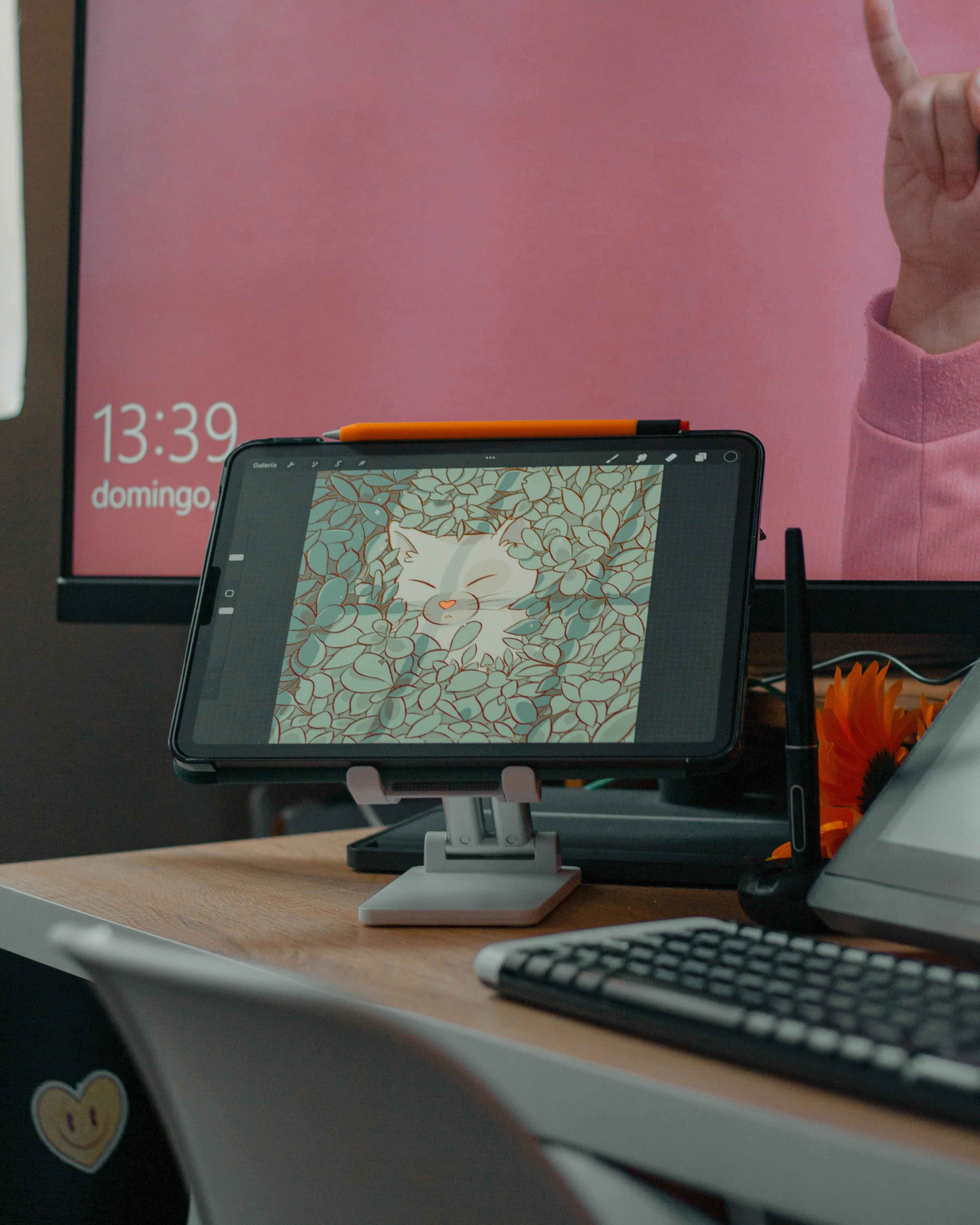
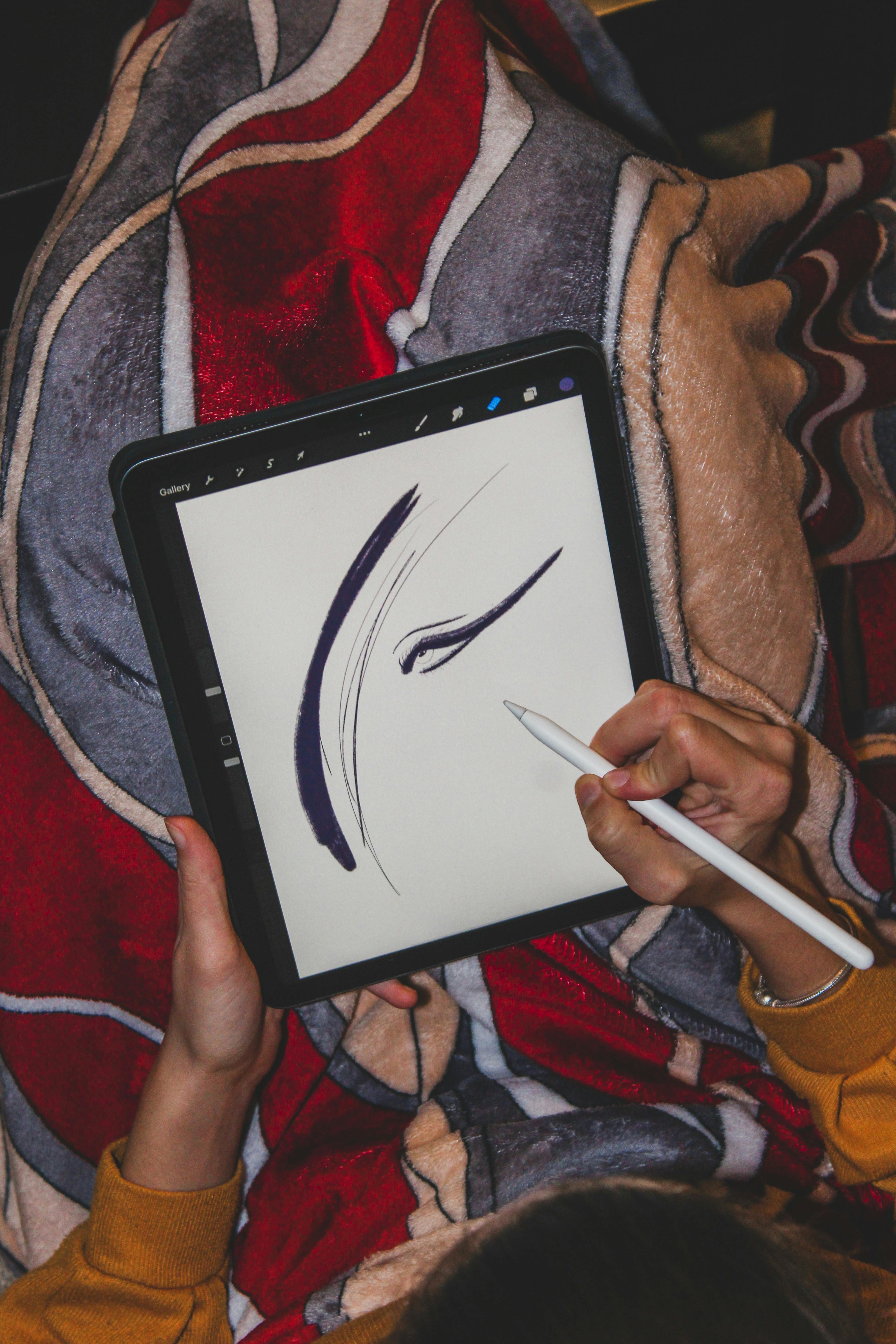
Now, picture a digital artist opening a program like Procreate or Adobe Illustrator. They use a stylus to draw directly onto a screen. Every line, every smear of color, every undo, happens in the digital realm. When they're done, they save their work.
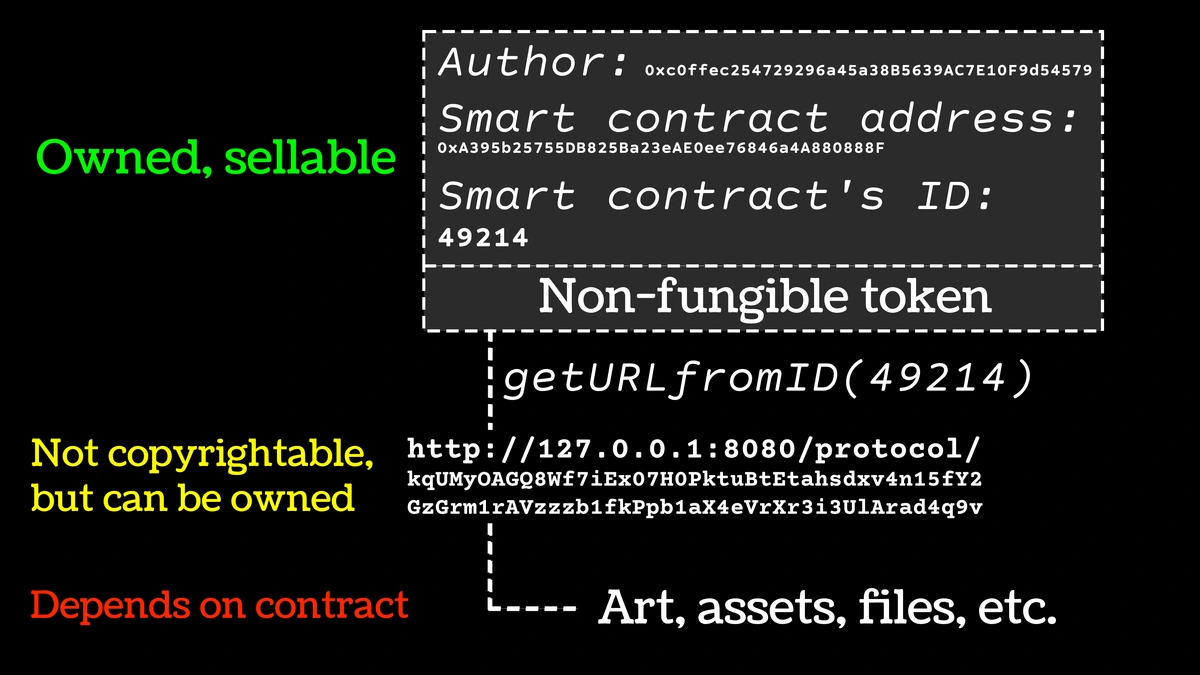
In this case, the digital file they save is the original artwork. The screen was their canvas, and the save file is the sum total of every creative decision they made. There is no "real" painting in a closet somewhere. The file is the final, authentic piece. It's the plane ticket itself. This digital-birth process is becoming a significant new frontier for collectors and artists alike.

A Quick Way to See the Difference: The simplest way to tell a document from a digital original is to ask one question: "Was there a physical artwork before this file?" If yes, it's almost always a document. If no—if it was born on a screen—you're likely looking at the original object.
But there's a nuance: a digital original, when printed, can feel just as real and intentional as any physical piece. The question becomes less about physicality and more about creative intent. Was the screen the final canvas, or just a way station on the way to paper? This is a question modern collectors grapple with regularly, and it's a beautiful, complex puzzle to solve.
It also raises deeper questions addressed by movements like generative art, where the code is the art.
As an artist whose work is primarily physical, my relationship with a scanner is complicated. When I create a limited edition print, I'm creating a high-quality document of an original painting. The goal is to capture its essence as faithfully as possible, knowing full well a printed canvas will never feel exactly the same as the one I slaved over in the studio. The scanner, for all its precision, flattens the work. It translates impasto texture into shadows and turns the subtle sheen of a glaze into a simple shift in value.
This process of digitization involves critical workflows:
- Color Calibration: Ensuring the digital file's colors match the physical painting involves careful lighting, color profiles, and custom correction. It's a craft in itself.
- Texture Capture: High-resolution scanning or macro photography with specialized lighting is required to preserve the shadow and light interplay created by the paint's texture.
- Proofing Process: Before any print run, artists and print houses engage in a meticulous proofing process, creating test prints to adjust color saturation, contrast, and detail until the print is approved as a faithful representation.
That’s the inherent limitation, and also the strange magic, of the digital document—it's an act of translation, not a clone.
The DNA of a Digital File: Format, Size, and Color
So what's actually in this file? If you were to open it up (which you can't, not really), you wouldn't see a tiny gallery. You'd see an immense list of instructions.
Think of a digital file as a set of commands for a machine. That machine could be a screen, telling it which pixels to light up and what color to make them. Or it could be a printer, telling it precisely where to fire droplets of ink. The file doesn't contain the art, it contains the recipe for reassembling a likeness of the art, pixel by pixel or ink droplet by ink droplet.
But even this isn't quite right. A MIDI file isn't the sound of a piano; it's just the instructions for which keys to press. A digital audio file like MP3 or FLAC is a recording of the actual sound waveform. Similarly, a digital photograph taken with a camera captures the actual light data from a scene, while a 3D model is a set of mathematical points and connections describing a shape. 'Digital art file' is actually an entire spectrum of different ways to encode information for visual or auditory art, ranging from simple instructions to snapshots of reality.
Let's break down the three most important pieces of its DNA.
1. The Format (Its File Extension)
The format is like the language the instructions are written in. The most famous one is JPEG (or .jpg). It's the universal language. It's everywhere, readable by nearly every device. But to make files small and fast to share, it uses a "lossy" compression. That means it literally throws away information it thinks your eyes won't notice. It's a bit like a copy of a copy; the broad strokes are there, but the finest details get fuzzy.
Here’s a pro tip: use JPEGs for sharing and viewing, but avoid re-saving them over and over. Every time you save a JPEG, it compresses again, like making a photocopy of a photocopy. If you’re editing, work in a lossless format (like TIFF or PSD) and only export to JPEG as the very last step.
The AVIF and WebP Revolution
It's worth noting the newer, more efficient formats fighting for JPEG's throne. Formats like WebP and AVIF offer significantly smaller file sizes for the same visual quality as a JPEG. This is especially transformative for websites and apps, where it can drastically cut loading times without sacrificing visible quality. For a deep dive into how digital tools are evolving, my piece on digital abstract art trends explores this moving frontier.
Then there are the lossless formats—PNG and TIFF. Lossless means they don't throw away any data. They preserve every single dot of information, but their files are much, much larger. They are the archivists, the perfectionists.
- PNG is great for the web when you need sharp text or crisp line art over a transparent background. It’s become the standard for high-quality screen captures and digital graphics.
- TIFF is the gold standard for professional printing and high-end archiving. It supports layers and is completely uncompressed (or uses lossless compression). This is the format I use for my "master files" before sending them to the printer.
Finally, you have the PDF. A PDF isn't really an image format; it's a container, more like a mini-website. It can hold images, but also text, fonts, and vector graphics (more on those in a second). Its genius is that it's designed to look identical on any device that opens it, which is why it's the standard for professional printing. (This principle is even used in generative art, where code produces a visual result.) The PDF is a reliable, predictable envelope for your art.
If JPEG is a universal language, PNG is a high-quality photograph, TIFF is a museum-grade archival slide, and PDF is a beautifully typeset, portable book.

Beyond Static Pixels: Animated and 3D Formats
Digital art isn't limited to a single static image. The evolution of formats also includes dynamic options:
- Animated GIFs and APNGs are used for simple, short animations.
- MP4 and WebM (video codecs) serve as containers for complex, high-quality video art.
- GLTF (GL Transmission Format) / GLB has emerged as a streamlined container for 3D models, textures, and animations, designed for efficient transmission and rendering. This is the format enabling interactive 3D art installations and virtual reality galleries.
These formats push the boundaries of what a "file" can be—moving beyond a flat rectangle of pixels into time, space, and interaction. This expanding toolkit gives artists unprecedented power to create new forms of contemporary art.
There are more, of course. PSD is Adobe Photoshop's native file, preserving layers for future edits. PSB is its bigger, more powerful cousin for massive files. RAW files are the unprocessed data from a digital camera sensor, containing the maximum amount of information.
2. The Size (Resolution and Dimensions)
This is where we get to the heart of the matter: quality. Size has two components, and mixing them up is a classic mistake.
First, there's the pixel dimensions. This is the raw count of the tiny colored squares (pixels) that make up the image. It's like the number of stitches in a tapestry—more stitches mean a finer, more detailed picture. A file with pixel dimensions of 3000 x 2000 is much larger and more detailed than one that is 800 x 600.
Think of pixels as the raw materials. A higher pixel count simply means you have more information to work with, which gives you more flexibility for printing, zooming, or cropping without losing clarity. This becomes critically important when you analyze the intricate details of a work, or when commissioning an artist for a high-resolution piece for large-scale display.
Think of pixels as the raw materials. A higher pixel count simply means you have more information to work with, which gives you more flexibility for printing, zooming, or cropping without losing clarity.
Then, there's the resolution, usually measured in DPI (Dots Per Inch) or PPI (Pixels Per Inch). These terms are often used interchangeably, though PPI technically refers to a digital file's density, while DPI refers to a printer's physical ink output. PPI tells a printer how densely to pack those pixels onto a physical surface.
Here's where it gets interesting: PPI is mostly just a metadata tag, a suggestion to the printer. It doesn't change the number of pixels in the file. Think of it as the file whispering to the printer, 'Hey, I was intended to be printed at 300 pixels per inch.' But if you have a massive pixel dimension file, and you ignore the PPI tag and print it at a lower density (effectively increasing the print size), you can still get incredible quality—provided the printer's own DPI (the dots of ink it can lay down per inch) can resolve that detail.
Printing a 3000x2000 pixel image at 300 PPI will give you a beautiful, high-quality 10 x 6.6 inch print. Print that same file at 72 PPI, and you'll get a giant, 41 x 27 inch poster that looks like a blurry, pixelated mess—the pixels themselves become visible to the naked eye, like looking at a mosaic from too close.
So, when someone says a file is "high-res," they hopefully mean it has both large pixel dimensions and is set to a high DPI (like 300) for printing.
Table: Quick Guide - What Size File Do You Need?
Your Goal  | File Needed | Why? |
|---|---|---|
| Social media sharing (Instagram post/story) | Small JPEG (1080-2048px) | Optimizes for fast loading and platform compression algorithms, which still degrade even high-quality uploads. |
| Website portfolio gallery image | Medium PNG/JPEG (1800-2500px) | Balances high visual quality with reasonable file sizes to keep web page loading speeds fast for viewers. |
| Professional print exhibition poster (e.g., A2) | Large PNG/TIFF (3500-5000px on long side, 300 PPI) | Ensures crisp detail at large print sizes where viewers will inspect the work up close. |
| Fine art limited edition giclée print | Maximum size TIFF (6000px+, 300+ PPI). | Professional print houses demand maximum detail to simulate continuous-tone photographic quality and justify premium pricing for limited editions. |
| Physical print of a digital original painting | The highest resolution the creation software can export (e.g., 8000px+, 300 PPI). | Artists must future-proof their work, allowing for reprints at massive sizes and ensuring the digital original maintains its archival value. (More on digital painting vs traditional). |
| Archival master for restoration/photography of traditional art | Maximum TIFF from professional camera back, or super high-res scan (e.g., gigapixel). | Museums and conservators require files that can be digitally "restored," analyzed under magnification, and reproduced at any future scale without loss of critical detail. |
3. The Medium: Raster vs. Vector
This is the final, crucial ingredient. Is the art made of pixels or math?
Raster images are what we usually think of. They're a grid of pixels, like a mosaic. Every photograph you've ever taken is a raster image. Programs like Photoshop work with rasters. The limitation is that if you zoom in too far, you just see big, blocky squares. What you see is what you get.
Vector graphics are something else entirely. Instead of pixels, they are defined by mathematical equations—points, lines, curves, and shapes. A vector file, like an SVG or an AI (Adobe Illustrator) file, doesn't contain the picture of a circle; it contains the instructions to draw a perfect circle—its center point, radius, line weight, and fill color. The magic is that you can make that circle the size of a postage stamp or the size of a billboard, and its edges will remain perfectly smooth.
This makes vectors indispensable for:
- Logos and Branding: A logo must look sharp on a business card and a massive banner.
- Typography: Every font you read is a collection of vector outlines.
- Technical Illustrations and Infographics: Where precision and scalability are paramount.
- Certain artistic styles: Geometric and graphic art thrives on the crisp lines and flat colors that vectors provide.
They are the secret behind crisp logos, scalable fonts, and complex graphic designs that need to be resized constantly. They even play a role in generative art, where code can produce infinitely scalable vector shapes.
File formats like SVG (great for the web) and AI (Adobe Illustrator's native format) are vector-based. They are the secret behind crisp logos, scalable fonts, and complex graphic designs that need to be resized constantly.
Most of my paintings are raster images when scanned because they capture the chaotic, organic texture of the paint, the way light catches a ridge of pigment. A digital designer creating a logo would use vectors to ensure it's crisp at any size. Interestingly, some digital artists blend the two, creating hybrid works that are both organic and infinitely scalable, often using generative algorithms to create textures that would be difficult to paint by hand. It's an exciting frontier in contemporary art, blending digital precision with natural forms.
The Real-World Ripple Effect: Why It Matters
All this technical talk isn't just nerdy trivia. It has profound, tangible consequences for artists and art lovers. It determines the longevity of a piece, its commercial viability, and the very way it's experienced by an audience in the real world.
For me, the choice of format is a question of trust. When you buy a high-quality print from my studio, you're trusting that I've provided a file that honors the original painting. I'm not just selling you a JPEG; I'm giving you a document built to a standard that allows you to fall in love with the piece all over again when you hold the physical print in your hands.
Every artist working in this space must be fluent in the language of files. They need to know how to prepare files for print-on-demand services, how to archive their work for posterity, how to provide proofs to galleries, and how their digital choices translate to physical products. You can browse my available works and prints here.
This trust extends to other forms of digital interaction with art. For example, artists might reply to comments on their work with images of their creative process, again providing a layer of documentation that helps collectors connect with the work.
And in a broader sense, this is how art is distributed today. Major museums, aspiring artists on Etsy, and everyone in between rely on these invisible rivers of data to share their work. The digital file is the backbone of modern art's accessibility.
It’s what allows an artist in Amsterdam to have their work printed and hung in a home in Tokyo, or for a collector in New York to discover a new artist through their portfolio on a website in Berlin. It democratizes access, allowing for a global conversation about creativity that was impossible just a few decades ago. This is the overwhelming reason why understanding these files is so important for any art lover today.
In my own work, I see this every day. Potential buyers from all over the globe view my digital portfolio. They make purchasing decisions based on these files. And, once a work is sold and shipped, the high-quality digital file acts as its permanent, indestructible record—a ghost in the machine that can be used for catalogues, press releases, or simply to hold the memory of the piece long after it has found a new physical home.
Navigating Value and Ownership in the Digital Realm
Of course, this brings up the thorny questions of authenticity and value, most notably tied to the recent frenzy around Non-Fungible Tokens (NFTs). My own view remains simple and grounded: an NFT is a speculative token on a blockchain that points to a JPEG. It's a "certified" receipt for ownership of a specific instance of a JPEG. It's not the art itself, and it's certainly not the experience of seeing a physical piece.
For a deep dive into debates around originality, it's a rabbit hole, but the core distinction remains: a digital file, even an original one, is a different category of thing from a physical artwork. Digital files are fundamentally copyable, and no amount of blockchain technology can change that underlying reality.
Its value comes from different, perhaps less tangible, places:
- Utility: The ability to print it, share it, or use it in a project.
- Shareability: How easily it can be disseminated to build an artist's reputation.
- Ideas and Provenance: The value derived from the artist's concept, skill, and career arc that the file represents.
I believe it's healthy to remain a bit skeptical of market frenzies that try to assign physical-world scarcity to infinitely copyable data. An original digital file by a respected artist has inherent value, but how we assign that market value is still very much an open question. (Exploring this can be as complex as understanding the full history of an art form, like textile art, which has its own centuries-old debates about originality and reproduction.)
Appendices & Further Reading
Glossary
- Bit Depth (Channel Depth): The number of bits used to represent the color of a single pixel in a color channel (red, green, blue). This determines the total number of possible colors. High bit depth (16-bit) avoids visible "banding" in gradients.
- Compression: The process of reducing a file's size. This can be "lossy" (losing some data) or "lossless" (keeping all data).
- DPI (Dots Per Inch): A measure of a printer's resolution, indicating how many individual dots of ink it can place within one inch. Often used interchangeably, though imprecisely, with PPI.
- File Size: The actual amount of data a file consumes (e.g., 1.5 MB or 2 GB). While related to pixel dimensions and bit depth, it is also heavily affected by compression and format.
- Giclée: A museum-quality fine art printing process using archival pigment inks on acid-free paper or canvas, renowned for its longevity and color accuracy.
- JPEG (or .jpg): A ubiquitous lossy compressed raster format, ideal for web images due to its small file size. Discards data each time it is saved.
- Lossless Format: An image format that preserves all original data from the source image. Examples include TIFF and PNG.
- Lossy Format: An image format that permanently discards some data to achieve a smaller file size. JPEG is the most common example.
- Medium Format (Digital): Large, high-resolution digital camera backs traditionally used in professional photography for capturing maximum detail, often producing files with billions of pixels.
- Metadata: Information embedded within a file, such as camera settings, creation date, color space, and artist copyright (EXIF, IPTC).
- PPI (Pixels Per Inch): The digital resolution of an image file, indicating how many pixels are packed into one inch of a digital display.
- Raster Image: Graphics that are made up of a grid of pixels, where each pixel contains color information. Photographs and scans are raster images.
- TIFF (.tif): A highly flexible, lossless raster format that supports layers, transparency, and various color spaces, making it the industry standard for professional photography and printing.
- Vector Graphic: Graphics defined by mathematical equations for points, lines, and curves. They are infinitely scalable without losing quality.
- WebP / AVIF: Modern, highly efficient image formats offering significantly better compression than JPEG or PNG, leading to faster web loading times.
Further Reading
- Wondering how to choose art for a specific space? Understanding file types is a key part of that.
- Thinking about commissioning an artist? A clear understanding of file formats and rights should be part of the appraisal of any digital artwork.
- Beyond choosing art, discover the history of digital art and its rapid evolution over the last few decades.
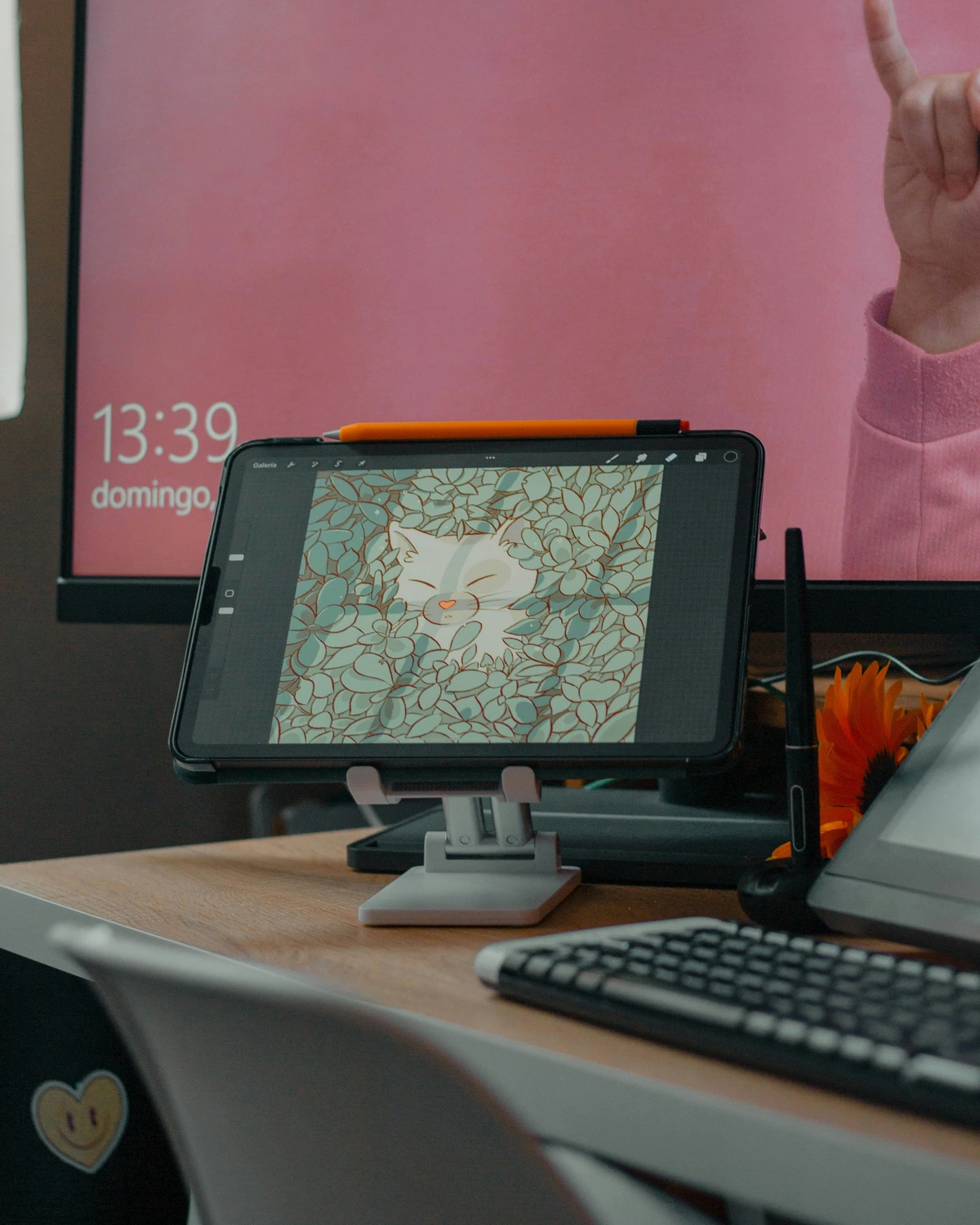
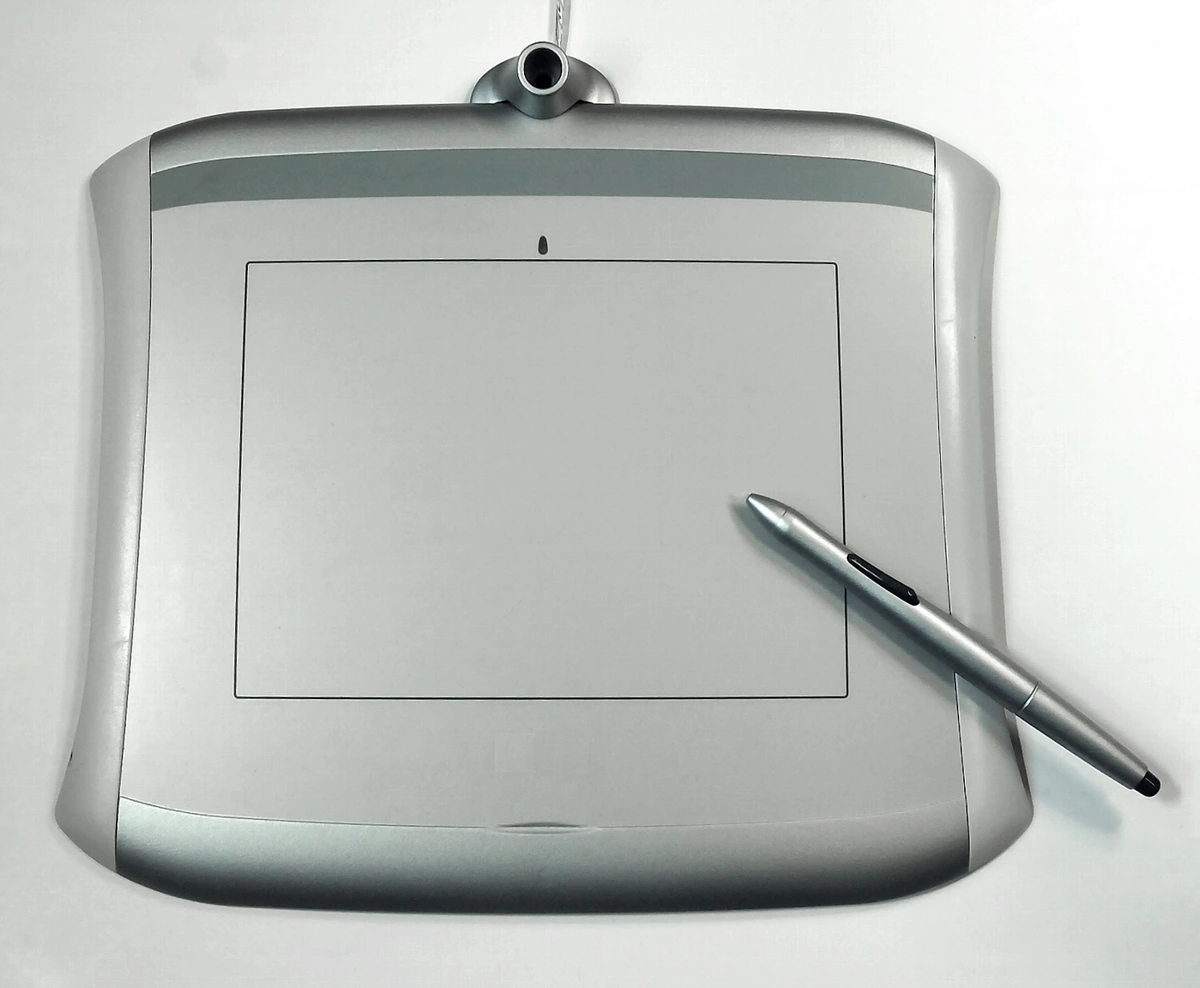
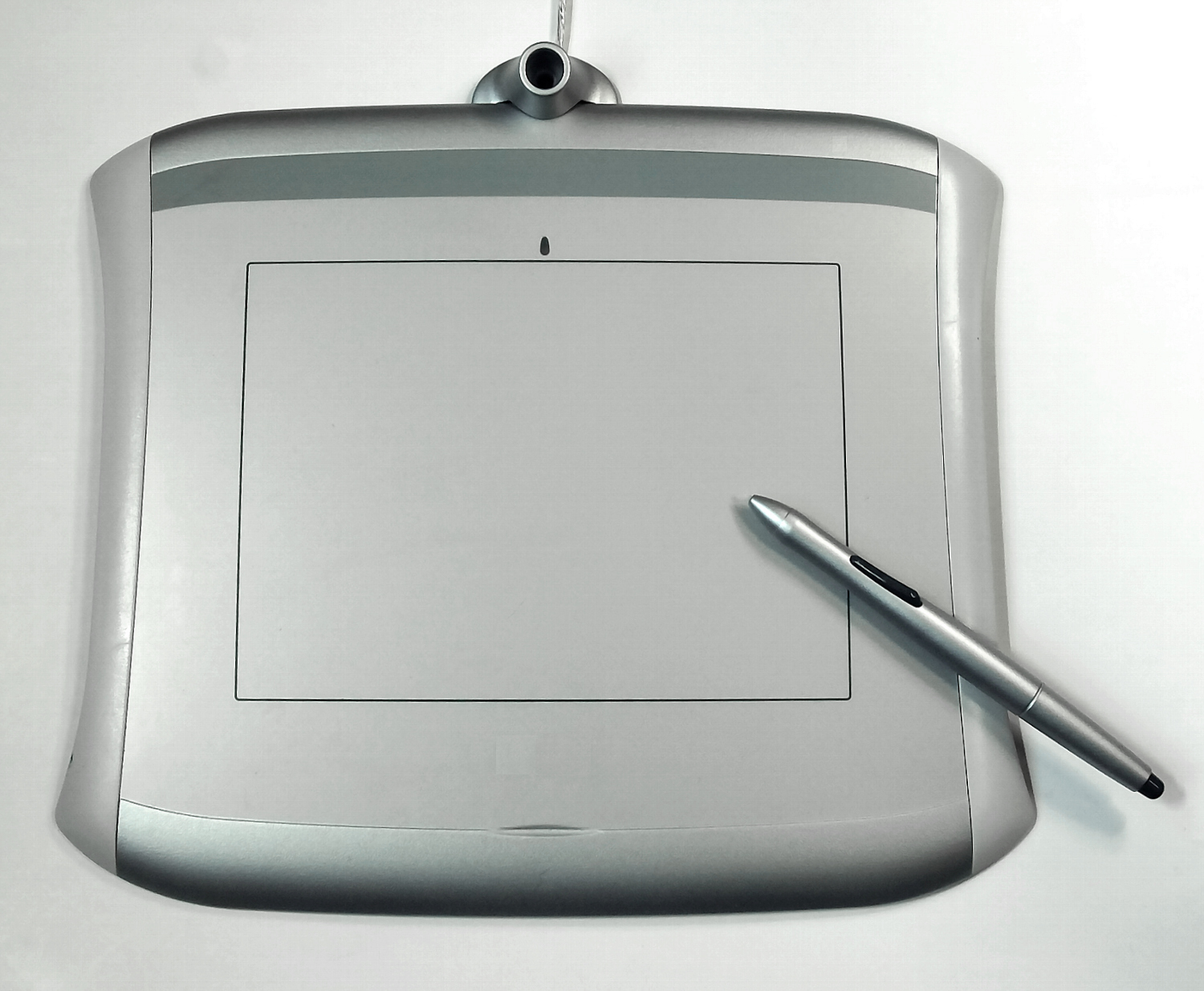
- For artists, learn more about the tools that enable these processes, such as Procreate, drawing tablets, and essential digital painting tools.
- Explore the different styles and movements that digital tools have enabled, including generative art and new avenues in contemporary art.
Image Credits
- Feature Image: [Detail of a textured canvas] Photo by the author.
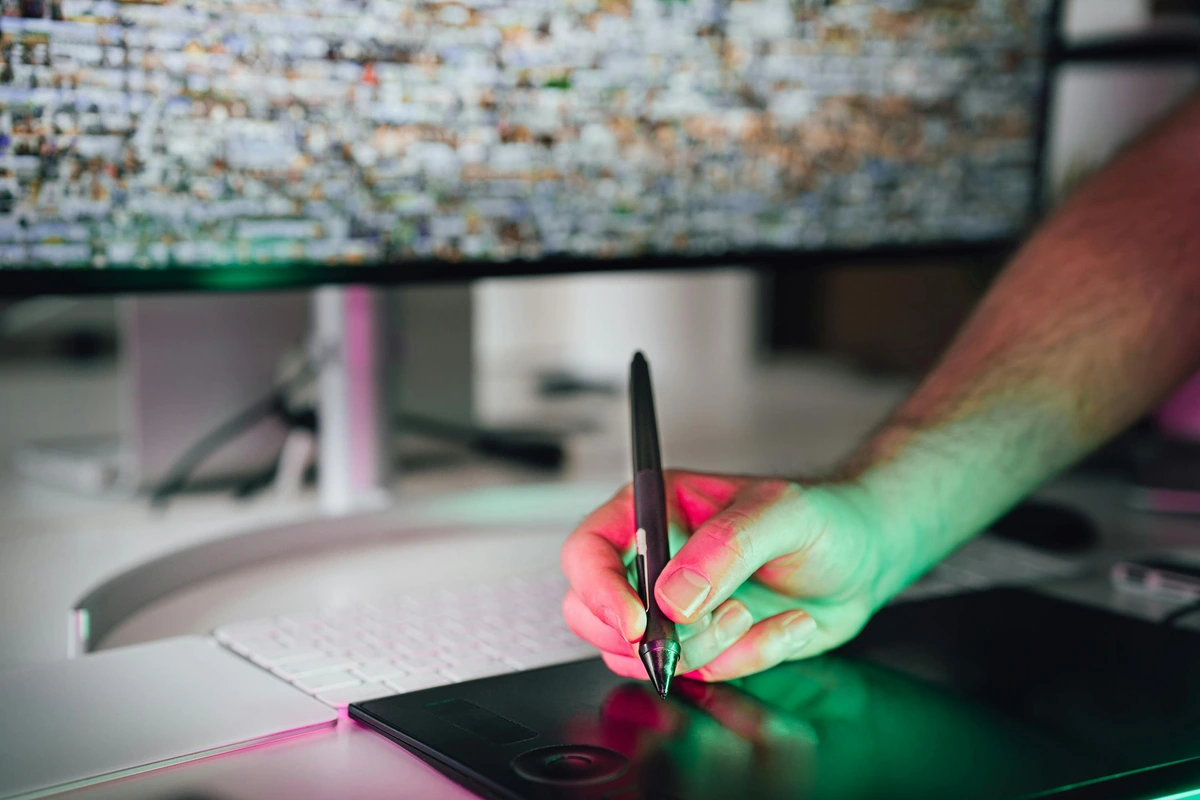
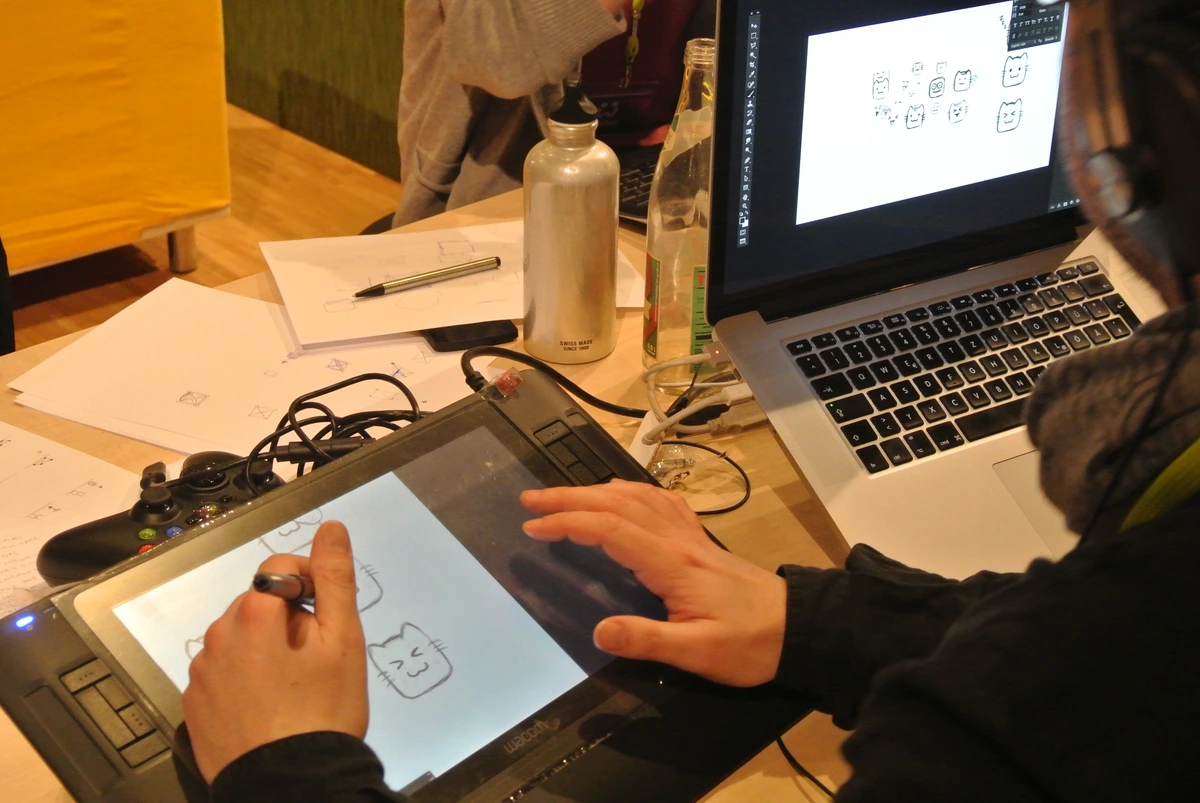
- Digital Painter: Photo by João Jesus on Pexels (https://www.pexels.com/photo/man-in-gray-hoodie-using-a-pen-tablet-3888585/).
- Raster vs. Vector Icons: Icon made by Freepik from www.flaticon.com.
Frequently Asked Questions (FAQ)
What's the difference between buying a print and buying the digital file?
When you buy a print, you're buying a single, physical object—a finished product ready to hang on your wall, produced under the artist's direct control and quality standards (like a fine art giclée). It's a final product.
When you buy a digital file, you're typically buying a license to use the work in specific ways (the rights and instructions). This might include the flexibility to print it for personal use, use it as a desktop wallpaper, or share it online. You're almost never buying the copyright itself.
It is critical to understand the usage rights. A purchase might grant you the right to print one copy for your personal home, but it almost certainly does not grant you the right to create and sell your own merchandise using the art or to use it in a corporate branding campaign.
How can I tell if a digital art file is high quality?
- Check the file extension. A TIFF or PNG is generally better than a JPEG for printing.
- Check the pixel dimensions. On a computer, you can usually find the pixel dimensions in the file's properties (right-click and "Get Info" or "Properties"). As a rule of thumb, for a print, look for a file with the longest side being at least 3000 pixels for an 8x10", or 6000+ for larger prints. A 10-megapixel (approx. 3872 x 2592) image is a good starting point for a small print.
- Look at the image itself. Zoom in to 100% on your screen in an image editor. Do the details look crisp, or do they look blurry and pixelated? Do you see "artifacts" (blocky areas or halos) around sharp edges, a classic sign of heavy JPEG compression?
- Check the file size (as a rough guide). A massive pixel dimension file (e.g., 6000 x 4000) that is only a few megabytes in size has likely been heavily compressed and will be low quality for printing. A true archival TIFF of that size could easily be 50-70 MB or more.
- Beware of "Upscaling". Some software, including AI-based tools, can artificially increase the pixel dimensions of an image. This doesn't create real detail; it just interpolates pixels. While results have improved, it's not a substitute for a natively high-resolution file.
Why did my 1MB JPEG look fine on my phone but terrible when I tried to print it?
This is the classic DPI problem in action! Your phone screen has a high pixel density (often around 400-500 PPI) packed into a tiny space. 1MB of data, even if it's only 2000 pixels wide, looks great there because the pixels are crammed tightly together.
A print needs much more data to fill a larger physical area with the same clarity. That tiny file simply didn't contain enough information to cover the physical expanse of a sheet of paper. It's the difference between spreading a teaspoon of jam on a cracker versus spreading it over a whole loaf of bread.
Rule of thumb: File size should be substantial for printing. While not perfect by itself, a 10x10 inch print at high quality needs a file around 10-20MB as a baseline. If your file is only 1 or 2 MB, it's unlikely to print well.
Is a digital art file "real" art?
Yes, absolutely. If the artist created the work digitally, the file is the original artwork. It requires the same skill, vision, and creative energy as any physical medium—sometimes even more, as you have to overcome the often sterile feeling of the digital tools. It's simply a new form of artistic expression, with its own unique strengths and limitations.
The debate often confuses the artistic merit of the work with the physical nature of an object. The creative act—the choices, the vision, the technical mastery—is where the "art" resides, regardless of whether the final execution is oil on canvas or pixels on a screen. Just as photography had to fight to be seen as an art form, digital art is still establishing its place in the fine art world, but its validity as a serious medium is undeniable.
What should I look for when commissioning a digital artwork?
Clarity is key! Make sure you agree on these critical details with the artist upfront:
- Final file format (e.g., PNG, TIFF, PDF).
- Final size in pixels (e.g., 6000 x 4000 pixels).
- The usage rights—what are you allowed to do with the file? Can you print it for personal use? For commercial use? How many copies? Can you post it online?
- The delivery timeline.
- Whether you are purchasing the copyright. (Hint: You almost certainly are not, unless it's explicitly agreed upon and paid for.)
Are vector files always better than raster files?
Not at all. It depends entirely on the art. Vectors are perfect for crisp graphics, logos, and typography—anything that needs to be infinitely scalable. Raster images are essential for capturing the texture of a painting, the grain of a photograph, or the complex lighting of a digital drawing. They do different jobs.
It's like asking if a chisel is better than a paintbrush. If you're sculpting marble, the chisel is your tool. If you're painting a portrait, the brush is. In fact, many digital illustrations are a hybrid, using vector shapes for clean line work and then raster 'painting' techniques on top to add texture, shading, and organic detail.
A New Way of Seeing
So, what is a digital art file, really?
It's a tool. It's a messenger. It can be a perfect ghost of a physical object, or it can be a living, original creation in its own right. It's a long, detailed list of instructions that allows us to translate light into information, and back into light again on a screen or a sheet of paper.
It's also a container for intent. It carries the artist's choices, from the moment of capture to the final color tweak. It has a technical DNA that dictates its potential, its lifespan, and its ultimate form. It is a bridge between the artist's mind and your physical wall.












It's one of the most important technological innovations in the history of art, and we're only just beginning to understand its full potential. The next time you look at an image on your screen, I hope you see it a little differently—not just as a picture, but as a complex and beautiful window into another person's vision, a file with a story to tell.
And that leads us to the most practical question of all: now that you have a better idea of what these files are, how do you get them onto your walls?
You can explore my timeline and the evolution of my work here, and take a look at the works I have available for purchase here.