Unpacking Digital Art: From Pixels to Passion
Discover what digital art truly is—its evolution, tools, and emotional resonance. A comprehensive guide bridging technology and human creativity.

Unpacking Digital Art: From Pixels to Passion
Remember the first time you saw a movie scene and thought, "There's no way that's real"? That moment of digital magic? That's digital art. But calling "digital art" just "computer pictures" is like calling a symphony "loud noises." It's reductive, it skips the heart, and it misses the decades of rebellion and evolution that transformed the art world.
Digital art wasn't born overnight. It emerged from the collision of technology and creativity that began in the 1960s when artists first started experimenting with computers as creative tools. What started as glitchy experiments in university labs has evolved into a multi-billion dollar industry that's reshaping how we create, share, and experience art. This isn't just about new tools—it's about a fundamental shift in what art can be, who can make it, and how it connects with audiences.
So let's pull back the curtain together—the messy, fascinating, sometimes-awkward, but always human story behind pixels and palettes.
The Big Leap: Why Digital Art Wasn't Just a Gadget Upgrade
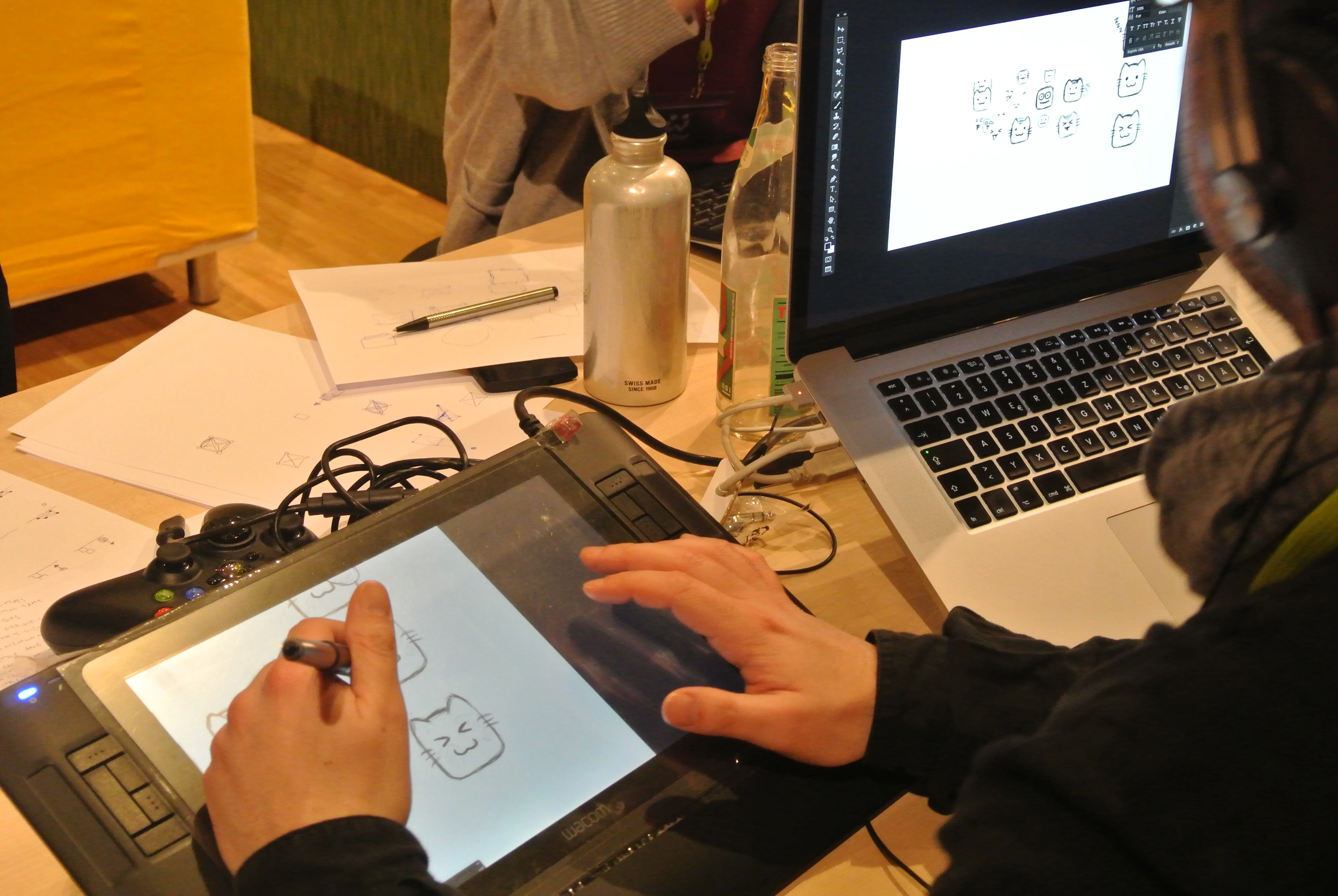
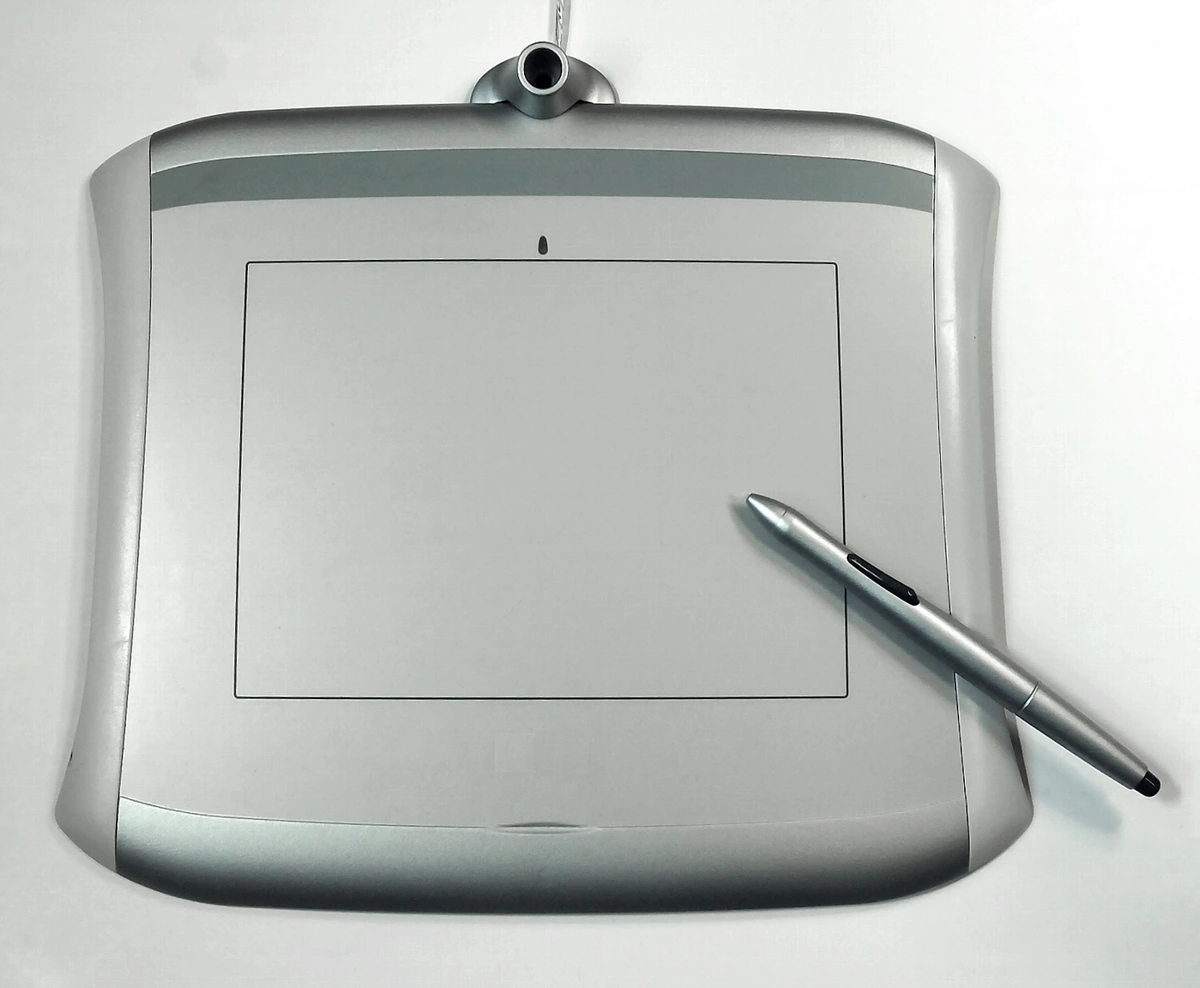
I remember hunching over a Wacom tablet for the first time, trying to make a digital brushstroke feel as organic as charcoal smudges. It felt... awkward. Unsettling even. And that? That's every true digital artist's origin story. We weren't just learning new tools; we were arguing with fundamental questions about what "art" meant to begin with.
Traditional art carries centuries of rituals—the smell of turpentine, the dust of stone, the weight of clay. Digital art shattered those rituals. It replaced material constraints with near-limitless possibilities. A mistake? Ctrl+Z. Color experimentation? Infinite palettes at your fingertips. This didn't just change how artists made things; it changed what art could be.
But you know what? True artists don't just adapt to new tools. We argue with them. We push back. We demand they submit to our vision. That friction? That's where the real magic happens. The tension between the artist's intention and the machine's logic makes digital art uniquely urgent.
The Historical Turning Points
Digital art's evolution can be traced through several key moments that changed everything:
- 1960s-70s: The Computer Art Pioneers - Artists like Vera Molnár and Harold Cohen began writing code to create art, treating computers as collaborators rather than just tools
- 1980s: Personal Computing Revolution - The rise of affordable computers and software like MacPaint democratized digital creation
- 1990s: Internet & Web Art - The internet became a canvas, with artists exploring virtual spaces, net art, and digital communities
- 2000s: Digital Photography & Photoshop - The blurring of photography and digital illustration began
- 2010s: Mobile & Tablet Revolution - Touch interfaces made digital art accessible to millions
- 2020s: AI & Generative Explosion - Machine learning opened entirely new creative frontiers
Each era didn't just add new tools—it fundamentally changed what art could mean and who could create it.
What Digital Art Actually Is (The Human Definition)
So, let's strip away the jargon. At its core, digital art is any artistic work or practice that uses digital technology as a fundamental part of the creative or presentation process. It's not just the final image on a screen—it's the entire thought journey through cables, algorithms, and interfaces that got there.
But here's what most people miss: digital art isn't defined by the tools, but by the relationship between artist and technology. It's about how the digital medium shapes the creative process itself. Unlike traditional mediums where the material has inherent properties (oil paint dries, stone chips), digital technology offers infinite possibilities and near-zero material cost. This changes everything:
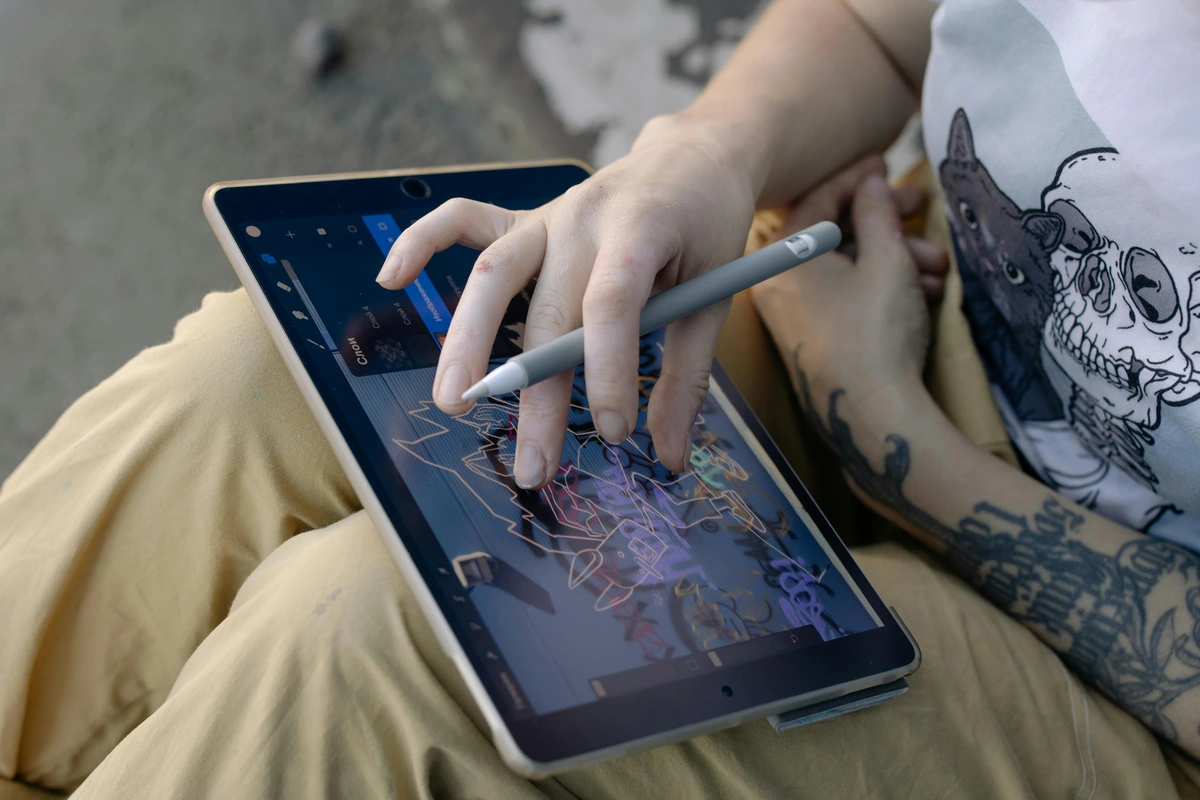
- Trial and error becomes free - You can experiment endlessly without wasting expensive materials
- Collaboration happens in real-time - Artists can work together across continents
- Distribution is instantaneous - Art can reach global audiences immediately
- The "original" becomes complex - Unlike a painting's single original, digital art has the master file, copies, prints, and various digital manifestations
This fundamental shift in the relationship between artist, medium, and audience is what makes digital art revolutionary.
Creating Digital Art  | Key Characteristics | Experiencing Digital Art |
|---|---|---|
| Tools & Software | Wacom tablets, Adobe Suite, Blender | Interactive screens, projections |
| Process | Layering, editing, undoing, saving | Viewing, sharing, remixing |
| Materials | Pixels, code, digital algorithms | Digital files, NFTs (skeptical), prints |
| Technical Workflow | Raster vs Vector, Color Modes, File Formats | Screen Quality, Color Accuracy, File Size |
| Creative Process | Non-linear creation, Infinite revision, Digital brushes | Zooming in, Interactive elements, Animation |
| Distribution | Cloud storage, Version control, Export options | Social media sharing, Streaming, VR/AR experiences |
This means digital art isn't one single thing. It's a family of practices, each with its own quirks and soul. Let's meet the cousins:
Painting in the Void: Digital Painting
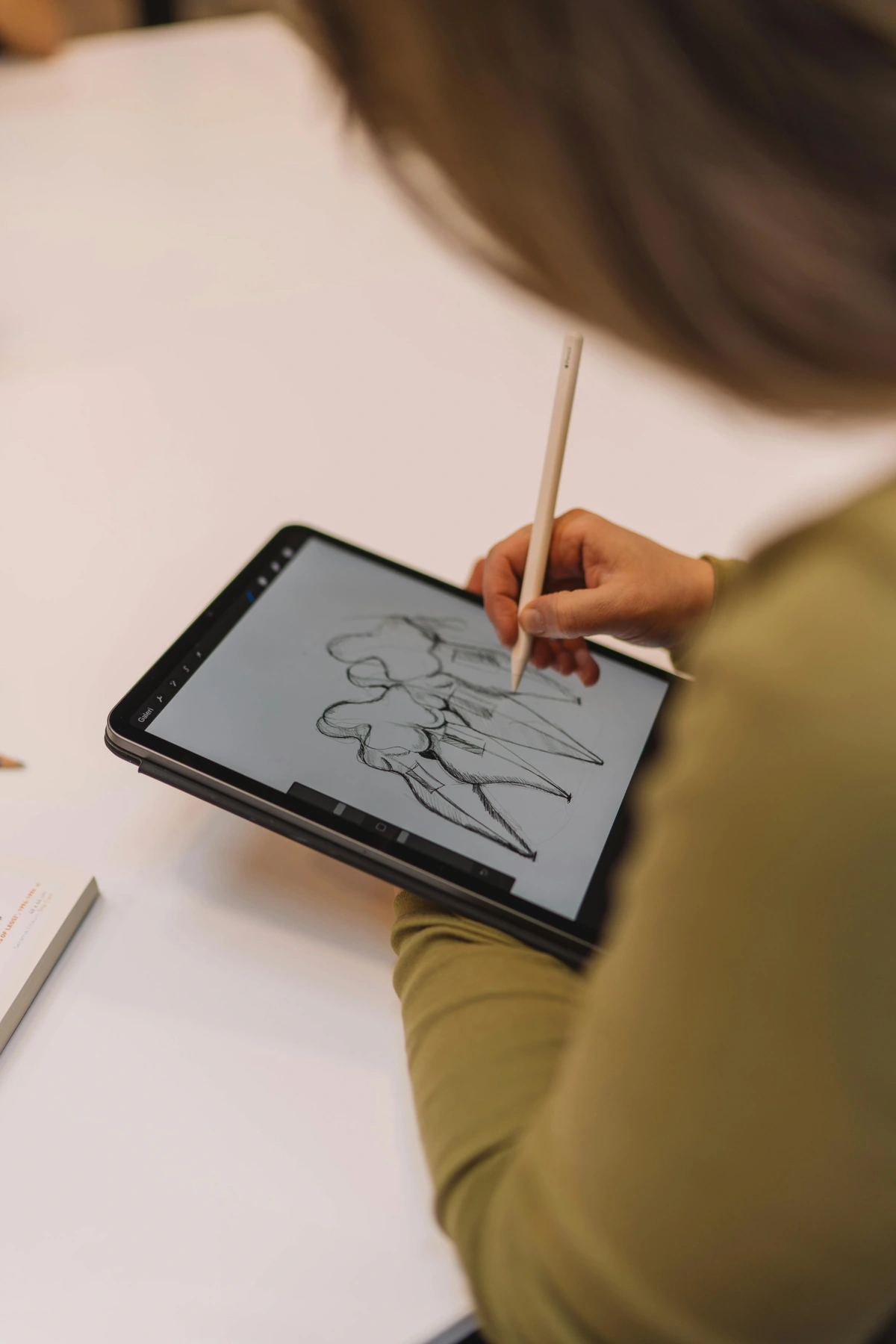
Imagine watercolor blending without paper degradation, or oil paint that never dries. That's digital painting. It's the direct descendant of the painter's impulse—the mark-making, the color mixing, the struggle to capture a feeling—but on a digital canvas. Artists here battle the "uncanny valley" of digital tools, fighting to make the digital brush feel alive.
I know what you're thinking: "Is it 'real' painting if your hands never touch pigment?" Fair question. But isn't a piano player 'real' if they play a Steinway instead of a harpsichord? It's the artist's vision meeting the instrument, be it pixels or pigments.
Digital Painting Styles and Techniques
Digital painting encompasses countless styles and approaches:
- Concept Art - Creating characters, environments, and props for games, films, and animation
- Illustration - Commercial and editorial illustration for books, magazines, and advertising
- Character Design - Developing unique characters with consistent visual language
- Environment Art - Building immersive worlds and backgrounds
- Speed Painting - Quick studies to capture mood and composition (often 30 minutes to 2 hours)
- Photobashing - Combining photography with digital painting for realistic results
- Matte Painting - Creating background environments for film and TV
Key Digital Painting Tools
- Brush Engines - Custom brush systems that simulate everything from chalk to oil to ink
- Layer Systems - Non-destructive workflow with infinite layers, groups, and masks
- Color Pickers - Advanced color selection with gamut warnings and color harmony tools
- Texture Brushes - Brushes that apply photographic textures for realistic effects
- Symmetry Tools - Perfect symmetry for mandalas, architectural elements, and character design
Sculpting with Light: 3D Modeling & Animation
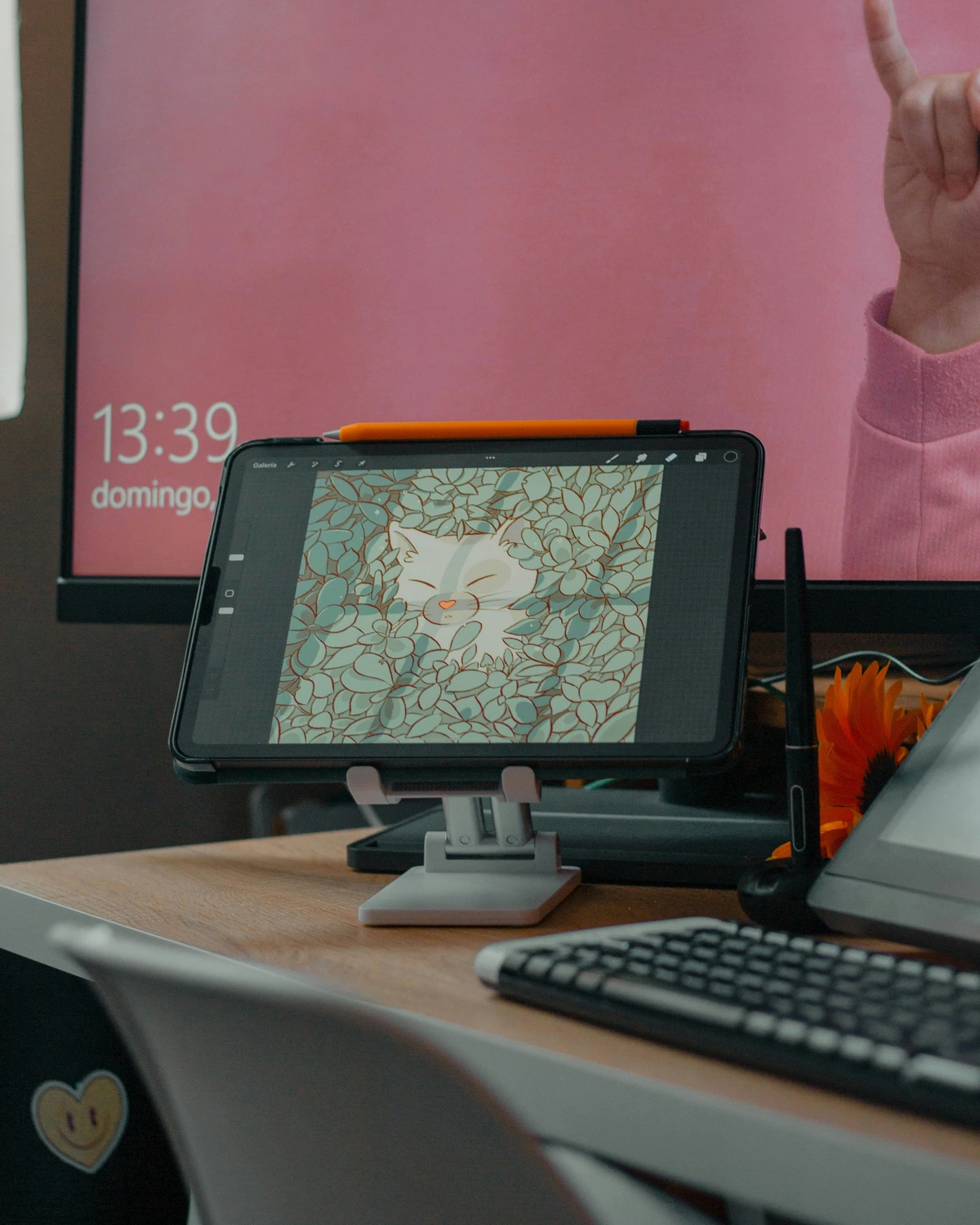
Take a block of clay. Now, make it infinite. Make it able to deform at your command, simulate physics and fire and skin pore detail. Welcome to 3D art. This is where dreams get rendered. Modeling artists are modern-day architects and sculptors, building worlds that exist only as math until they're lit and breathed to life through rendering. The sheer patience required is staggering—crafting a single human face can take hundreds of hours of tweaking vertices and texture maps.
Think of the backgrounds of your favorite animated films, the hyper-detailed monsters in games, those mind-bending architectural visualizations. That's this world—endless, precise, and deeply weird.
3D Art Specializations
3D art encompasses several specialized disciplines:
- Hard Surface Modeling - Creating mechanical objects, vehicles, architecture, and props
- Organic Modeling - Characters, creatures, plants, and anything living
- Texturing & Materials - Creating realistic surfaces through painting and procedural generation
- Lighting & Rendering - Setting up lights and rendering engines to bring scenes to life
- Animation - Bringing characters and objects to life through movement
- Rigging - Creating skeletal systems for animation
- VFX (Visual Effects) - Creating explosions, water, fire, and other visual effects
- Architectural Visualization - Creating photorealistic renderings of buildings and spaces
The 3D Pipeline
Creating 3D art follows a structured workflow:
- Concept & Reference - Gathering visual references and creating concept art
- Modeling - Building the 3D geometry (low-poly for games, high-poly for film)
- Texturing - Applying colors, patterns, and surface properties
- Rigging & Animation - Setting up movement and animation
- Lighting - Placing lights to create mood and atmosphere
- Rendering - Generating the final image or sequence
- Post-Processing - Final touches in compositing software
Code is Canvas: Generative & Algorithmic Art
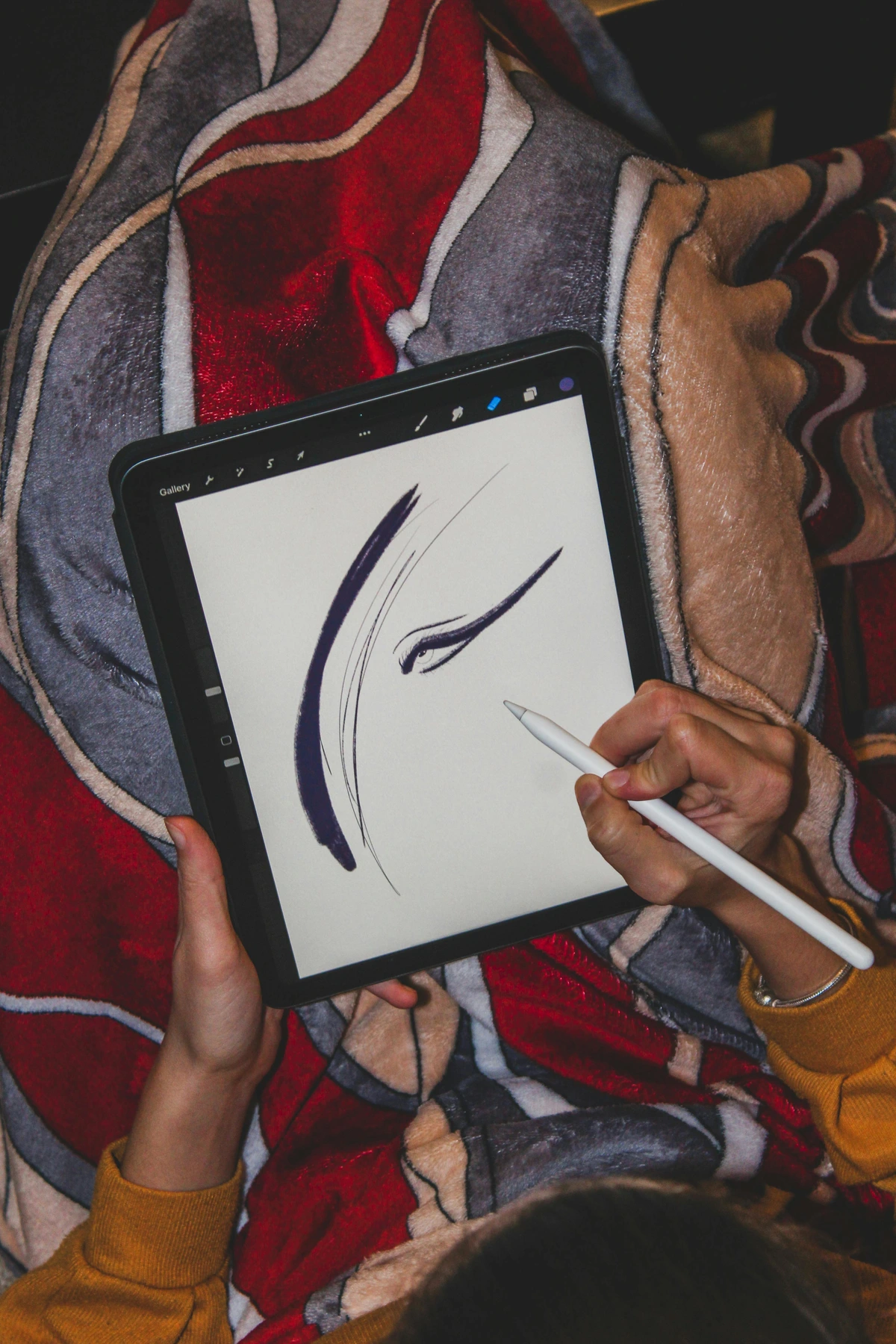
What if the artwork writes itself? Generative art uses algorithms and code—the artist sets the rules, the universe (processor) generates the result. It's the ultimate collaboration between mind and machine. Sometimes it's beautiful chaos; sometimes it's cold logic. Sometimes it glitches, becomes something unplanned and breathtaking.
This is the frontier. Artists here are part philosopher, part programmer, asking questions about creativity itself. Can randomness be beautiful? Can a machine truly "create"? The answers live in the strange, beautiful, unpredictable outputs. It's art born of logic and blessed with serendipity.
Generative Art Approaches
Generative art encompasses several methodologies:
- Procedural Generation - Using algorithms to create complex systems from simple rules
- Data Visualization - Converting complex data sets into visual art
- AI & Machine Learning - Training neural networks on artistic styles and letting them create
- Interactive Art - Art that responds to user input or environmental data
- Algorithmic Complexity - Creating intricate patterns through mathematical functions
- Randomness & Chaos Theory - Embracing unpredictability as a creative force
Famous Generative Artists & Systems
- Harold Cohen - Created "AARON," one of the first computer art programs
- Vera Molnár - Pioneer of computer art using geometric algorithms
- Refik Anadol - Uses AI to transform data into immersive installations
- Rafael Lozano-Hemmer - Creates interactive public art using technology
- Casey Reas - Co-creator of Processing, a language for visual arts
The Digital Artist's Toolkit: More Than Just a Fancy Pencil
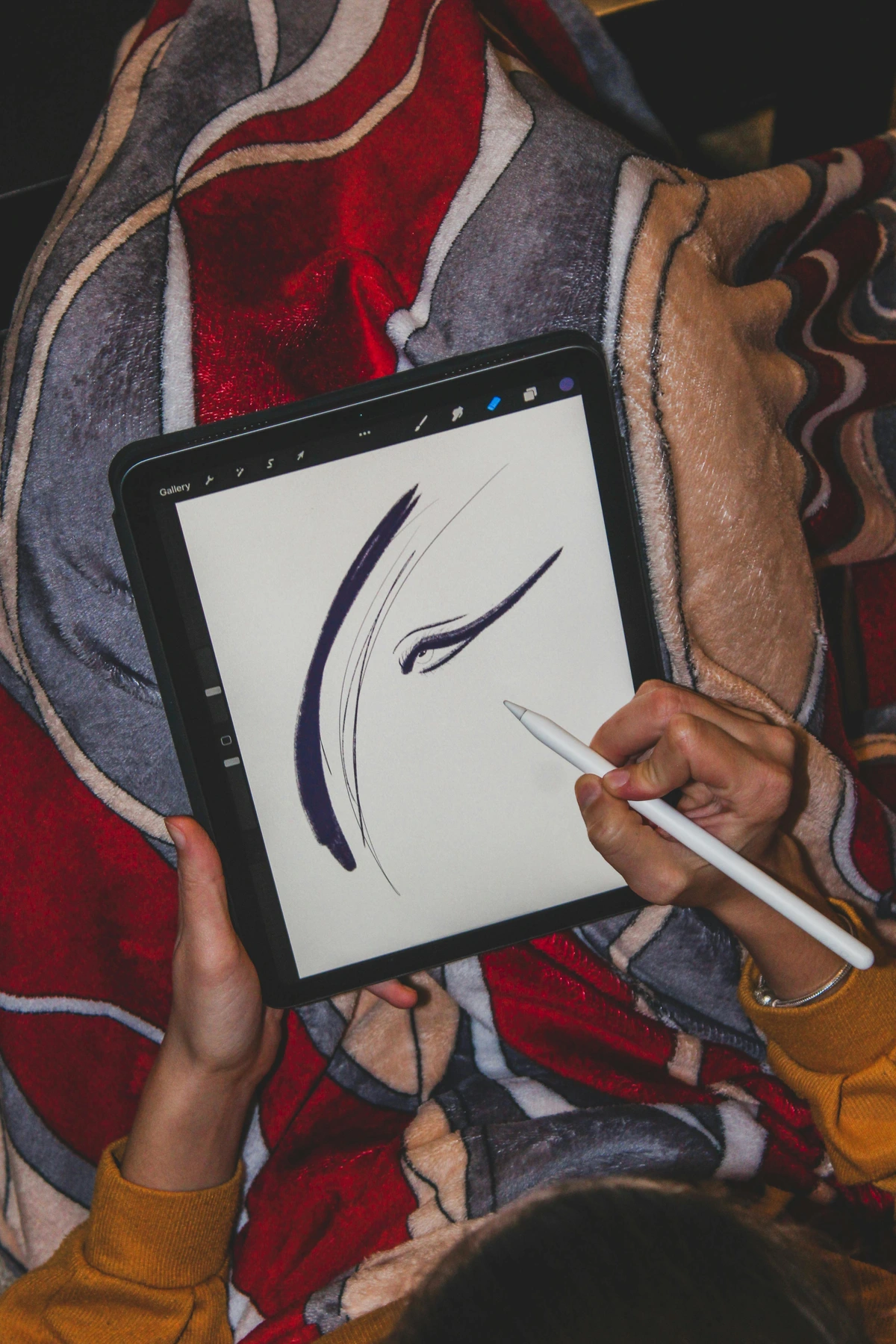
You can't have a workshop without tools. Digital artists have... a lot. The sheer choice can feel overwhelming. But it boils down to a few key relationships:
Hardware Essentials
The physical tools that bridge the gap between your hands and the digital canvas:

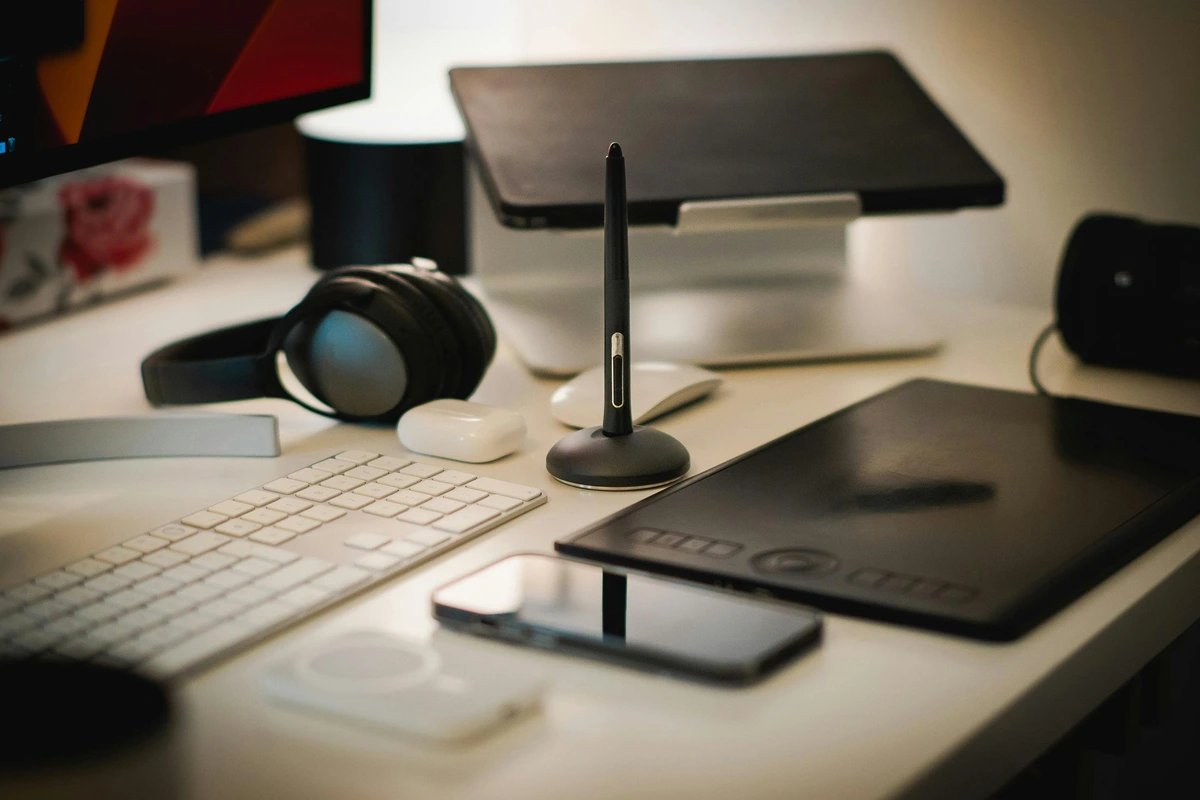
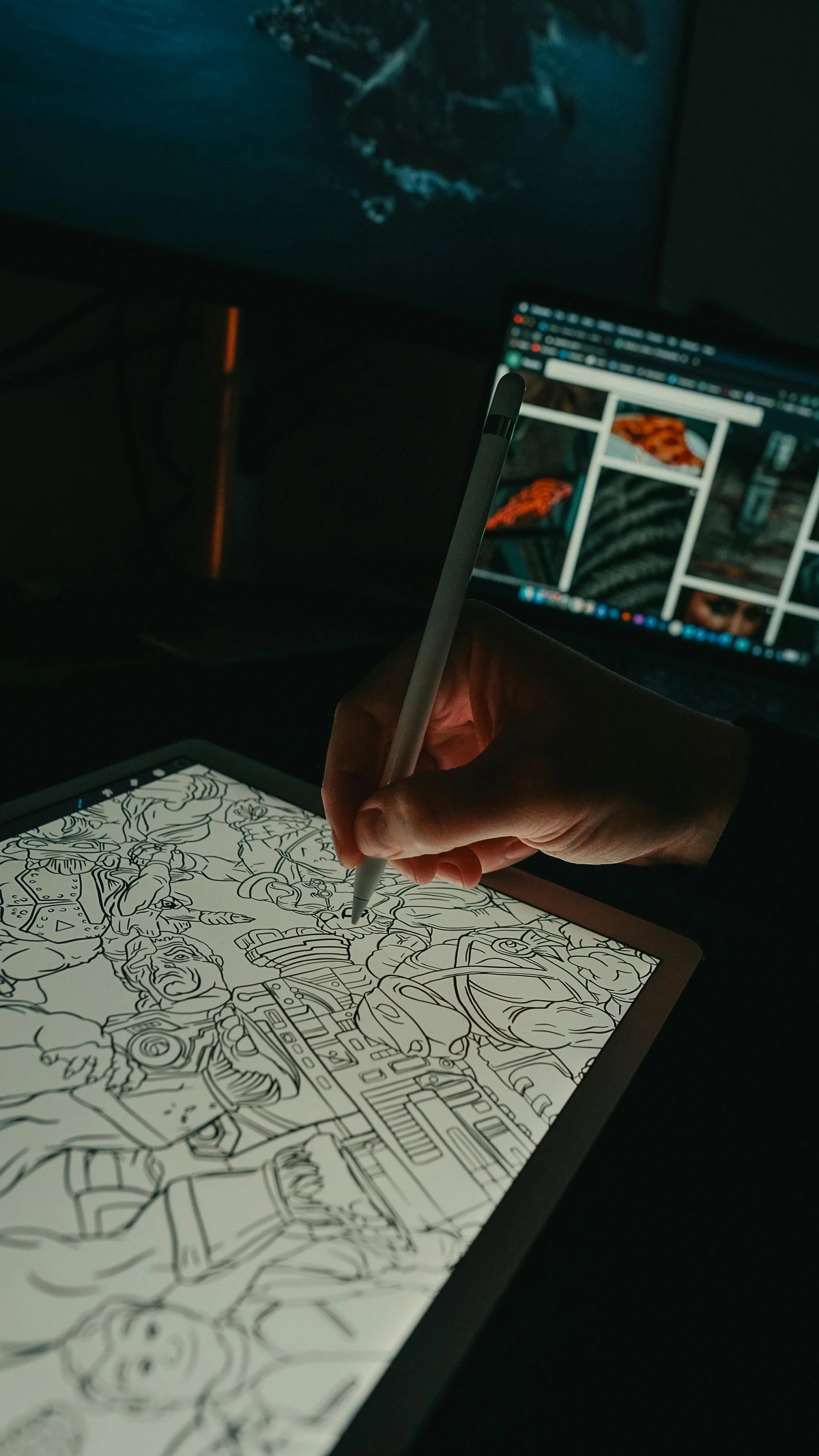
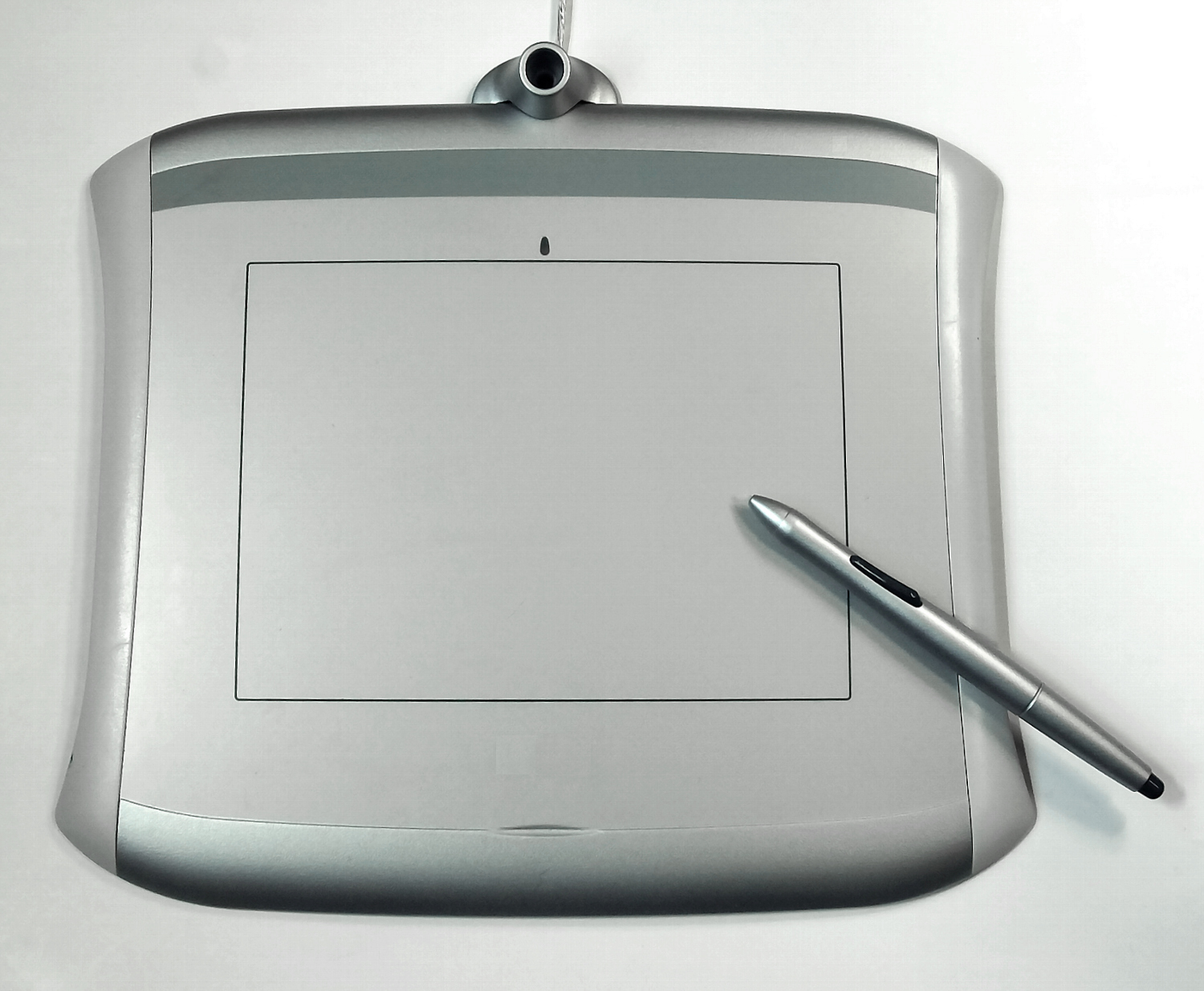
- Graphics Tablets - Pressure-sensitive drawing surfaces that translate hand movements to digital strokes
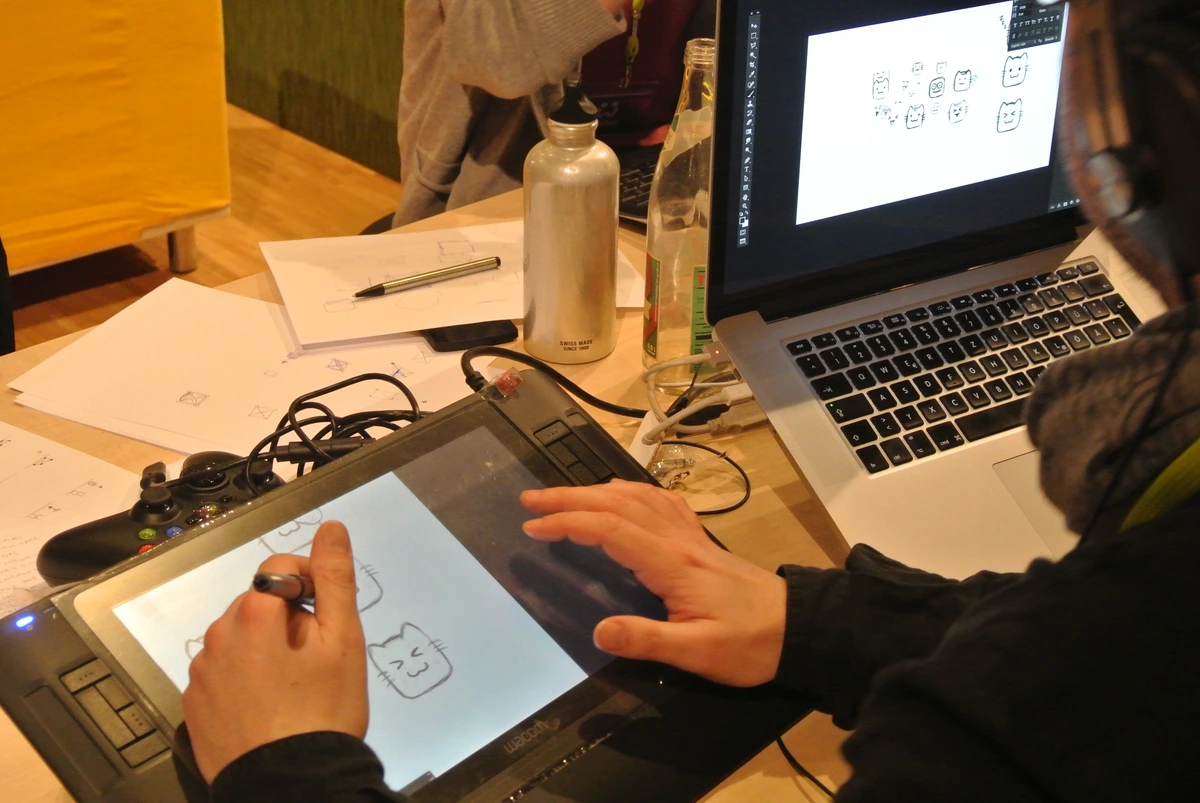
- Pen Displays - Tablets with integrated screens for direct drawing (like Wacom Cintiq)
- Touch Screens - Built-in tablet and laptop displays for direct interaction
- Stylus Pens - Specialized pens with pressure sensitivity, tilt recognition, and palm rejection
- High-Monitors - Color-accurate displays for critical color work
- Backup Drives - Essential for protecting digital artwork from loss
Software Categories
The digital artist's palette of creative applications:
Category | Popular Software | Best For |
|---|---|---|
| Digital Painting | Photoshop, Procreate, Clip Studio Paint, Krita | Traditional painting styles, illustration |
| 3D Modeling | Blender, Maya, Cinema 4D, ZBrush | 3D characters, environments, animation |
| Vector Art | Illustrator, Inkscape, Affinity Designer | Logos, typography, scalable graphics |
| Animation | After Effects, Blender, Toon Boom | Motion graphics, character animation |
| Photo Editing | Lightroom, Capture One, Darktable | Photography post-processing |
| Video Editing | Premiere, Final Cut, DaVinci Resolve | Video production and editing |
| Audio | Ableton Live, Logic Pro, Audacity | Sound design and music for art projects |
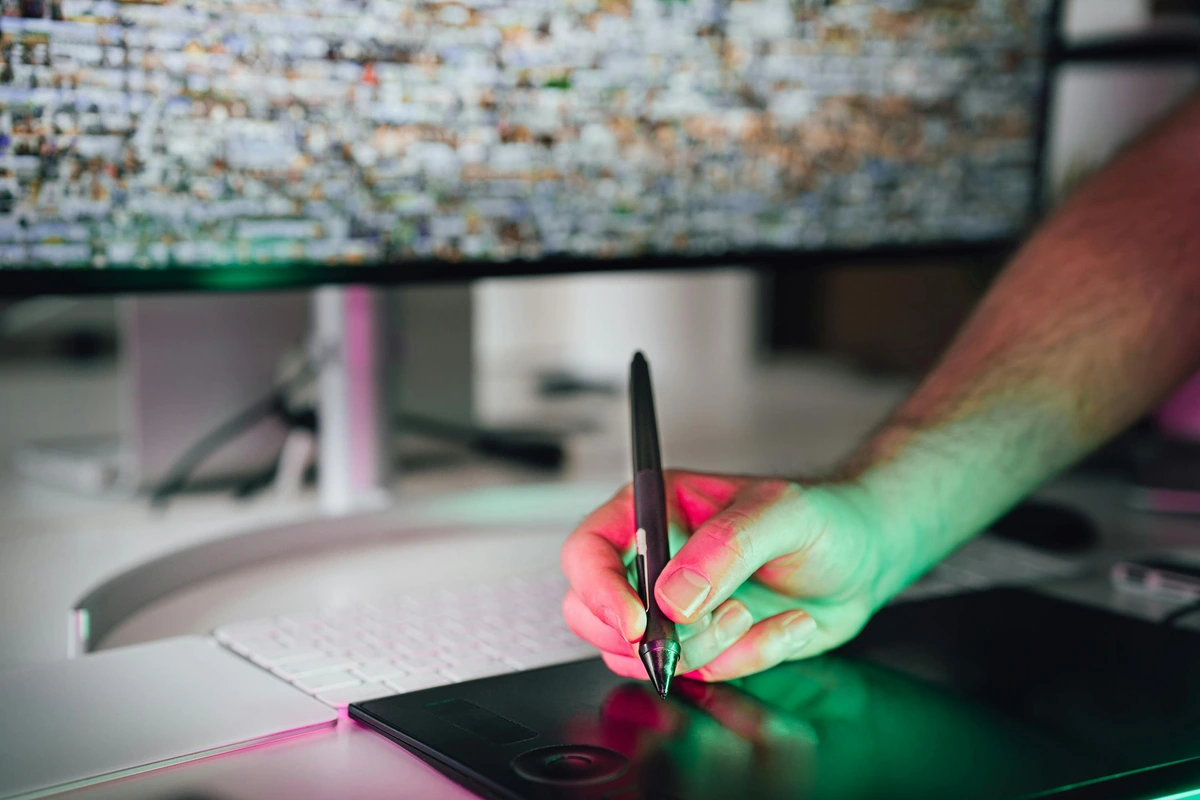
- The Hand Meets the Machine: The graphics tablet (like the Wacom Cintiq) is where the rubber meets the road. Your hand moves, the cursor follows. It's about translating physical intention into digital action. Finding the right pen sensitivity and screen texture is deeply personal—almost like finding the perfect violin bow.
- The Brain Meets the Interface: Software is the language you speak to the machine. Adobe Photoshop, Illustrator, Procreate, Blender, After Effects—these are the dialects. Learning them is less like memorizing rules and more like getting fluent in a new way of seeing. Each program has a philosophy, a way of thinking about space and time.
- The Vision Meets the Display: Your artwork lives in pixels, but how do you share it? A cheap monitor will lie to your eyes about color. A calibrated display isn't a luxury; it's a necessity. It ensures the crimson you see is the crimson the world sees. For print, understanding color profiles (like CMYK vs RGB) is crucial. It's the difference between knowing your painting looks good on your phone versus seeing it realized as a large-format print hanging on a wall—you can explore prints here.
Advanced Tool Considerations
Professional Workflow Tools:
- File Management Systems - Organizing thousands of digital files efficiently
- Version Control - Keeping track of iterations and changes (like Git for artists)
- Backup Strategies - Multiple redundant backup systems for irreplaceable work
- Hardware Optimization - Powerful computers that can handle rendering and complex files
- Network Storage - Cloud and local networks for collaboration and backup
Specialized Hardware:
- Drawing Tablets - Wacom, Huion, XP-Pen for traditional drawing feel
- Pen Displays - Cintiq, Huion Kamvas for direct screen drawing
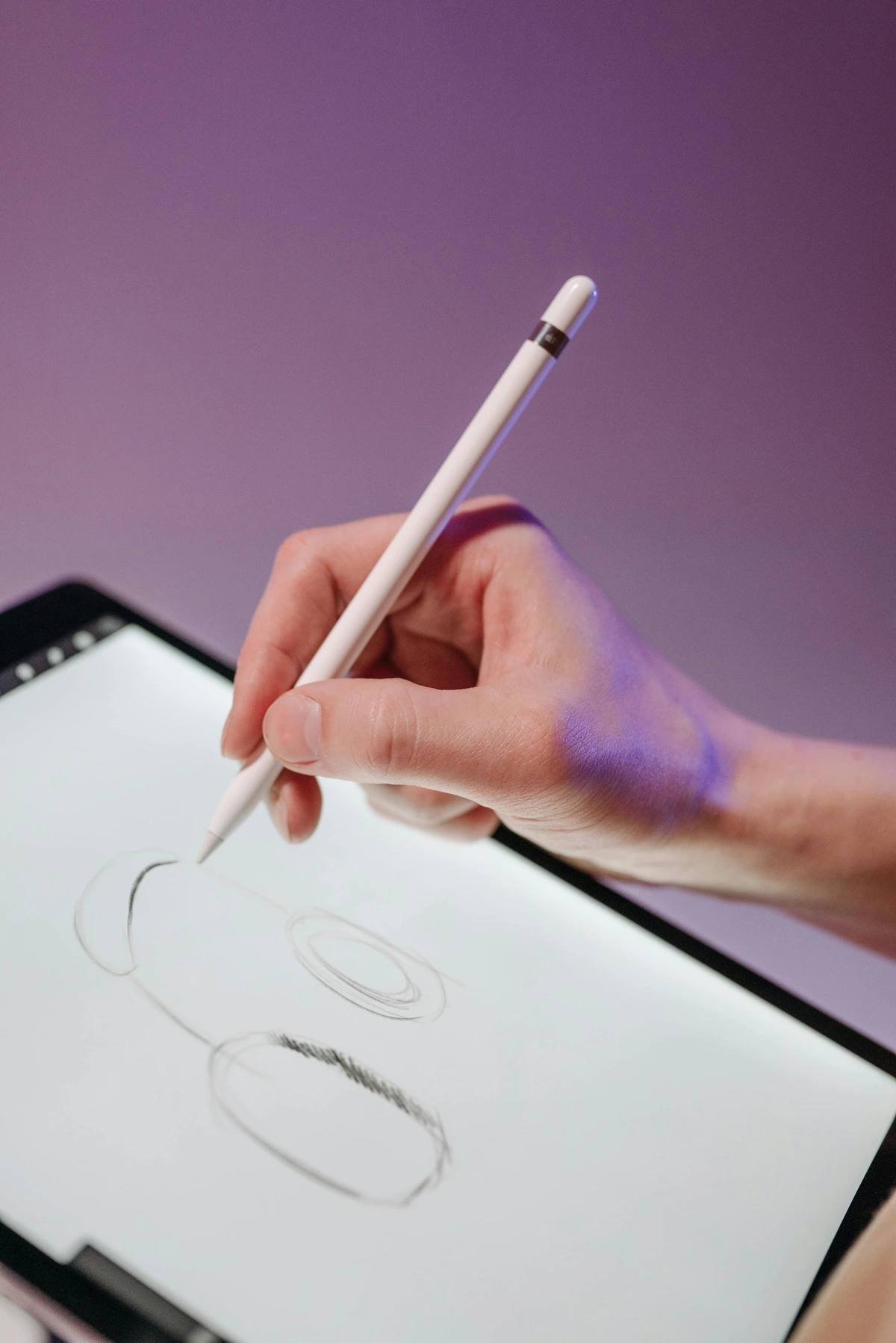
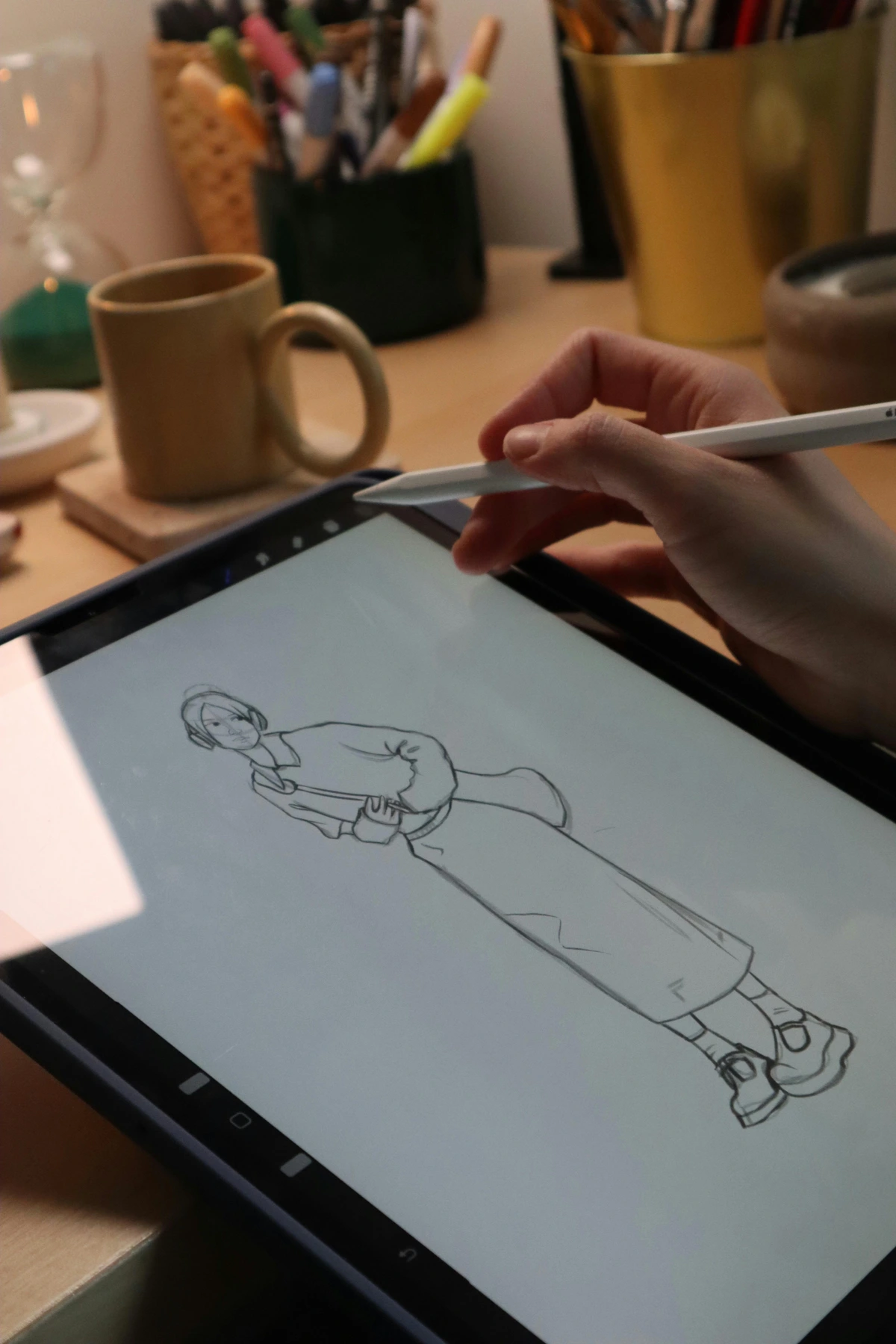
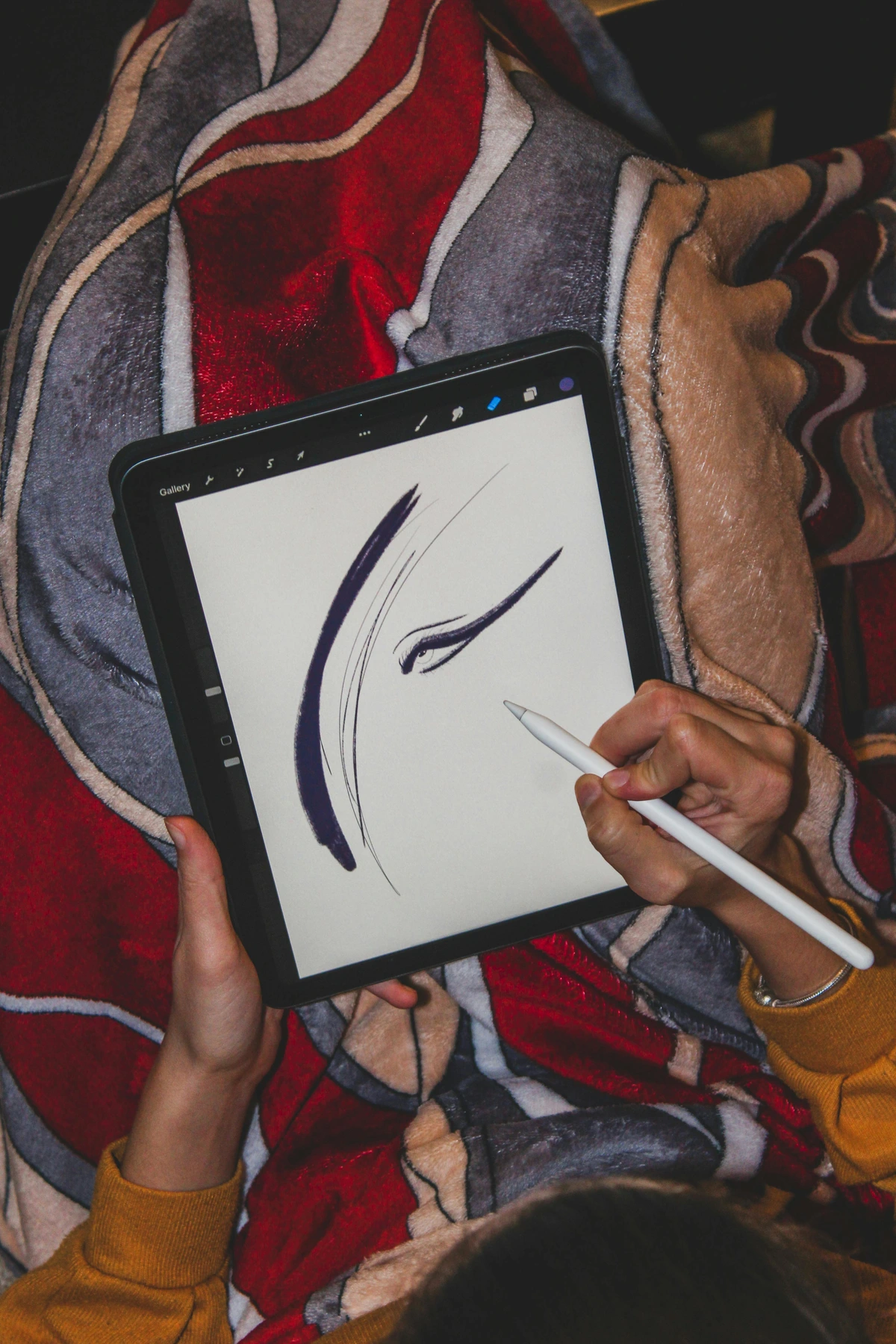
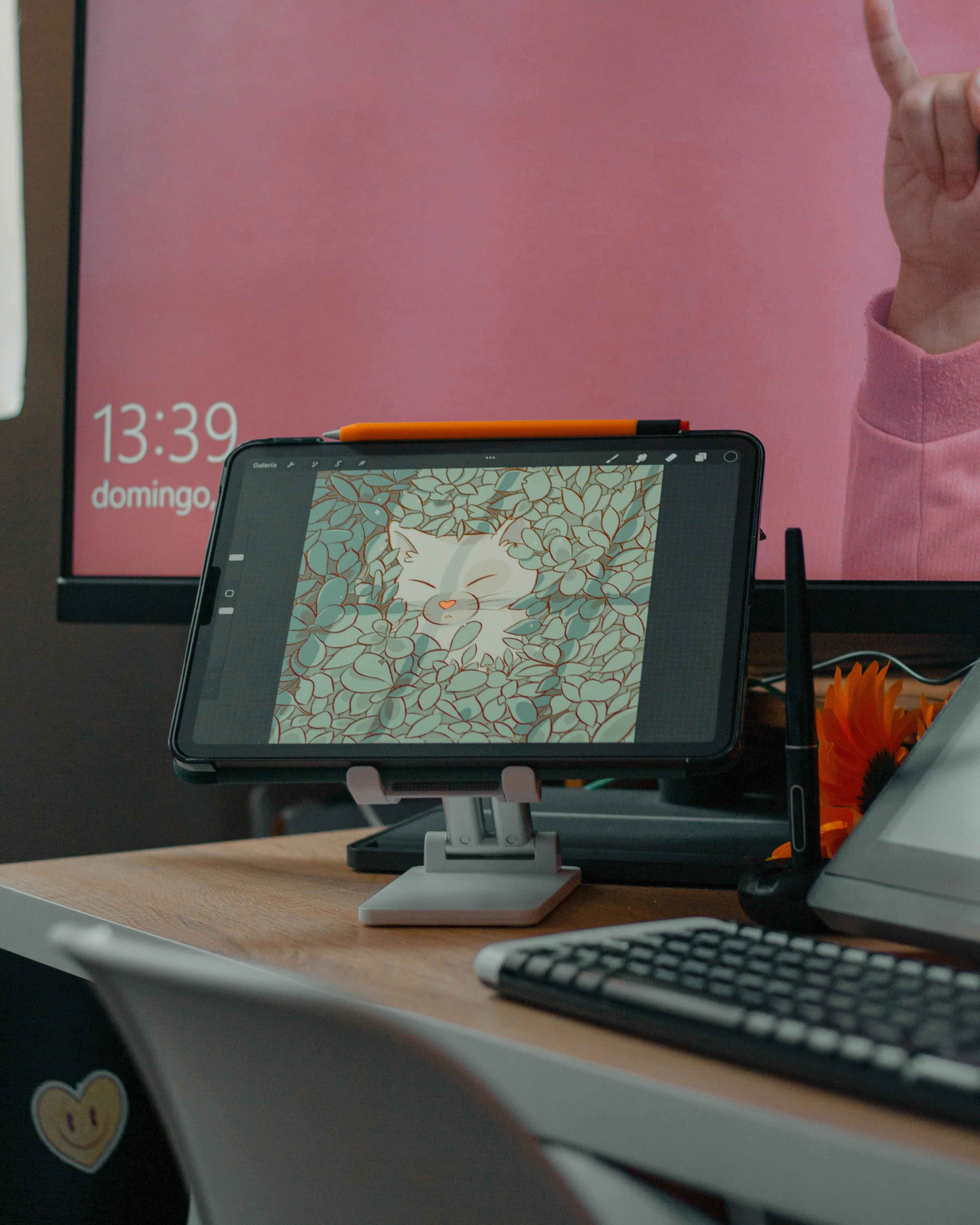
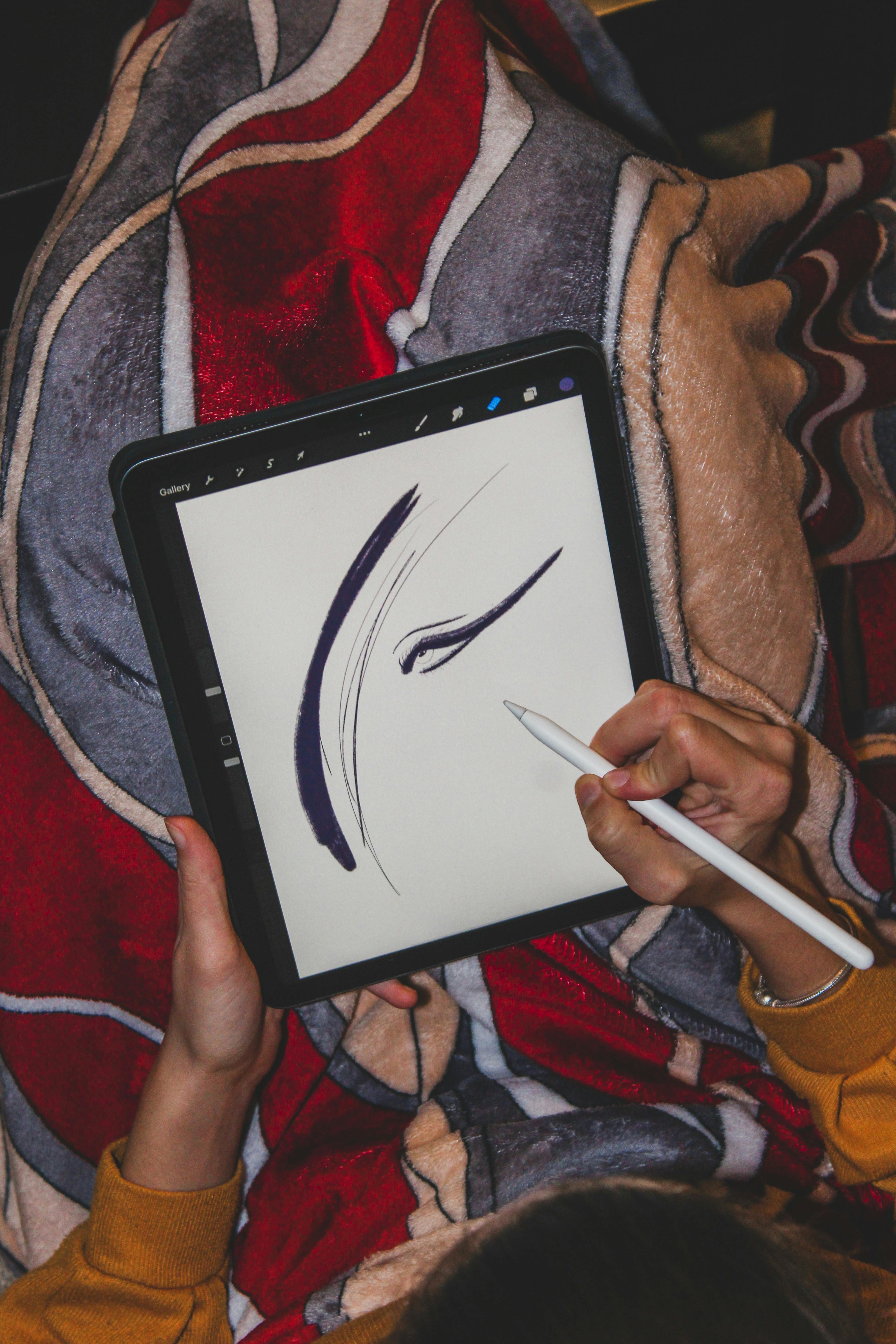
- Tablets - iPad with Apple Pencil for portable creation
- High-Monitors - Eizo, BenQ for color-critical work
- Color Calibrators - Spyder, ColorMunki for accurate color reproduction
- Backup Solutions - Multiple hard drives, cloud storage, NAS systems
Beyond the Screen: Prints, Projections, and Physicality
Digital art often gets labeled "immaterial." That's a myth. Digital art yearns to touch the real world.
The Physical Manifestation of Digital Art
The journey from digital file to physical object is where digital art truly becomes tangible and collectible:
- Archival Pigment Prints (Giclée): High-quality inkjet printers using specialist inks on premium paper or canvas. This is where digital paintings become tangible objects, meant to last generations. The texture, the weight, the subtle variations in the paper grain—it's physical magic. Owning one isn't just owning a copy; it's owning a piece of the artist's digital process made permanent.
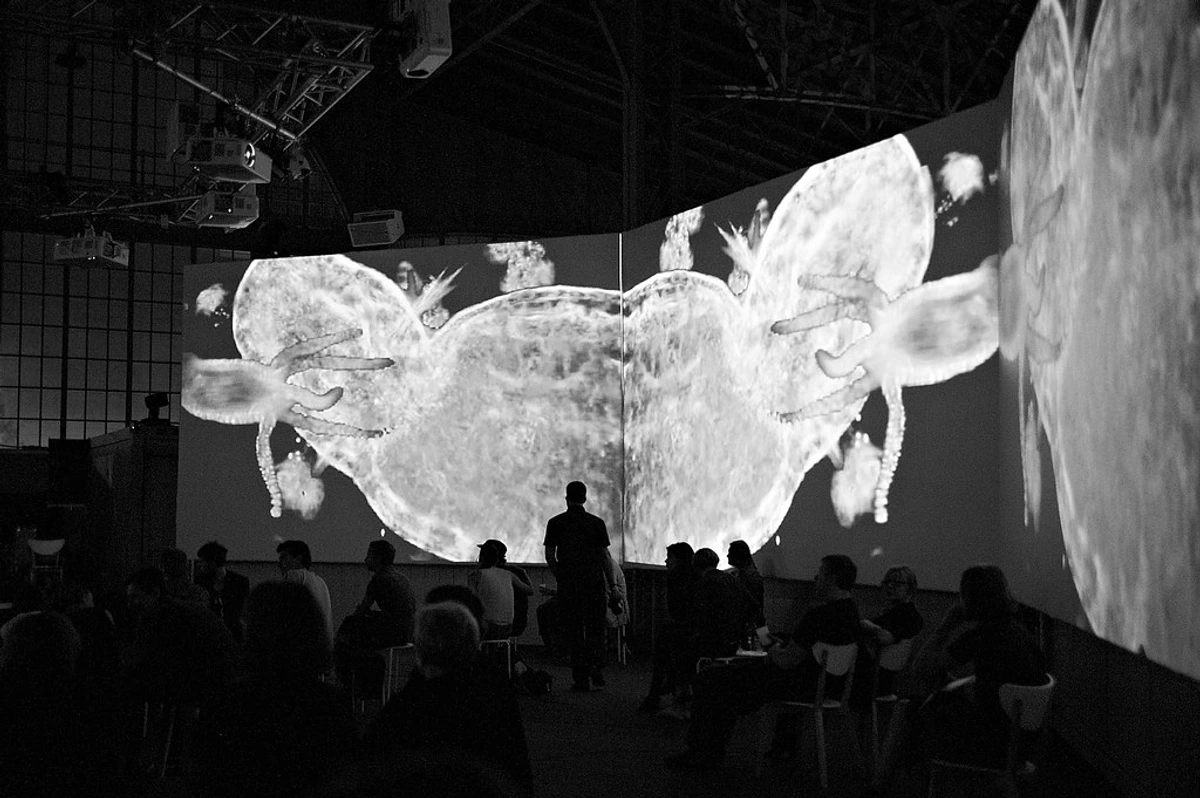
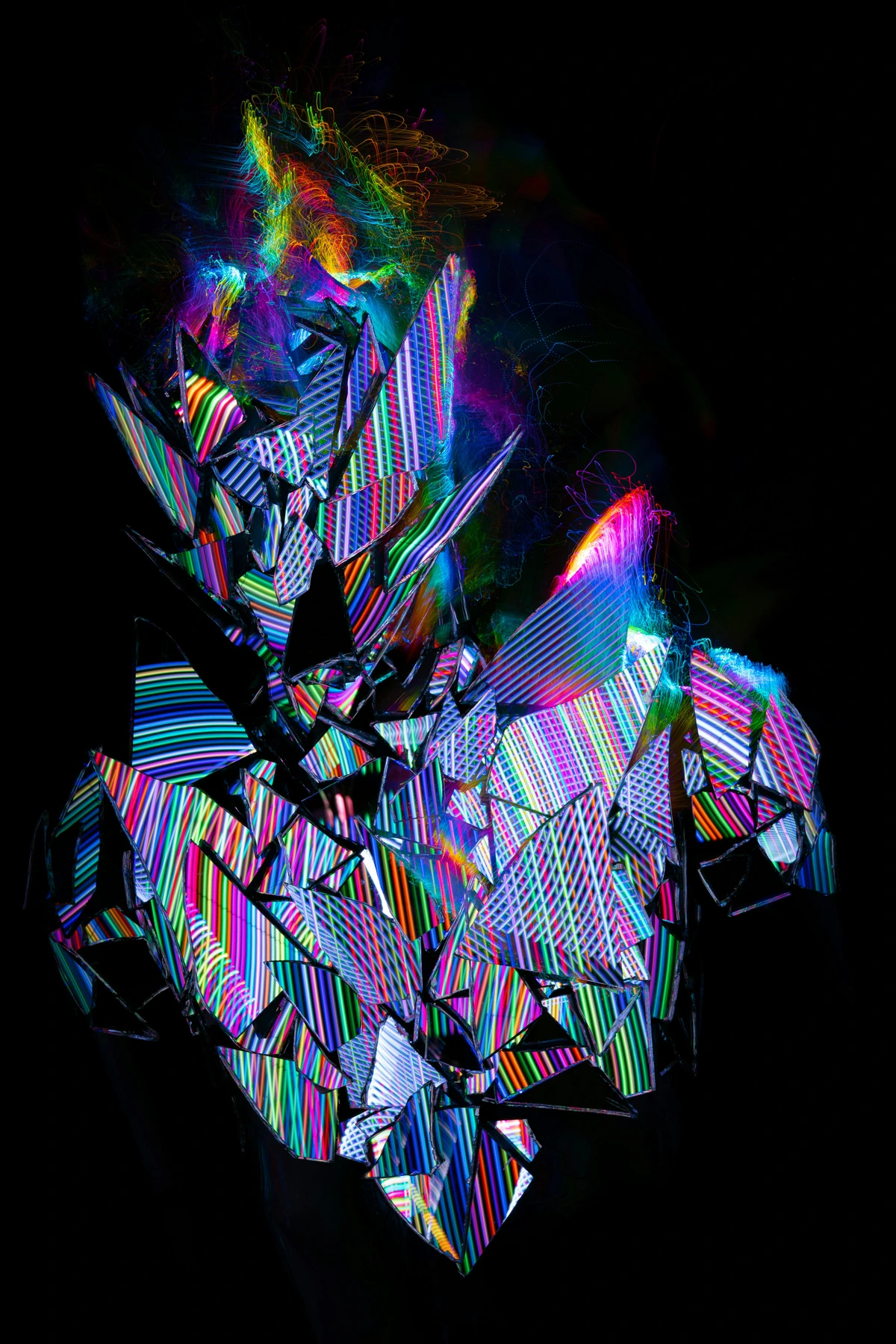
- Projection Art: Painting with light itself. Digital images projected onto buildings, water, or forests. It transforms space into something ephemeral and alive. It's art that breathes, that interacts with its environment, that disappears at dawn.
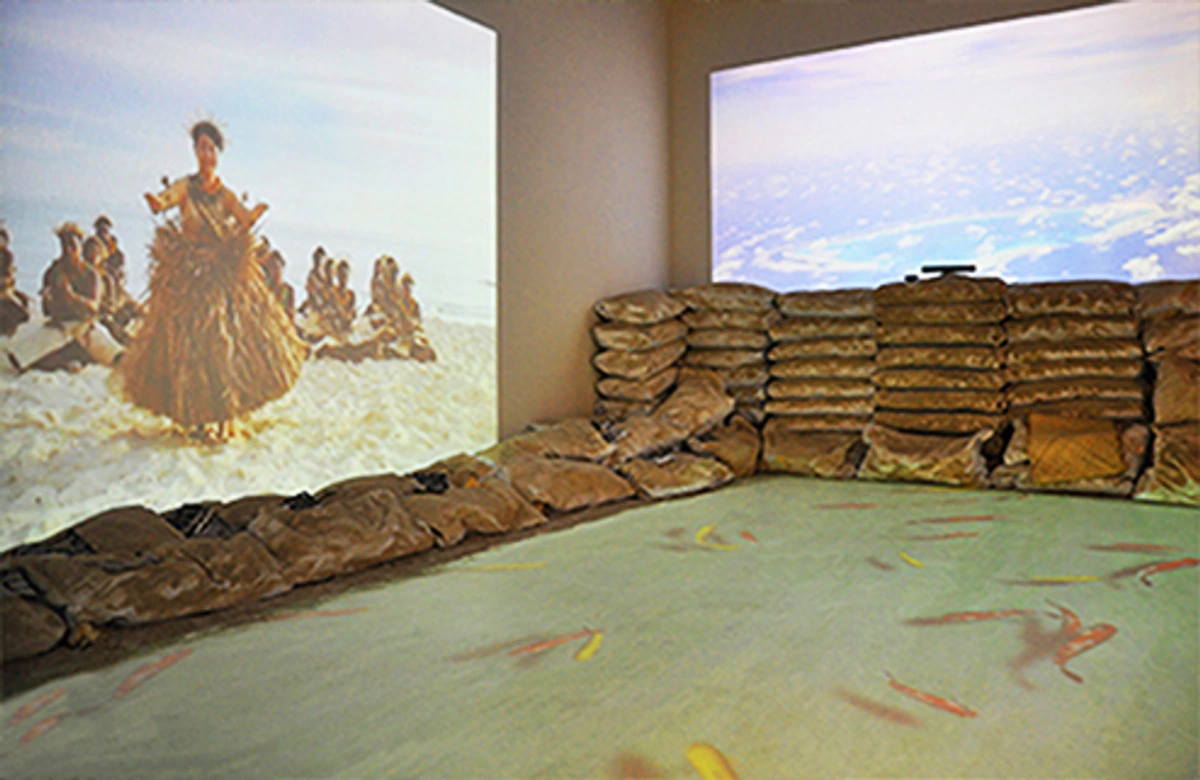
- Digital Sculptures & Installations: Using 3D printing, CNC machines, or even robotics to turn digital models into physical objects. VR (Virtual Reality) art immerses you inside the creation. This is the future colliding with the present. It bridges the gap between the virtual and the visceral.
- Metal Prints - Infusing dyes into specially coated aluminum panels for vibrant, durable artwork
- Acrylic Prints - Sandwiching digital images between layers of acrylic for a modern, glossy finish
- Wood Prints - Infusing images into natural wood grain for organic textures
- Digital Embroidery - Converting digital designs into stitched textiles
- Laser-Cut Art - Using digital designs to create precise cuts in various materials
- Interactive Installations - Physical art that responds to movement, sound, or touchThis physicality matters. It grounds the digital experience. It reminds us that digital art isn't escaping the body; it's finding new ways for the body to experience the digital. It's why having a dedicated space like Den Bosch Museum to showcase these hybrid experiences is so vital.
The Skeptic's Corner: NFTs, Hype, and the Digital Gold Rush
We can't talk about digital art without bumping into NFTs (Non-Fungible Tokens). Remember the frenzy? The digital monkey pictures selling for millions? It felt less like an art movement and more like a speculative frenzy fueled by hype and blockchain promises.
Understanding the NFT Landscape
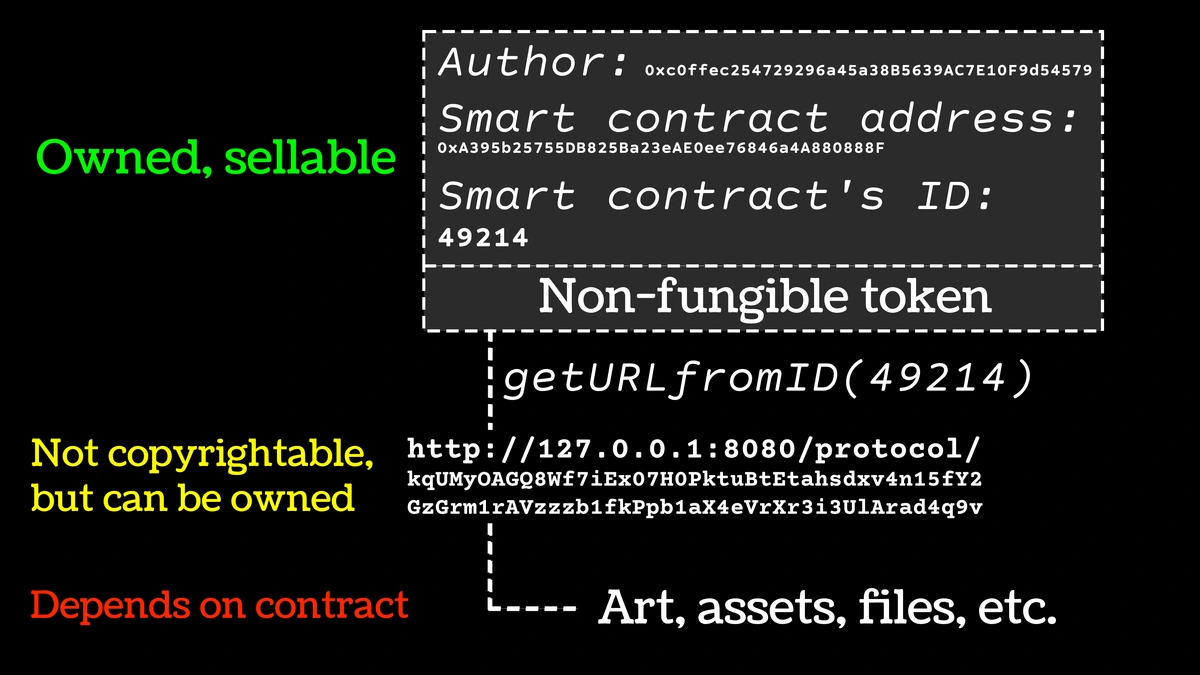
Let's be clear: most NFT discussions miss the point entirely. NFTs aren't about digital art—they're about digital ownership of infinitely reproducible files. This fundamental contradiction makes the entire space problematic:
Look, I approach NFTs with heavy skepticism. The energy behind it often felt detached from the artistic process itself and obsessed with digital "ownership" of infinitely replicable files. Did some artists find new avenues? Sure. Was it often a speculative bubble divorced from artistic value? Absolutely. The environmental cost of blockchains is a glaring issue. The permanence of digital provenance is valuable in theory, but the volatility and market saturation of many NFT spaces make it feel less like art's future and more like a chaotic sidebar. Digital art has intrinsic value in its creation, its concept, its beauty, its impact. Slapping a token on it doesn't automatically imbue it with worth. The art must stand on its own first.
The Real Alternatives to NFTs
Instead of chasing speculative tokens, digital artists have much more viable paths to monetization:
- Limited Edition Prints - Physical prints with strict edition sizes and certificates of authenticity
- Artist-Run Marketplaces - Platforms where artists keep most of the revenue
- Subscription Models - Patreon, Ko-fi for ongoing support from fans
- Licensing - Selling rights to use artwork in commercial projects
- Commissions - Direct work for clients and collectors
- Teaching & Workshops - Sharing skills through online courses and live sessions
- Merchandise - Creating physical products featuring artwork
- Gallery Representation - Working with traditional galleries for digital art
So, Why Does It Move Us? The Digital Heartbeat
At the end of the day, why does any of this matter? Why stare at a screen when you could stand in front of a Rembrandt? Because digital art speaks to our modern condition. It reflects a world mediated by screens. It expresses the fluidity of identity, the interconnectedness of global cultures, the anxieties and possibilities of a post-physical existence.
Digital art often breaks rules. It remixes. It experiments. It fails gloriously. It mirrors how we actually live now—not in neat, linear timelines, but in overlapping layers of digital and physical existence. It democratizes creation while demanding incredible technical mastery. It's contradictory and imperfect and gloriously human.
The Psychological Impact of Digital Art
Digital art affects us in ways traditional art can't:
- Immersive Experiences - VR and interactive installations literally put you inside the art
- Personal Connection - The ability to zoom, explore, and interact creates deeper engagement
- Accessibility - Anyone with a device can experience digital art anywhere
- Dynamic Nature - Digital art can change over time, evolve with the viewer
- Community Engagement - Digital art often exists in shared online spaces
- Emotional Resonance - The ability to experience art in familiar digital environments creates unique emotional connections
It's about the story, not just the file. The journey from an idea in mind to pixels on screen to a print on your wall to a conversation sparked online. That chain is the art. The passion, the frustration, the flashes of wonder along the way—that's what makes digital art worth exploring, worth collecting, worth believing in.
Frequently Asked Questions
Q: Is creating digital art "easier" than traditional art?
A: Not necessarily. It trades different difficulties. You avoid material costs (no canvas waste!) and clean-up, but face the steep learning curve of complex software. Perfectionism is amplified—the undo button can be both a blessing and a curse. It's more accessible? Yes, in tools. Easier? Not in the mastery or emotional labor required.
Q: Can digital art be considered "original" or "real" art?
A: Absolutely. The "original" is the unique digital file (the master) and the artist's vision and process. The physical print is a reproduction, but a high-quality, authorized print is still a valuable artifact of that original work, much like a limited edition print of a traditional piece. The "realness" comes from the artist's intent and the impact on the viewer, not the medium.
Q: Do I need expensive gear to start?
A: No more than with traditional art! A basic drawing tablet can cost less than a good set of brushes, and free software (like GIMP, Krita, or Blender) is incredibly powerful. The investment comes in time and learning, not just hardware. Start simple!
Q: How long does a digital piece take?
A: Wildly variable! A quick sketch might be 30 minutes. A complex painting can take 50+ hours over weeks. A detailed 3D scene? Months. Digital art often involves a lot of time in "non-creative" tasks: rendering, troubleshooting, saving versions. The visible tip of the iceberg is small compared to the submerged work.
Q: Where can I see high-quality digital art beyond online galleries?
A: Look for museums and galleries specializing in new media and digital installations. Festivals like Ars Electronica or ISEA are prime spots. Some contemporary art spaces now integrate digital projections and interactive pieces. And platforms showing the artist's timeline often reveal their evolution across mediums.
Conclusion: More Than Pixels
Digital art isn't the future of art waiting to happen. It's happening now. It's messy, it's controversial, it's technically demanding, and it's deeply exciting. It's the sound of a century-old conversation about creation, beauty, and meaning getting an urgent, vibrant, pixelated reboot.
The Future of Digital Art
Looking ahead, several trends will shape digital art's evolution:
- AI Integration - Machine learning becoming a creative partner rather than just a tool
- VR/AR Experiences - Immersive art that surrounds and interacts with viewers
- Blockchain Alternatives - More sustainable and artist-friendly ownership models
- Cross-Media Creation - Seamless blending of digital and physical art forms
- Global Collaboration - Artists working across borders in real-time
- New Distribution Models - Direct artist-to-audience connections
- Educational Democratization - Free access to learning resources and tools
- Environmental Consciousness - More sustainable practices in digital creation
Getting Started With Digital Art
If you're inspired to try digital art yourself, here's a practical roadmap:


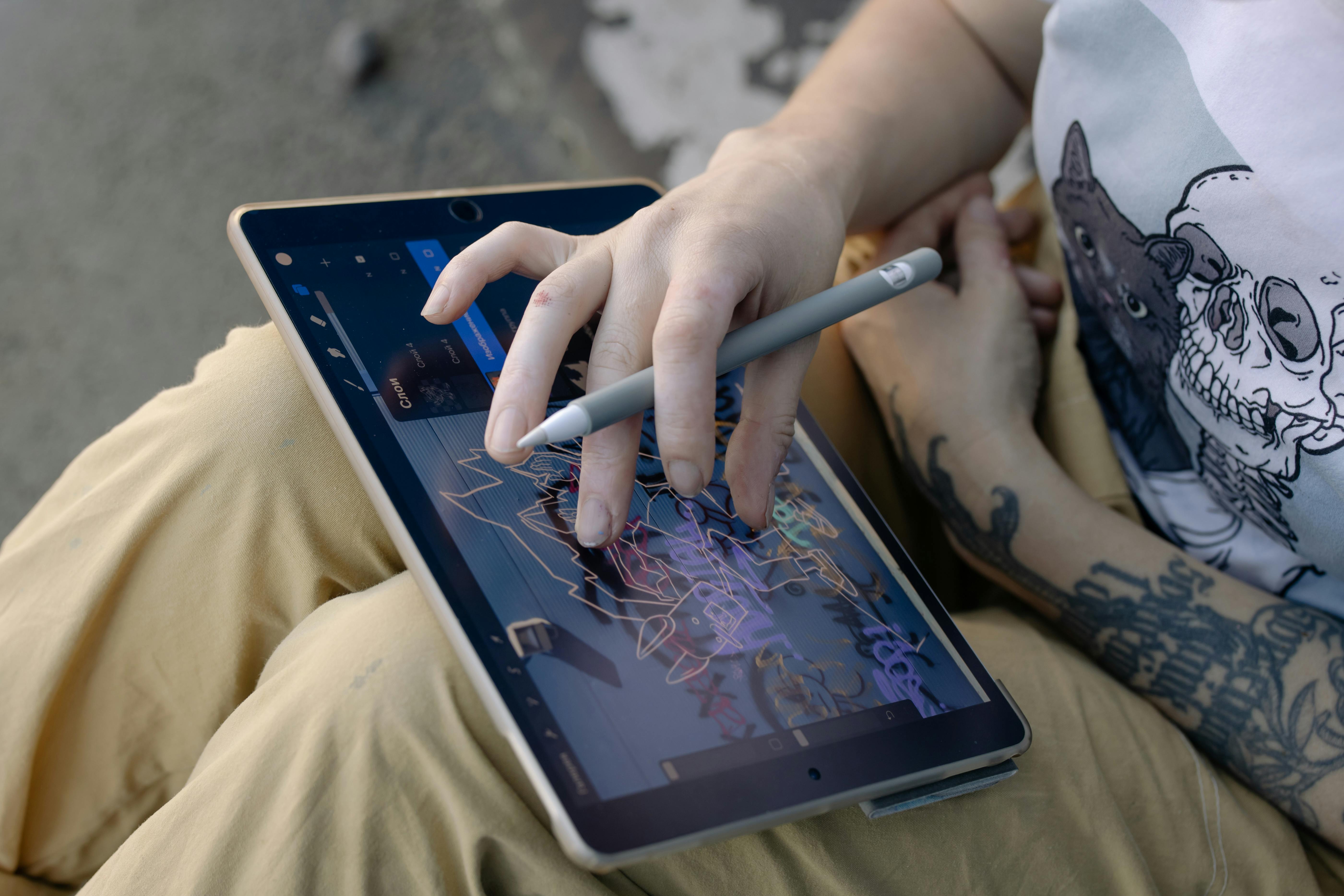








- Start Simple - Don't buy expensive equipment immediately. Try free software with your mouse or touchpad
- Learn the Basics - Understand fundamental art principles (composition, color, form) first
- Choose Your Niche - Explore different digital art forms to find what excites you
- Practice Consistently - Regular short sessions are better than occasional marathon sessions
- Study Masters - Analyze both traditional and digital artists you admire
- Join Communities - Learn from others and get feedback on your work
- Build Your Portfolio - Create a consistent body of work that shows your growth
- Share Your Journey - Document your progress to build connections and accountability
The Digital Art Revolution Continues
Digital art represents more than just new tools—it represents a fundamental democratization of creativity. What once required expensive studios, rare materials, and years of apprenticeship now requires only a device and curiosity. This accessibility doesn't diminish the art; it expands who can create it and who can experience it.
The tension between traditional and digital art is false. Both serve different purposes, reach different audiences, and express different aspects of human experience. The future isn't one replacing the other—it's both thriving and enriching each other.
When you engage with digital art, you're participating in a conversation that spans centuries, cultures, and continents. You're witnessing the ongoing evolution of human creativity as it adapts to new technologies and new ways of being.
So the next time you see a stunning digital painting, a breathtaking animated sequence, or an immersive light installation, don't just see "computer graphics." See the struggle. See the passion. See the artist wrestling with infinite possibilities to express a single, human truth. That's the art. That's the magic. And that's worth paying attention to.
Digital Art Glossary
Aliasing - Jagged edges in digital images caused by insufficient pixel resolution Anti-aliasing - Techniques to smooth jagged edges in digital graphics Bit Depth - The number of colors available in an image (8-bit, 16-bit, 32-bit) Blend Modes - Ways layers interact with each other (Multiply, Screen, Overlay) Brush Engine - The underlying system that creates digital brush effects CMYK - Color model for print (Cyan, Magenta, Yellow, Black) Color Profile - Defines how colors should appear on different devices Compression - Reducing file size, sometimes with quality loss DPI/PPI - Dots/Pixels Per Inch for print and screen resolution Export - Saving a file in a different format for sharing or printing File Format - The structure and encoding of a digital file (PNG, JPG, PSD) Gamma - Brightness and contrast adjustment for displays Gradient - Smooth transition between colors Grid - Guidelines for precise composition GUI - Graphical User Interface HDR - High Dynamic Range imaging Hex Code - Six-digit color code used in digital design Hue/Saturation - Color and intensity adjustments Icon - Small symbolic image Interface - How user interacts with software JPEG - Common image format with compression Layers - Stacked transparent sheets in digital art Lossless - Compression that preserves all original data Lossy - Compression that discards some data for smaller files Metadata - Data about data (exif, copyright info) Mockup - Template for displaying design work Opacity - Transparency level Palette - Collection of colors used in artwork Pixel - Smallest unit of digital image PNG - Lossless image format with transparency support Raster - Pixel-based image (photos, paintings) Resolution - Detail level of digital image RGB - Color model for screens (Red, Green, Blue) Resolution - Image size in pixels (1920x1080) Saturation - Color intensity SVG - Scalable Vector Graphics format Template - Pre-designed starting point Thumbnails - Small preview images TIFF - High-quality image format for print Transparency - Ability to see through elements Vector - Mathematical-based graphics (logos, illustrations) Web Safe Colors - Colors that display consistently across browsers White Balance - Color temperature adjustment for photos Workspace - Layout of tools and panels in software