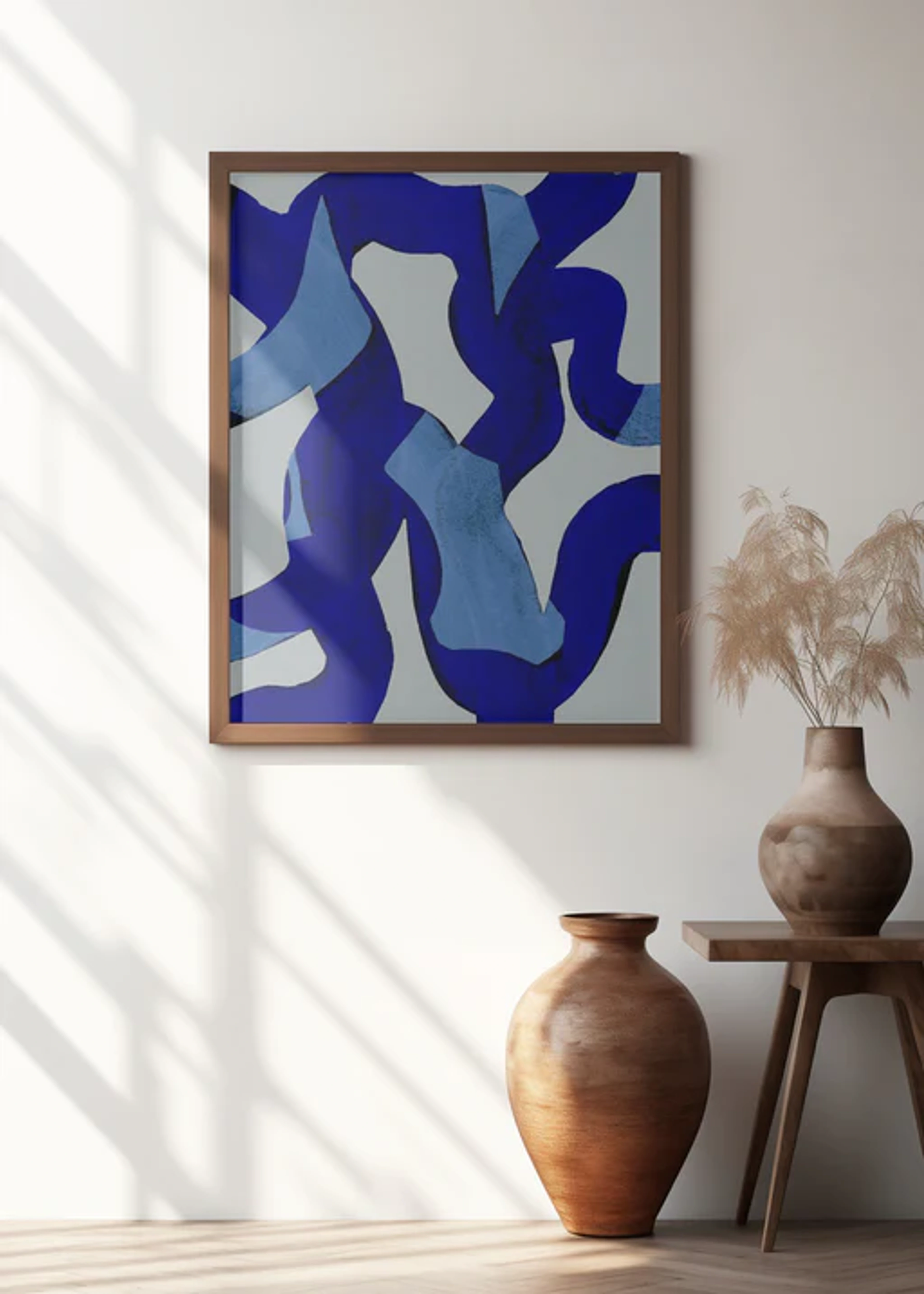
The Ultimate Guide to Digital Art Creative Tools
Explore the essential digital art tools used by contemporary artists to create vibrant abstract works. Our comprehensive guide helps you navigate software choices and find your creative voice.

The Ultimate Guide to Digital Art Creative Tools
You know that feeling? The one where you've got this spectacular idea for a piece of art swirling in your mind, vibrant and alive with color and movement. You start sketching with traditional tools, but something feels... constrained. Your vision demands more fluidity, more layers, more possibilities that simply can't be captured on paper. I’ve been there countless times – staring at a canvas, wondering how to translate the digital nebula in my head into something tangible. That’s exactly where digital art creative tools step in, opening doors to artistic universes you never knew existed. They're not replacements for traditional methods; they're new languages for expression, powerful brushes that bring the chaos and harmony of your imagination into perfect focus.
What Exactly Are Digital Art Creative Tools?
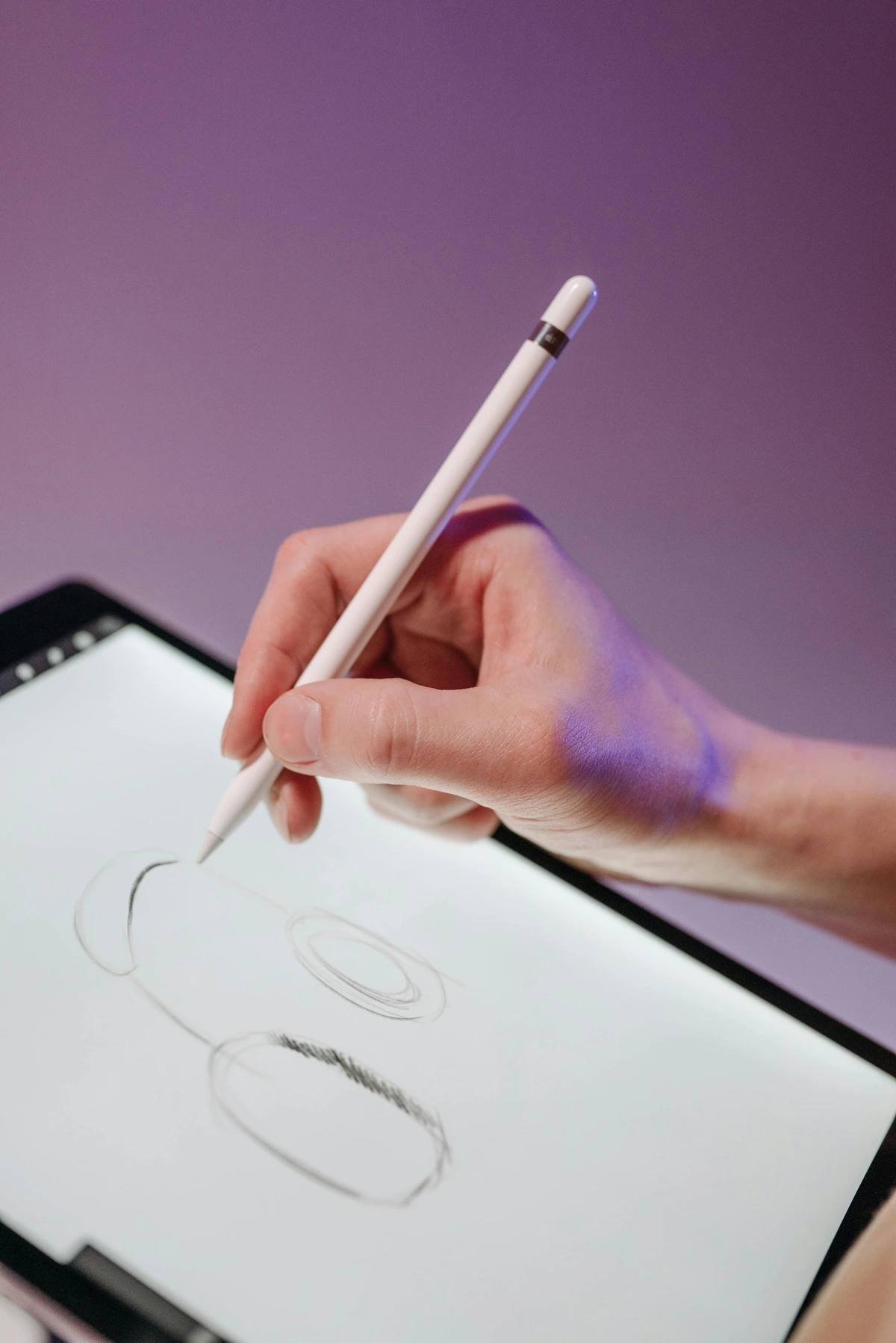
At its core, this is any software or hardware that lets you create, manipulate, or refine art using digital technology. Think beyond just "drawing on a tablet." These tools encompass everything from intricate graphic design software to immersive 3D modeling programs, each catering to different creative workflows. I remember when I first experimented with vector art – the geometric precision felt like learning a new dialect of creativity. Suddenly, I could create infinitely scalable illustrations without losing a single pixel of quality. That aha moment? Pure magic.
The beauty of these tools is how they democratize creation. You’re no longer limited by the physical properties of paint or charcoal. Want your abstract piece to shimmer with impossible glows? Need a color palette that shifts like a kaleidoscope? Digital tools make it achievable, often with just a few clicks or brush strokes.
Why Go Digital? The Creative Advantages
Before we dive into specifics, let’s address why this shift matters for artists like us:
- Unlimited Undo Power: Ever layered paint and regretted a choice? With digital tools, mistakes become mere stepping stones. I've lost count of how many times I've reverted ten layers back – it’s like having a time machine for your creative process.
- Non-Destructive Editing: This is game-changing. You can tweak a curve, adjust opacity, or change colors in one part of your artwork without affecting the rest. Imagine altering the hue of a single flower in a digital painting without ruining the background – it’s liberating.
- Color Freedom: Mixing digital colors is instant and precise. You’re not bound by the limitations of physical pigments. Want a shade of purple that doesn’t exist in reality? Done. I once spent an afternoon creating a palette based exclusively on sunset glow I’d witnessed in Iceland; the result was ethereal.
- Layer Mastery: This is the heart of abstract art. Layers let you build complexity: textures underneath, vivid shapes on top, maybe a faint geometric pattern peeking through. It’s composition on steroids.
Navigating the Digital Landscape: Key Categories
Let’s break down the essential tool categories you’ll encounter. This isn’t just a list – it’s a roadmap to finding your creative home.
Tool Category  | Best For... | Popular Examples | Key Strengths |
|---|---|---|---|
| Raster Graphics | Painting, photo editing, rich textures | Adobe Photoshop, Procreate, Clip Studio Paint | Organic brushwork, photo manipulation, naturalistic effects |
| Vector Graphics | Clean lines, scalable designs, illustrations | Adobe Illustrator, Affinity Designer, Inkscape | Infinite scalability, geometric precision, crisp logos |
| 3D Modeling | Sculptural forms, dimensional art | Blender, ZBrush, Cinema 4D | Spatial depth, lighting experimentation, virtual environments |
| Creative Coding | Generative art, interactive visuals | Processing, TouchDesigner, p5.js | Algorithmic creativity, unique patterns, programming meets art |
Raster vs. Vector: Why the Difference Matters
This is the most fundamental choice you’ll make. Raster tools (like Photoshop or Procreate) work with pixels – the digital equivalent of tiny mosaic tiles. Perfect for painterly effects and blending colors, but zoom in too far and it gets pixelated. I learned this the hard way when I tried to print a small digital painting at a huge size; the dreamy texture became a blurry mess. Lesson: raster is resolution-bound.
Vector tools (like Illustrator) use mathematical paths instead of pixels. Think of them as infinitely stretchable rubber bands. Zoom in infinitely sharp, resize without degradation. Ideal for creating crisp lines and bold shapes, though traditionally less suited for painterly textures. My breakthrough abstract piece "Neural Bloom" was 90% vector – its geometric accuracy gave it a hypnotic quality.
I’ve actually found myself bouncing between both. Raster for the soulful texture layers, vector for the sharp, structural elements. They’re not rivals; they’re creative collaborators sometimes.
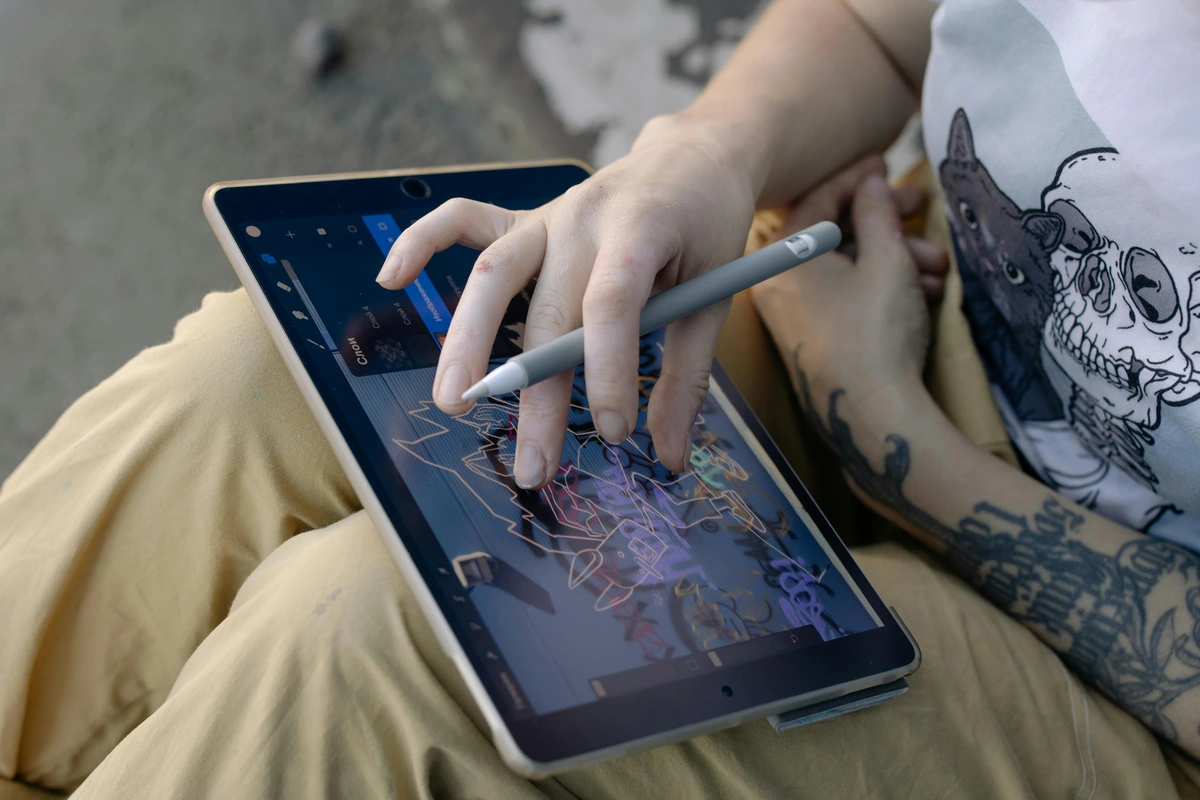
Finding Your Perfect Toolkit: Practical Considerations
Alright, the big question: Which tools should you actually use? It’s overwhelming, I get it. Here’s how to cut through the noise.
1. Match the Tool to Your Vision
What does your inner artwork look like?
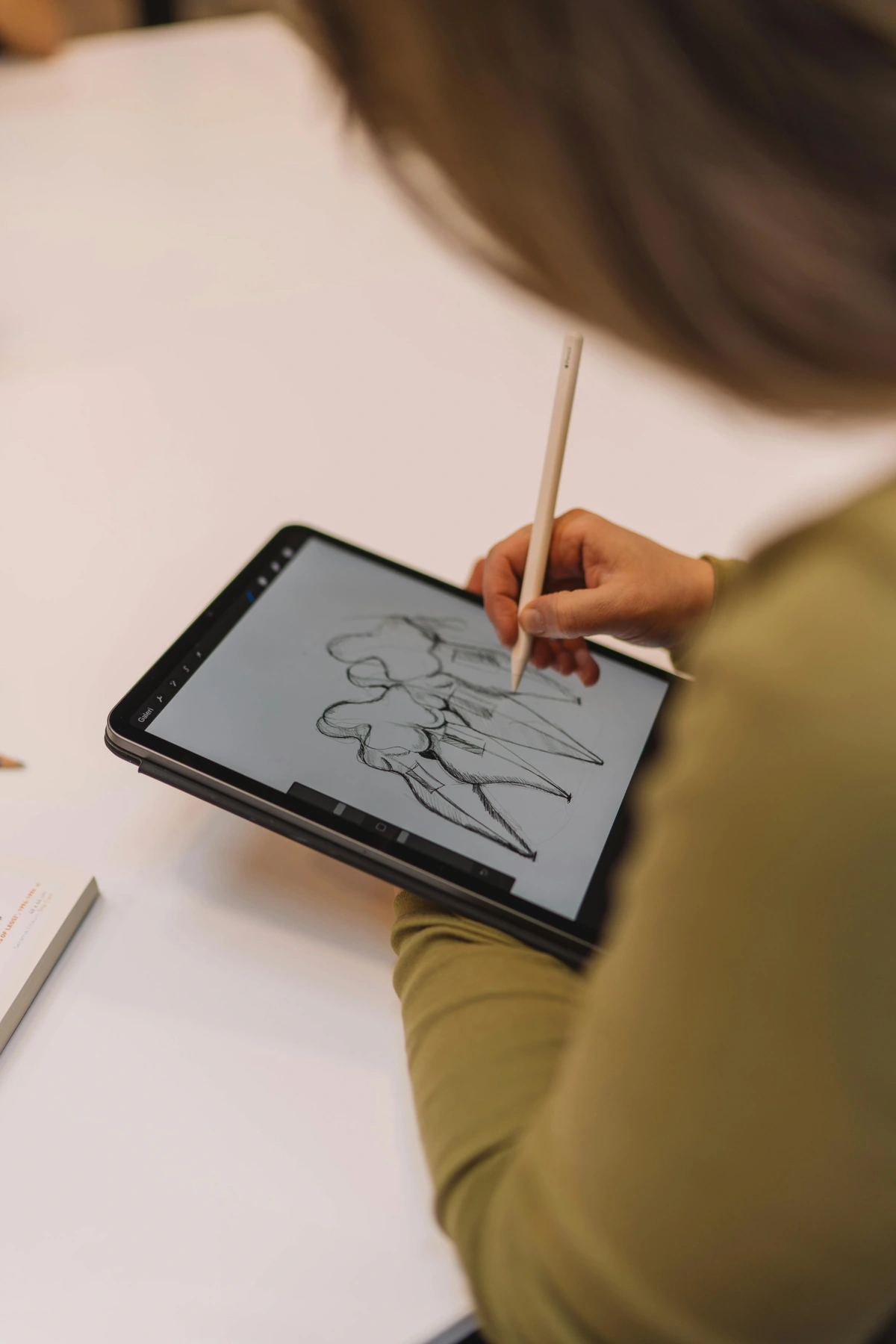
- Geometric & Structured: Adobe Illustrator or Affinity Designer are your playgrounds. The Pen tool is your new best friend for creating precise, impactful shapes.
- 3D Sculptural Exploration: Blender is free, powerful, and surprisingly accessible. Start with basic primitives and let your creativity shape them.
- Generative & Algorithmic: If you’re intrigued by art created through code (fractals, evolving patterns), p5.js (web-based) or Processing are fascinating entry points.
2. Budget Doesn’t Equal Limitation
Professionals like Adobe and Procreate create fantastic tools, but they come with price tags. The good news? Free open-source alternatives are incredibly capable:
- GIMP: The Photoshop alternative (raster)
- Inkscape: The Illustrator alternative (vector)
- Krita: A powerhouse painting app (raster)
- Blender: Fully featured 3D suite
I started with GIMP years ago when money was tight. It taught me core digital techniques that transferred seamlessly to premium software later. Don’t let cost be a barrier to starting your digital art journey. Explore first, upgrade later when you know where you need the extra horsepower.
3. Hardware: The Hand You Hold
Software is half the equation; hardware is your physical connection to it.
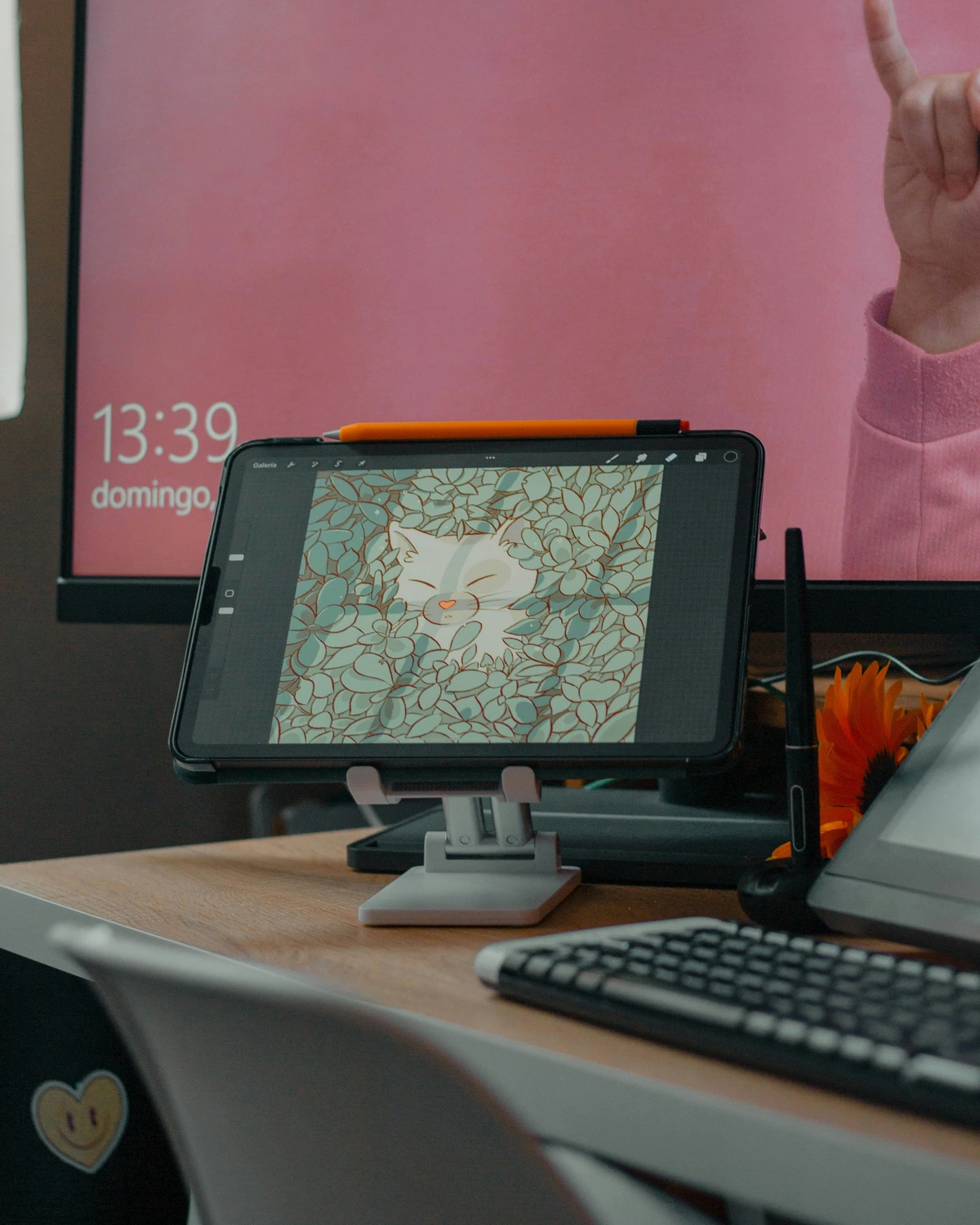
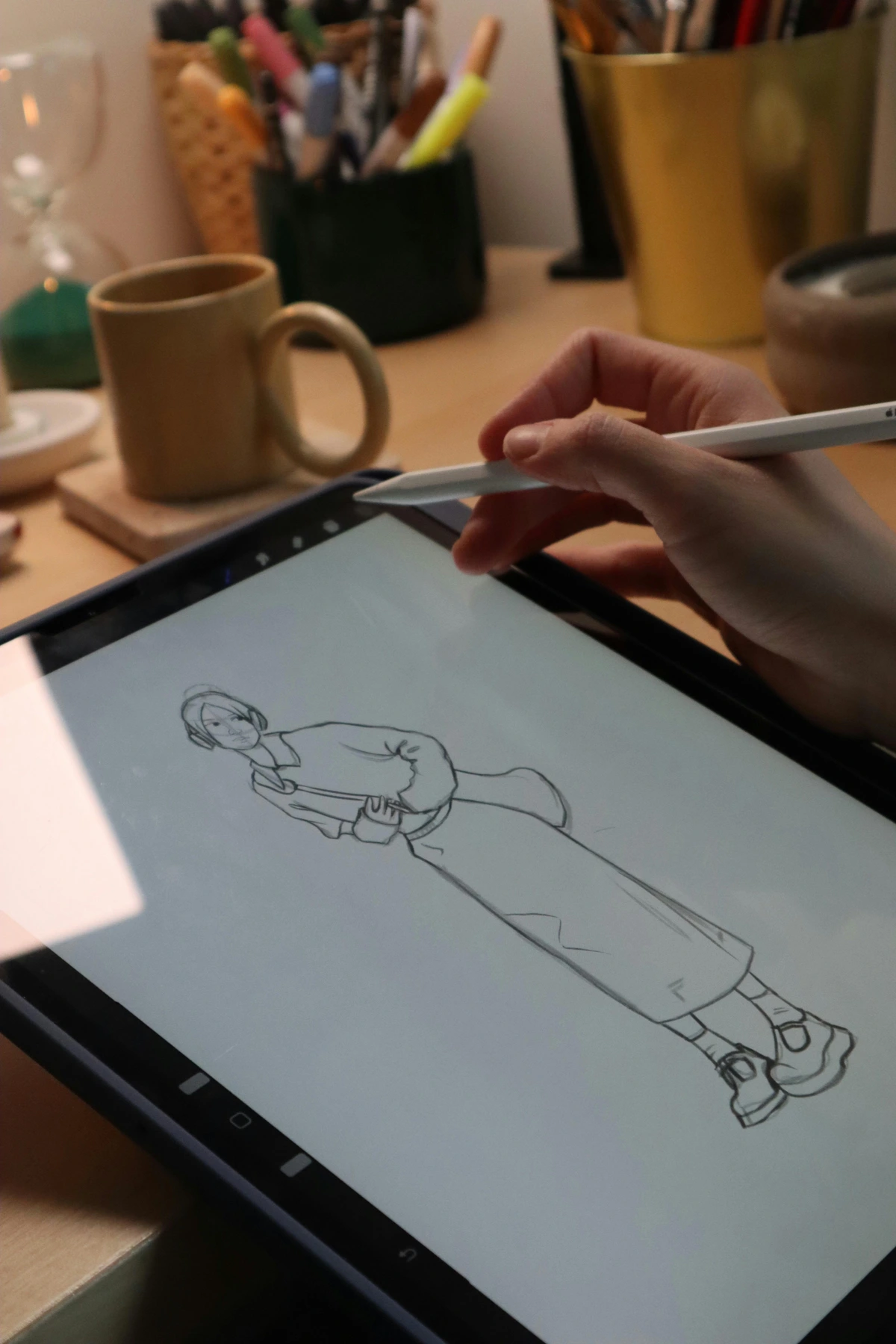
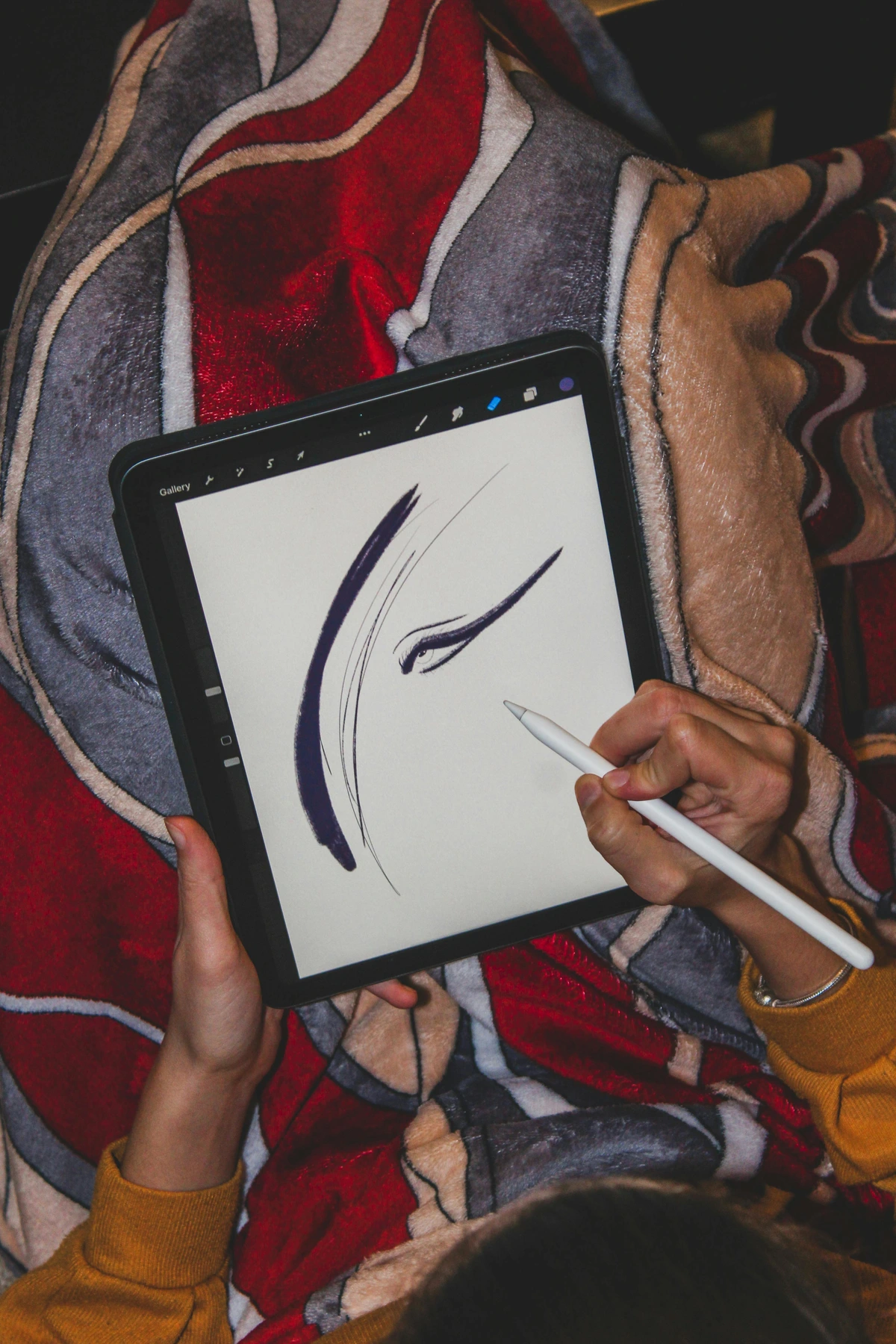
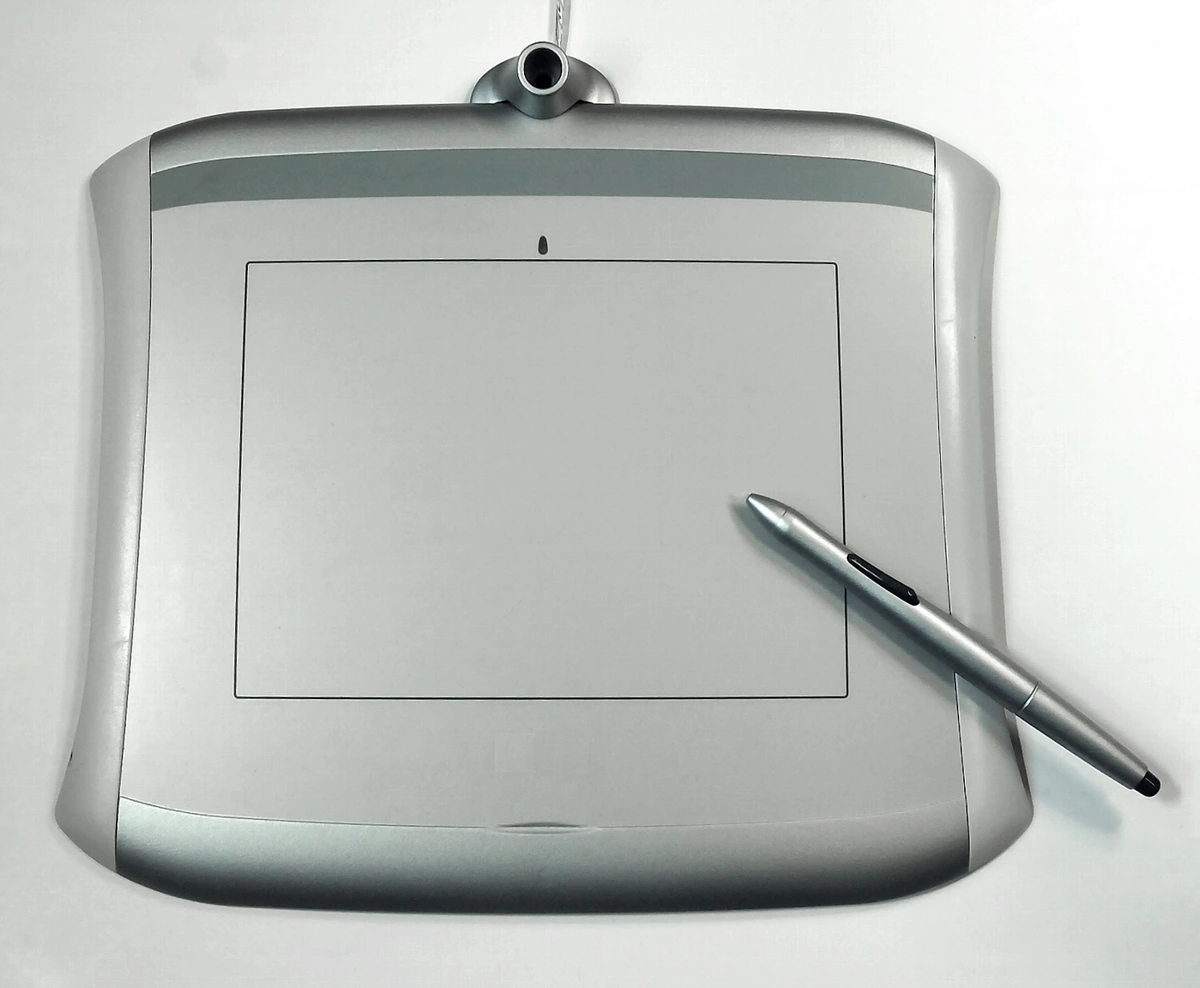
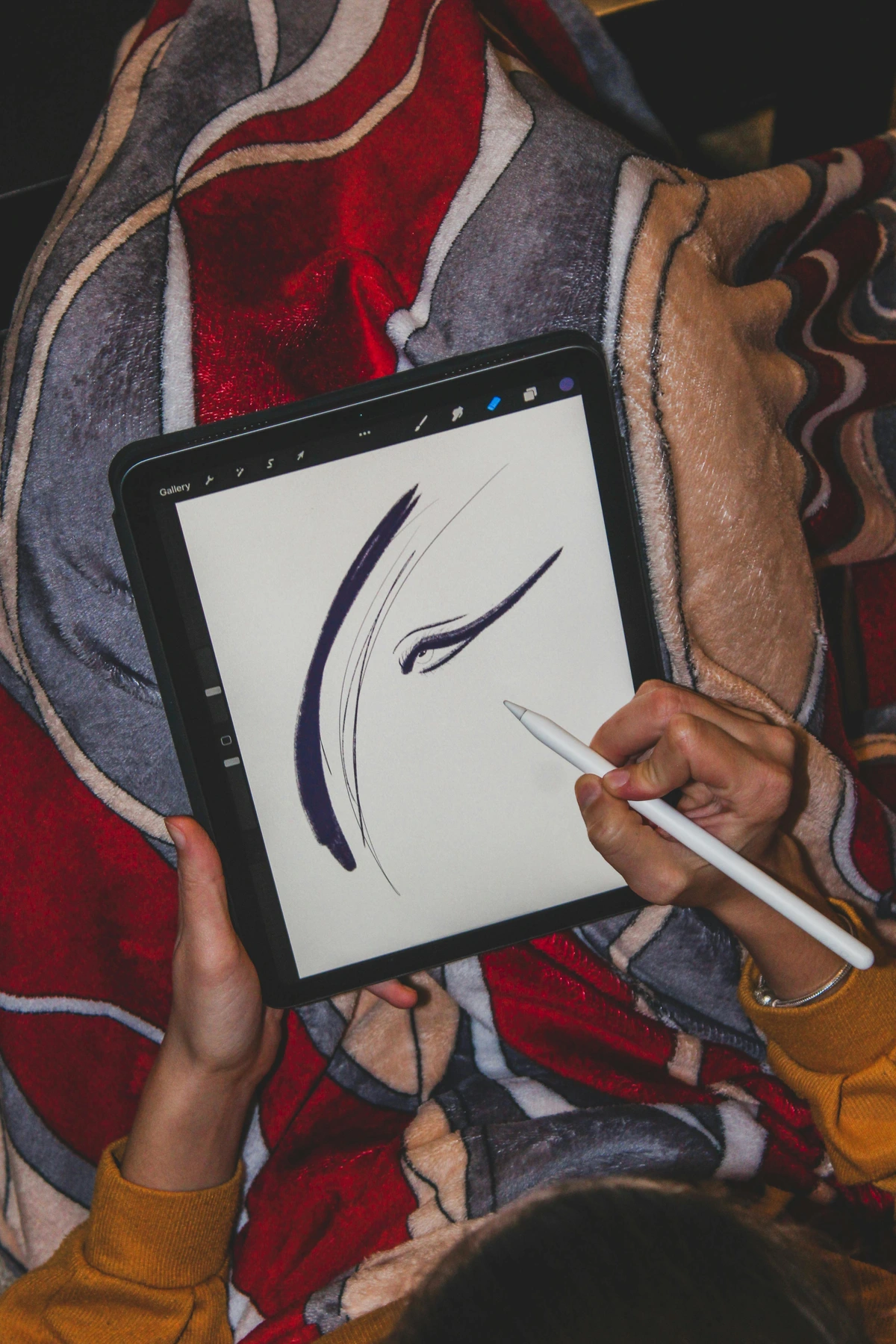
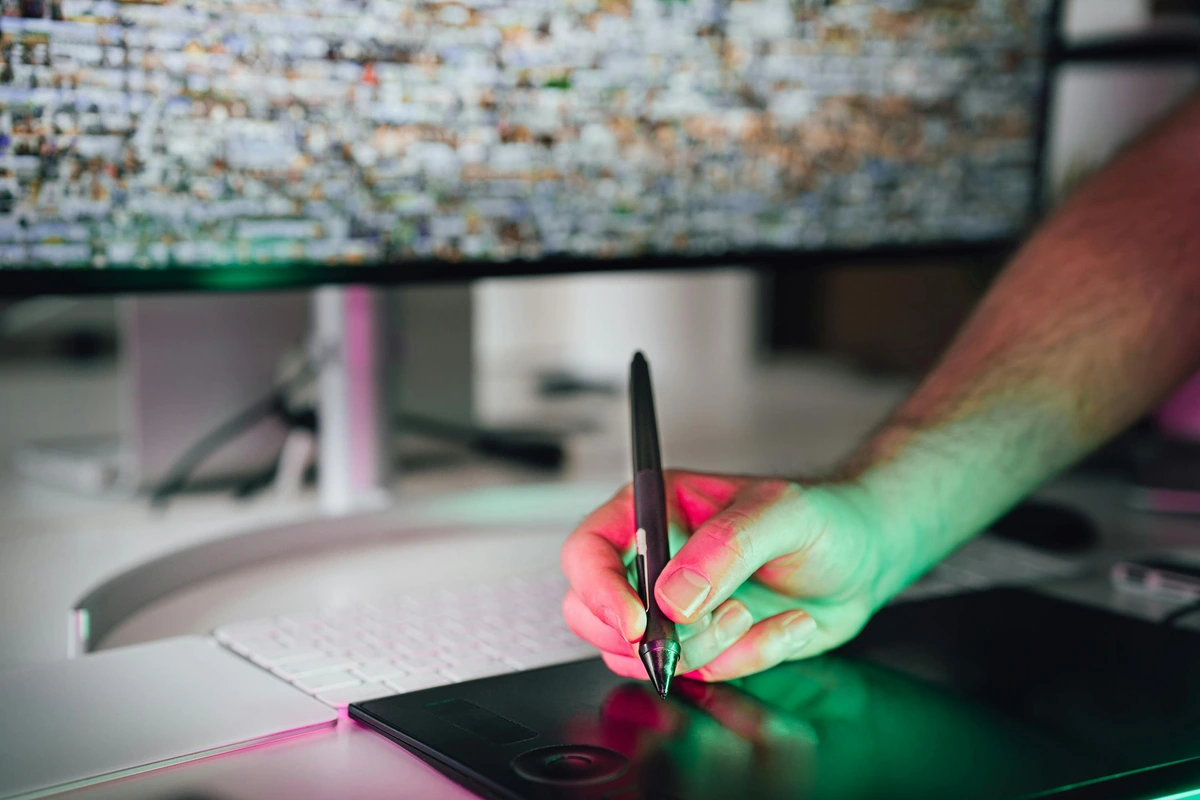
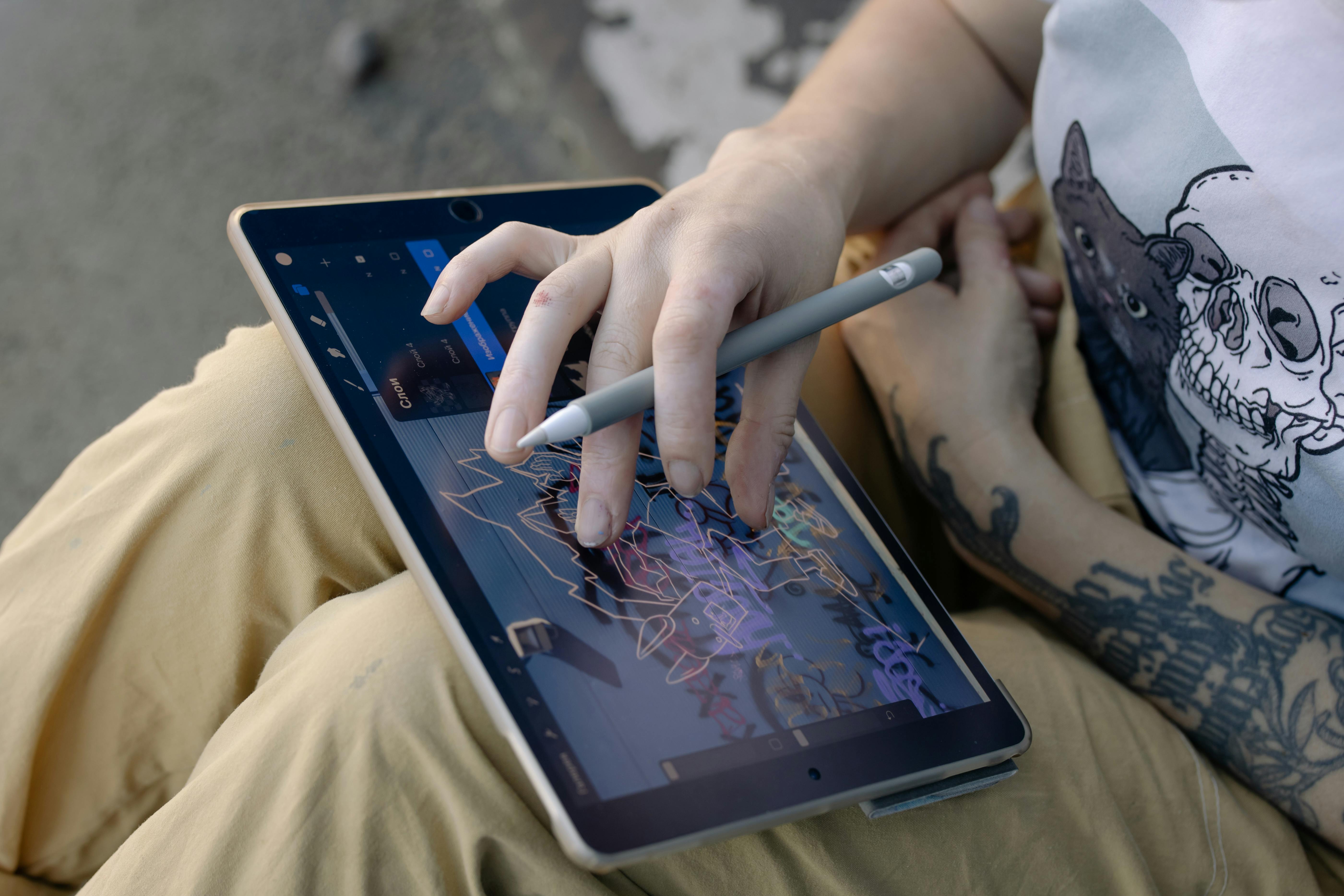
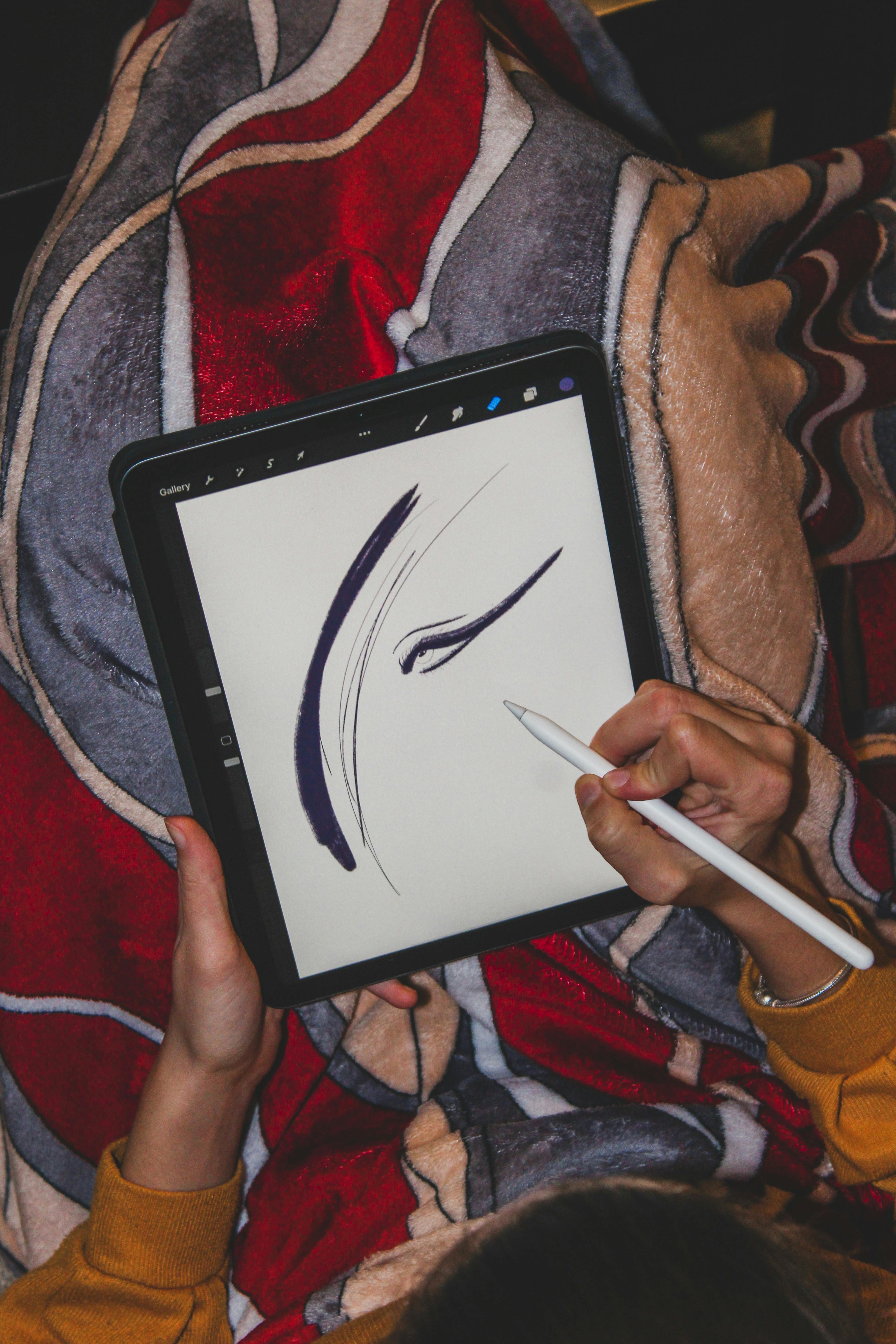
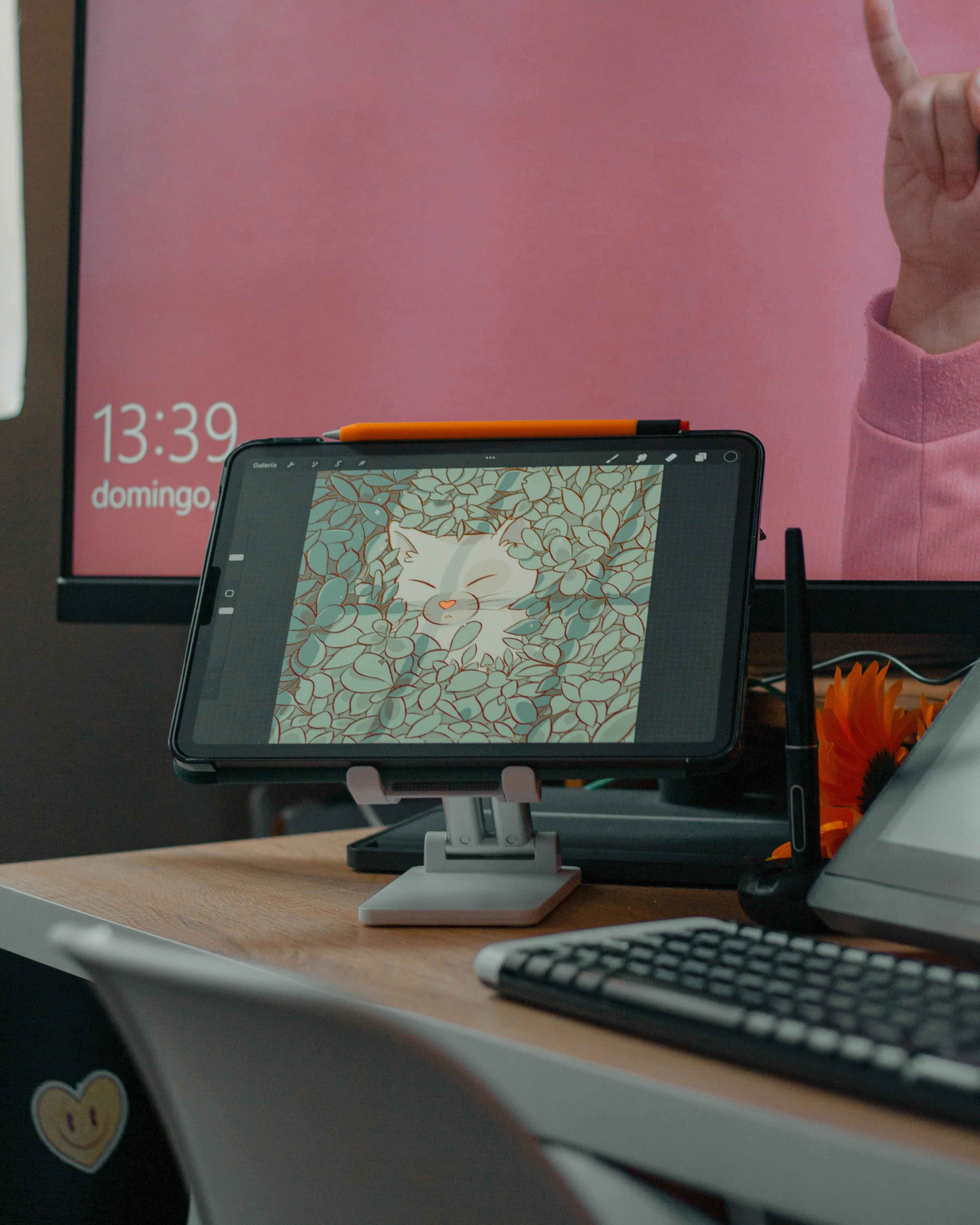
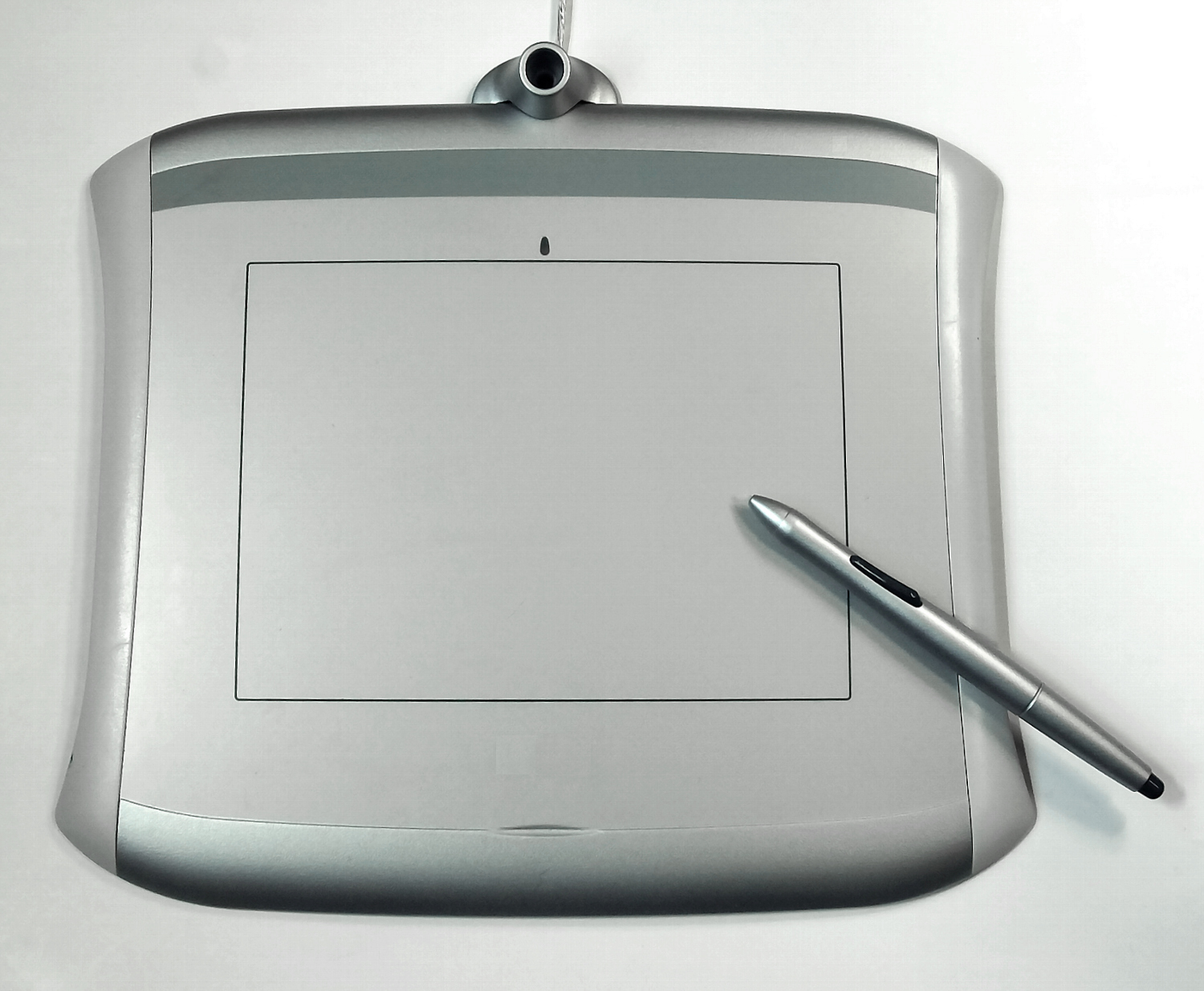
- Tablets vs. Computers: You can paint with a mouse, but it’s like drawing with bricks. A graphics tablet (Wacom, Huion) or drawing tablet (iPad, Surface) gives you pressure sensitivity – the harder you press, the darker your line. This nuance is crucial for organic work.
- Screen Quality: A vibrant, color-accurate display makes a difference. You don’t need studio perfection, but avoid cheap, washed-out screens if possible.
- Stylus Feel: This is surprisingly personal. Some prefer a textured pen that mimics pencil resistance, others like glass-smooth friction. Experiment if possible!
Your First Steps: Setting Up for Success
Don’t try to master everything at once. Here’s a practical launchpad:
- Choose ONE Core Tool: Pick Procreate, Photoshop, or Illustrator based on the dominant style you crave. Master its fundamentals.
- Learn the Core Concepts: Understand layers, brushes, and blending modes. These are universal in digital art. Spend a weekend just doodling with different layers and blend modes; see what magic emerges.
- Establish a Color Workflow: Learn to use Hue/Saturation/Brightness adjustments and gradient maps. These tools will transform your abstract work’s mood.
- Find Inspiration, Not Imitation: Explore digital artists on platforms like Behance or ArtStation. Ask: What techniques create that texture? How is that depth achieved? Then try to recreate parts, not the whole thing.
- Save Regularly & Back Up: Digital disasters happen. Autosave is good, but manual saves are better. Use cloud storage or an external drive. A crashed computer isn’t an end to your creation; it’s a bump in the road.
Common Pitfalls and How to Dodge Them
Even the most seasoned digital artists trip. Be aware of these:
- Digital Overload: It’s easy to pile on 50+ layers. Organize early! Name your layers descriptively ("Texture_Leaves_Background", "Shape_Cloud_Trapezoid") and group related layers. Future-you will thank present-you.
- The Brush Binge Trap: Downloading every free brush under the sun? Don’t! Master 5-10 core brushes first. Great art comes from how you use the brush, not how many you own.
- Perfection Paralysis: Endlessly tweaking a single pixel? Set a time limit. Hit the "Finish" button even if it’s not "perfect." Some of my strongest works came from embracing happy little mistakes.
- Ignoring Color Theory Basics: Digital tools make color easy, but they don’t understand harmony. Learn basic concepts like complementary colors and triadic palettes. Your work will instantly gain depth.
The Evolving Canvas: What’s Next?
Digital art tools are constantly evolving. We’re seeing incredible advancements in AI-assisted creation – think tools that suggest color palettes or even help generate base textures. There’s also exciting work in VR/AR art, creating immersive spatial experiences. While I remain cautiously optimistic about the artistic potential of these technologies (rather than just automated novelty), it’s undeniable they represent new frontiers. The key is to use them as extensions of your vision, not replacements for your voice.
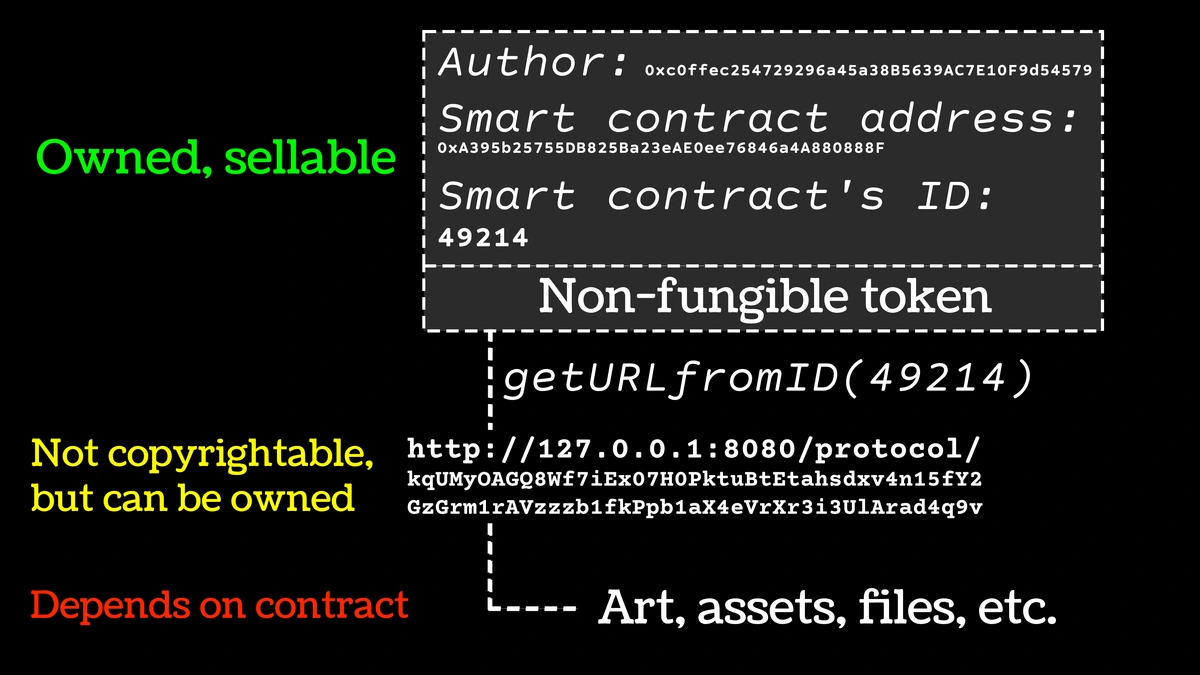
And yes, the elephant in the room: NFTs and blockchain. There’s a lot of noise here. I encourage artists to approach this space with eyes wide open. The technology for provenance and authenticity is intriguing, but the market volatility and environmental concerns are significant realities. My advice? Focus on making the art first. Explore new technologies from an artistic perspective, but be incredibly wary of hype. True value comes from the work itself, not how it’s packaged or traded digitally. Your creativity deserves to be the star.
Frequently Asked Questions (FAQ)
Q: Is digital art "real" art? Can it have the same value as physical art?
Absolutely. The medium doesn't diminish the creativity. A Rothko is a Rothko, whether paint on canvas or pixels on a screen. Value comes from the artist's vision, skill, and the emotional impact of the work. Abstract art, especially, transcends medium; it’s about color, form, and feeling. Many collectors now actively seek high-quality digital prints or unique digital installations.
Q: What’s better for a beginner: a tablet or a computer?
It depends on your budget and preferred workflow. An iPad with Procreate offers an incredibly intuitive, mobile start. A computer with Photoshop or Krita provides more keyboard shortcuts and potentially larger file handling. Don’t overthink it. Start simple. A cheap graphics tablet connected to your existing computer can unlock huge creative potential without breaking the bank.
Q: Can I sell physical prints of my digital art?
Absolutely! This is a huge advantage. High-quality digital files can be printed onto archival paper, canvas, metal, or acrylic. You retain control over edition sizes, quality, and pricing. Many artists create stunning physical editions from their digital source files, making their accessible abstract pieces tangible for collectors. The key is using reputable print-on-demand services or working closely with a professional print shop to ensure color accuracy.
Q: How do I achieve that specific textured, painterly look in digital art?
Texture is often the soul of abstract work. Here’s the secret: brush texture combined with paper/grain overlays. Most programs (Procreate, Photoshop) allow you to import custom brush textures scanned from real paper or canvas. Additionally, adding a subtle layer of photographic paper grain at low opacity can mimic that tactile physical quality. Experiment with layer blend modes like "Overlay" or "Multiply" with your texture layer. It’s all about layering digital analogies!
Q: Do I need a powerful computer for digital art?
For basic 2D painting and illustration, surprisingly no. Many powerful tools run well on mid-range laptops. Things get demanding with complex 3D scenes, very large raster files (say, 5000px+ square), or heavy video animation. Start with what you have. You can always upgrade later if your workflow grows intensive. RAM (8GB+ minimum recommended) is often more critical than raw processing power for most 2D digital art.
Your Creative Awaits
Digital art tools don't magically make you a better artist – but they fundamentally expand what you can do. They remove friction, unlock new possibilities for your abstract visions, and let you explore the boundaries of color, form, and texture with unprecedented freedom. They’re new brushes for the modern creative soul.
Remember, the software is just a vessel. Your unique perspective, your passion for color, your distinctive abstract ideas – that’s what creates the art that truly resonates. Start small, play fearlessly, embrace the learning curve (yes, it has ups and downs!), and let these tools become an extension of your creative identity. The digital canvas is vast and inviting; pick up your virtual brush and let the vibrant chaos begin.
If you're curious about how these digital tools translate into physical art forms you can experience firsthand, consider exploring my gallery in Den Bosch – sometimes the power of abstract color is best felt in person.
[den-bosch-museum]
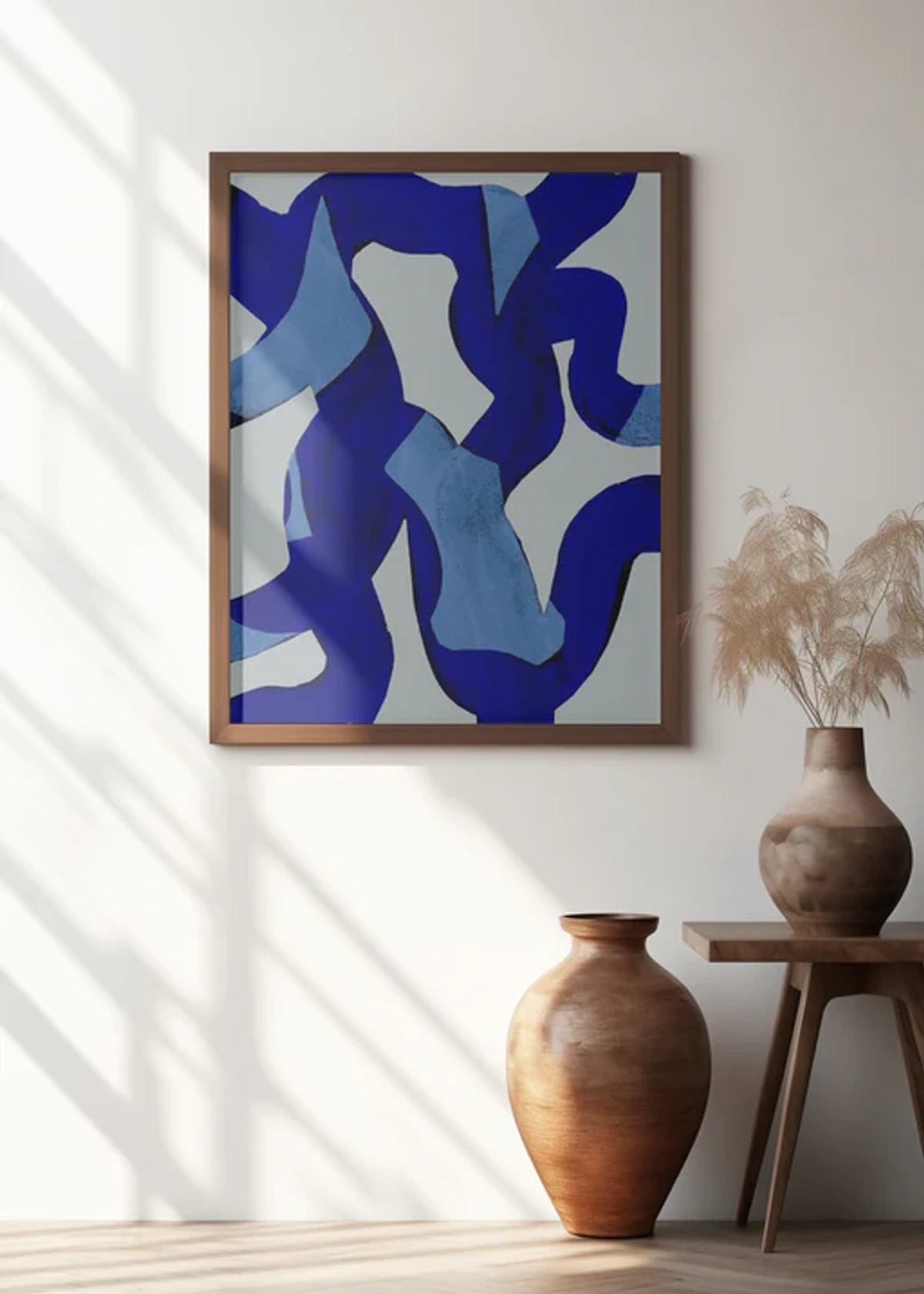





Or, if you're inspired to bring some vibrant energy into your space, my abstract originals and prints are available
[buy]
SEO Meta Title: Essential Digital Art Tools for Colorful Abstract Creators\nSEO Meta Description: Discover the must-have digital art tools and software used by contemporary artists to create vibrant abstract work. Our ultimate guide helps beginners choose the right platform.