Creating Digital Art: The Beginner's Vibrant Adventure
Your complete guide to digital art creation! Discover software, techniques, and step-by-step processes to transform your colorful ideas into stunning digital masterpieces—perfect for traditional artists transitioning online.

# Creating Digital Art: The Beginner's Vibrant Adventure I remember staring at my first [Wacom](/finder/page/apple-pencil-vs-wacom-tablet-for-digital-art) tablet, cursor twitching wildly on the screen like a confused firefly. "Am I even holding this right?" I muttered to my cat (who, naturally, ignored me). If you're feeling that same mix of excitement and intimidation diving into **[digital art](/finder/page/history-of-digital-art) creation**, you're not alone. This isn't about replacing your brushes with a magic wand—it’s about opening a new toolbox filled with infinite colors and undo buttons. Let's make your digital journey as joyful as finger painting, just without the sticky fingers. ## Why Even Bother with Digital Art? So you’ve nailed watercolor or acrylics. Why trade the texture of paper for a pixel-perfect universe? Ah, the seductive call of the **[digital realm](/finder/page/beyond-the-brush:-exploring-digital-tools-in-my-abstract-art-practice)**: 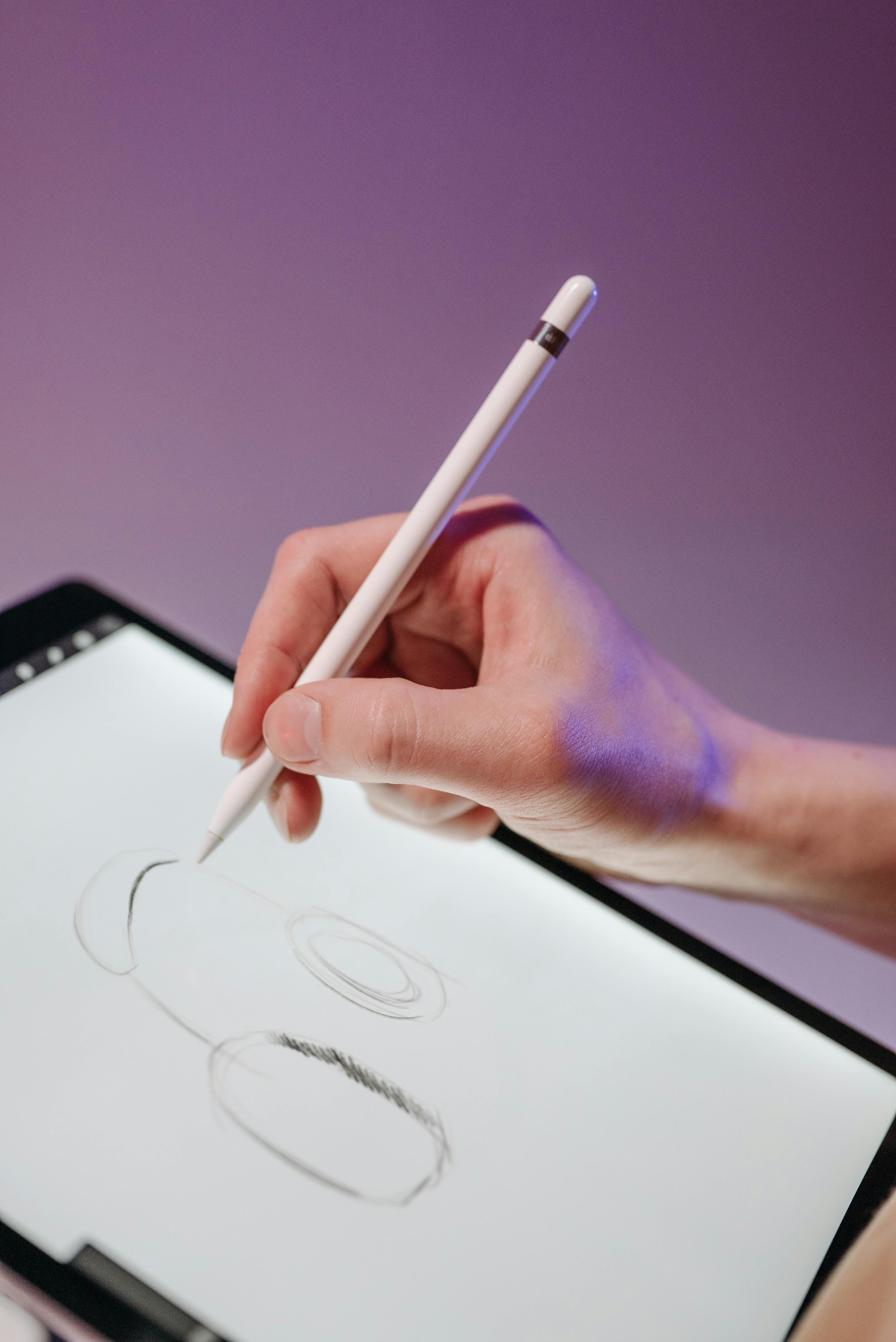 [credit](https://images.pexels.com/photos/8038337/pexels-photo-8038337.jpeg), [licence](https://creativecommons.org/public-domain/) - **Infinite undo freedom**: That one brushstroke that ruined your [entire painting](/finder/page/how-to-varnish-an-oil-painting-a-step-by-step-guide)? Gone. [Digital art](/finder/page/history-of-digital-art) forgives mistakes like patient, helpful friend. - **No supply chaos**: No more frantic searches for ‘that specific blue’ at 2 AM. Your colors live peacefully a click away. - **Global gallery potential**: When you feel ready, your creations can brighten screens everywhere—literally. [Share your journey in our museum](/den-bosch-museum) or explore our [timeline](/timeline) to see how [art](/finder/page/history-of-art-guide) evolves. - **Abstract experimentation**: Want to warp reality or melt colors like a [Dali](/finder/page/dali-melting-clocks-meaning-persistence-of-memory) dream? Digital tools let you break rules without breaking canvases. ## Tools of the Trade: Don’t Panic! Remember my fumbling tablet session? The fear evaporates once you recognize these don’t require a tech PhD:  [credit](https://www.publicdomainpictures.net/pictures/460000/nahled/copyright-symbol-2.png), [licence](https://creativecommons.org/publicdomain/zero/1.0/) ### Essential Software: Your New Digital Studio ## Digital Art Styles: Finding Your Niche The [digital art](/finder/page/history-of-digital-art) world encompasses countless styles and approaches. Here's a guide to different [digital art](/finder/page/history-of-digital-art) styles to help you find what resonates with you: ### Realistic Digital Art **Characteristics**: Photorealistic rendering, attention to detail, accurate proportions **Tools**: Photoshop, Corel Painter, ZBrush (for 3D) **Techniques**: Layer-based painting, photobashing, texture mapping **Best For**: Portraits, still life, fantasy realism ### Cartoon/Anime Style **Characteristics**: Exaggerated features, bold lines, expressive colors **Tools**: Clip Studio Paint, Procreate, Toon Boom Harmony **Techniques**: Cel shading, line [art](/finder/page/history-of-art-guide) emphasis, limited color palettes **Best For**: Character design, comic books, animated content ### Abstract Digital Art **Characteristics**: Non-representational, focus on form and color, emotional expression **Tools**: Krita, Adobe Fresco, Procreate **Techniques**: Texture blending, geometric shapes, experimental brushes **Best For**: Emotional expression, [decorative art](/finder/page/the-precipice-between-craft-and-fine-art), experimental work ### Vector Art **Characteristics**: Clean lines, scalable graphics, mathematical precision **Tools**: Adobe Illustrator, Inkscape, Affinity Designer **Techniques**: Bézier curves, shape building, color gradients **Best For**: Logos, illustrations, scalable graphics ### Digital Painting **Characteristics**: Traditional painting techniques adapted digitally, brush strokes visible **Tools**: Corel Painter, Procreate, Photoshop **Techniques**: Brush blending, texture application, layer management **Best For**: Fine [art](/finder/page/history-of-art-guide) reproduction, expressive illustration ### 3D Digital Art **Characteristics**: Three-dimensional depth, realistic lighting, modeling and rendering **Tools**: Blender, Maya, Cinema 4D, ZBrush **Techniques**: Modeling, texturing, lighting, rendering **Best For**: Product visualization, character design, architectural visualization ### Pixel Art **Characteristics**: Retro aesthetic, limited color palette, deliberate pixel placement **Tools**: Aseprite, Piskel, GraphicsGale **Techniques**: Pixel-by-pixel placement, dithering, limited color optimization **Best For**: Retro games, icons, nostalgic illustrations ### Digital Illustration n **Characteristics**: Narrative-driven, commercial applications, varied techniques **Tools**: Adobe Illustrator, Procreate, Affinity Designer **Techniques**: Mixed media, vector/raster combination, style consistency **Best For**: Book illustrations, editorial work, advertising ### Concept Art **Characteristics**: Design-focused, world-building, preparatory for other media **Tools**: Photoshop, Clip Studio Paint, Procreate **Techniques**: Speed painting, thumbnailing, design iteration **Best For**: Game design, film pre-production, character design ### Mixed Media Digital Art **Characteristics**: Combination of digital and traditional techniques **Tools**: Any digital software + traditional elements **Techniques**: Scanning physical elements, digital manipulation of photos **Best For**: Unique [artistic expression](/finder/page/the-history-of-acrylic-painting-from-industrial-innovation-to-artistic-medium), bridging traditional and digital | Software Type | Beginners’ Choice | Why It Shines | Key Feature | |---------------|------------------|---------------|-------------| | **Painting** | Krita (free) | Feels like familiar brushes | Natural simulation of watercolor, ink | | **Professional** | Adobe Photoshop | Industry standard for a reason | Layer control for complex projects | | **Simpler Illustration** | Procreate (iPad) | Mobile-friendly magic | Instant [color](/finder/page/who-is-josef-alber-interaction-of-color) palettes with [Apple Pencil](/finder/page/apple-pencil-review-for-artists) | | **Vector Precision** | Inkscape (free) | Crisp lines forever | Edit lines without quality loss | 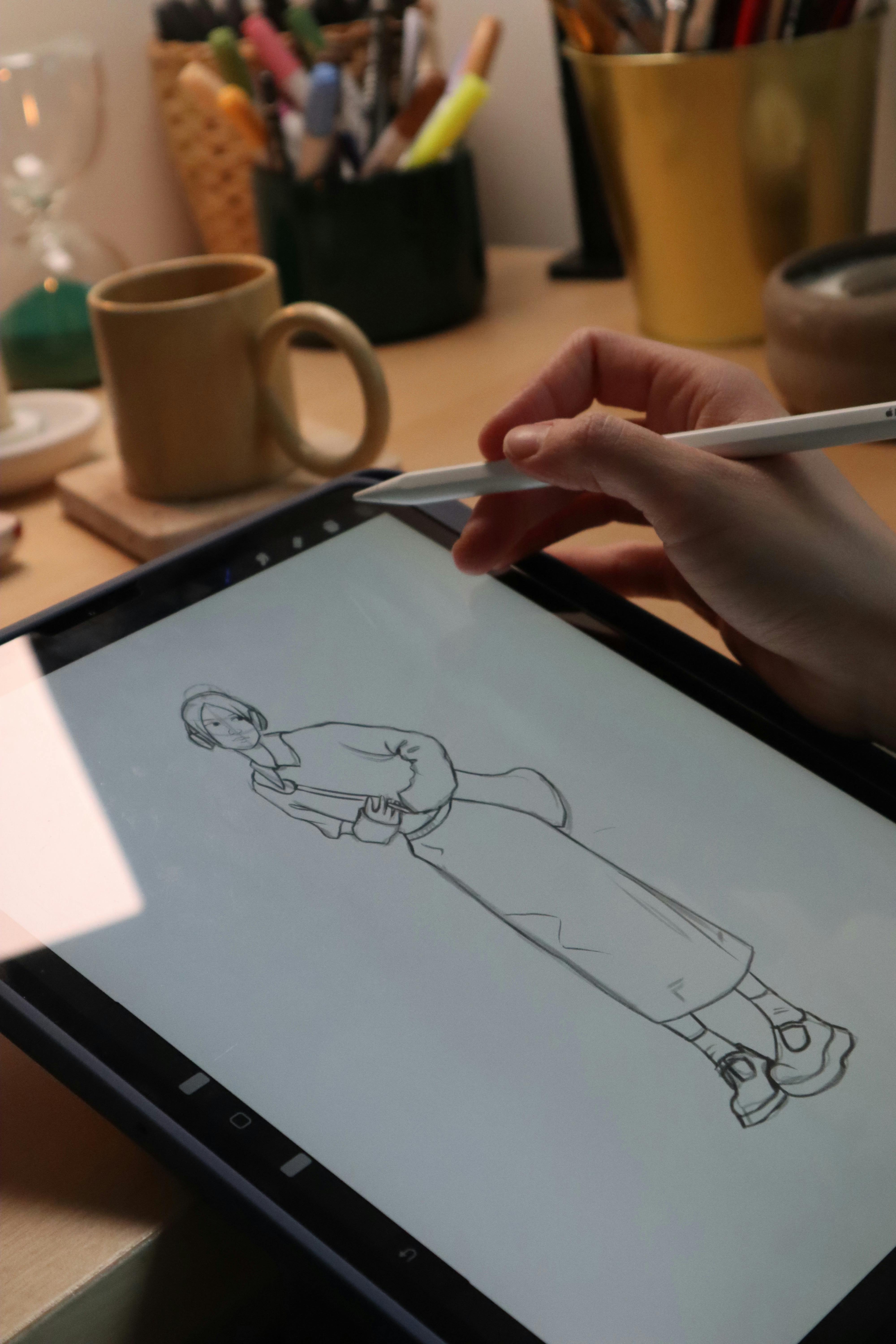 [credit](https://images.pexels.com/photos/30693625/pexels-photo-30693625/free-photo-of-digital-sketching-on-tablet-at-cozy-workspace.jpeg), [licence](https://creativecommons.org/public-domain/) ### Digital Art Copyright and Licensing Basics Understanding copyright and licensing is essential for protecting your work and using others' [art](/finder/page/history-of-art-guide) responsibly:  [credit](https://images.pexels.com/photos/7117274/pexels-photo-7117274.jpeg), [licence](https://creativecommons.org/public-domain/) - **Automatic Copyright**: Your art is copyrighted the moment you create it. You don't need to register it, though registration provides additional legal protection. - **Creative Commons**: Consider using CC licenses to specify how others can use your work (e.g., CC BY allows attribution-required sharing). - **Fair Use**: Using small portions of copyrighted work for commentary, criticism, or education may qualify as fair use, but it's legally complex. - **Public Domain**: Works with expired copyright or dedicated to the public domain can be used freely. - **Royalty-Free vs Rights-Managed**: Royalty-free means pay once, use many times. Rights-managed means specific usage rights for specific fees. **Always read the terms of service** for any platform where you share your art, as they may claim certain rights to your work. *Table: Choosing your first [digital art](/finder/page/history-of-digital-art) software* – Start simple! Free tools like Krita let you experiment before investing. I still use it for quick sketches when my brain’s feeling extra rebellious against fancy software. ### Hardware: What You *Actually* Need ## Digital Art Hardware Comparison Guide | Hardware Category | Budget Option | Mid-Range Option | Professional Option | |-------------------|---------------|------------------|---------------------| | **Tablet** | $30-50 basic Wacom | $100-200 Wacom Intuos | $500-1000 Wacom Cintiq | | **Stylus** | Basic included stylus | [Apple Pencil](/finder/page/apple-pencil-review-for-artists) ($100) | Premium pressure-sensitive pen | | **[Display](/finder/page/how-to-display-art-architectural-features)** | Laptop screen | $200-400 drawing monitor | $1000+ high-end [display](/finder/page/how-to-display-art-architectural-features) | | **Computer** | Basic laptop | Mid-range PC/Mac | High-end workstation | | **Storage** | Free cloud storage | 500GB external drive | 2TB+ SSD + cloud backup | ### Tablet Types Explained #### Graphics Tablets **How They Work**: Connected to computer, you draw on tablet surface, image appears on monitor **Pros**: Affordable, portable, natural drawing feel **Cons**: Requires looking away from drawing surface **Best For**: Beginners, budget-conscious artists, portable setups **Popular Models**: - **Wacom Intuos**: Entry-level, reliable, widely compatible - **Huion Kamvas**: Affordable alternatives to Wacom - **XP-Pen**: Good value with pressure sensitivity #### Display Tablets **How They Work**: Screen acts as drawing surface, draw directly on [display](/finder/page/how-to-display-art-architectural-features) **Pros**: Direct drawing experience, accurate colors **Cons**: More expensive, can cause hand fatigue **Best For**: Professional artists, those who prefer direct drawing **Popular Models**: - **Wacom Cintiq**: Industry standard, excellent quality - **Huion Kamvas**: More affordable Cintiq alternatives - **XP-Pen Artist**: Good balance of price and features #### iPad and Tablet Options **How They Work**: Standalone devices with touchscreens and stylus support **Pros**: Portable, good battery life, app ecosystem **Cons**: Limited software compared to desktop **Best For**: Mobile artists, hobbyists, illustration-focused work **Popular Models**: - **iPad Pro**: High-end performance with Apple Pencil - **iPad Air**: Good balance of price and performance - **Samsung Galaxy Tab**: Android alternative with S Pen ### Computer Requirements for Digital Art #### Minimum Requirements - **CPU**: Intel i5 or AMD Ryzen 5 equivalent - **RAM**: 8GB minimum, 16GB recommended - **Storage**: 256GB SSD, 500GB+ recommended - **Graphics**: Integrated graphics for basic work - **[Display](/finder/page/how-to-display-art-architectural-features)**: 1080p minimum, 1440p preferred #### Recommended Requirements - **CPU**: Intel i7 or AMD Ryzen 7 equivalent - **RAM**: 32GB for serious work - **Storage**: 1TB SSD + additional storage - **Graphics**: Dedicated GPU (NVIDIA GTX 1660 or equivalent) - **Display**: 4K for detailed work, good color accuracy #### Professional Requirements - **CPU**: Intel i9 or AMD Ryzen 9 - **RAM**: 64GB for 3D work, large files - **Storage**: 2TB NVMe SSD + backup systems - **Graphics**: Professional GPU (NVIDIA RTX series) - **Display**: 4K+ professional monitors with calibration ### Essential Digital Art Accessories #### Ergonomic Setup - **Drawing Stand**: Elevates tablet to eye level - **Comfortable Chair**: Proper support for long sessions - **Desk Organization**: Cable management, proper lighting - **Wrist Rest**: Reduces strain during long drawing sessions #### Cleaning and Maintenance - **Screen Cleaner**: Safe for displays and tablets - **Stylus Tips**: Replacement tips for worn-out nibs - **Tablet Mat**: Provides better drawing surface - **Cable Management**: Keeps workspace organized and safe #### Backup Solutions - **External Hard Drive**: Local backup of important files - **Cloud Storage**: Automatic backup and access anywhere - **NAS System**: Network-attached storage for multiple computers - **USB Drives**: Portable backup for on-the-go needs 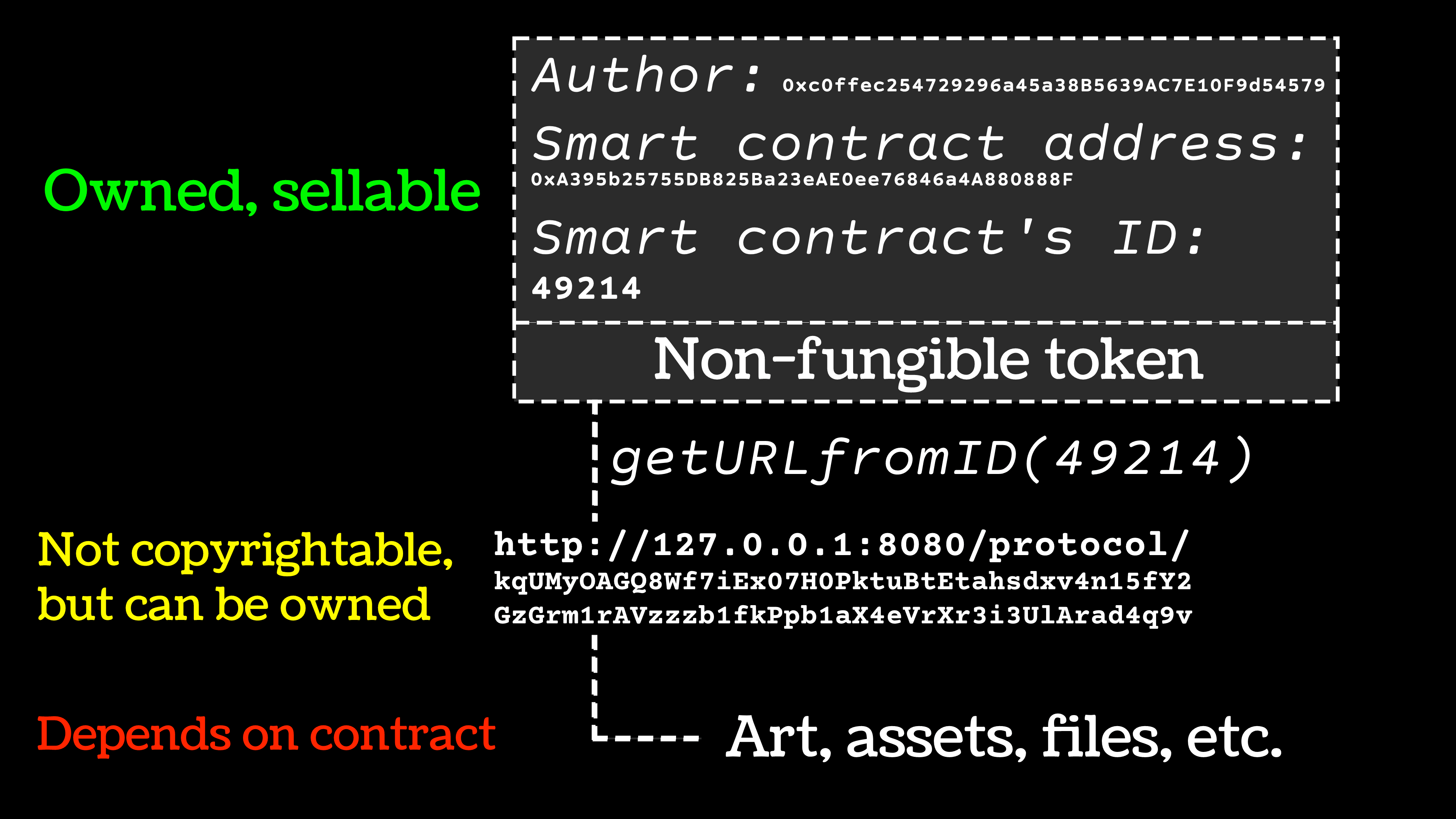 [credit](https://upload.wikimedia.org/wikipedia/commons/7/78/NFT_ownership_diagram.png), [licence](http://creativecommons.org/publicdomain/zero/1.0/deed.en) credit, licence Contrary to what “tech gurus” claim, you *don’t* need a $5,000 setup. Here’s the bare-minimum truth: - **Stylus + Tablet**: Even a basic [Wacom](/finder/page/apple-pencil-vs-wacom-tablet-for-digital-art) ($70) or iPad ($200+) works. My first tablet? A $30 bamboo model that lasted three years! - **Comfort First**: Carpal tunnel is the villain here. Use a stylus with pen tilt support and take hourly stretch breaks. Your future self will thank you. - **Computer Power**: If editing massive files or using 3D tools, ensure your RAM isn’t constantly weeping. Most entry-level software runs on decade-old laptops though. Just like a painter needs a brush but not a marble studio, digital artists need access, not perfection. 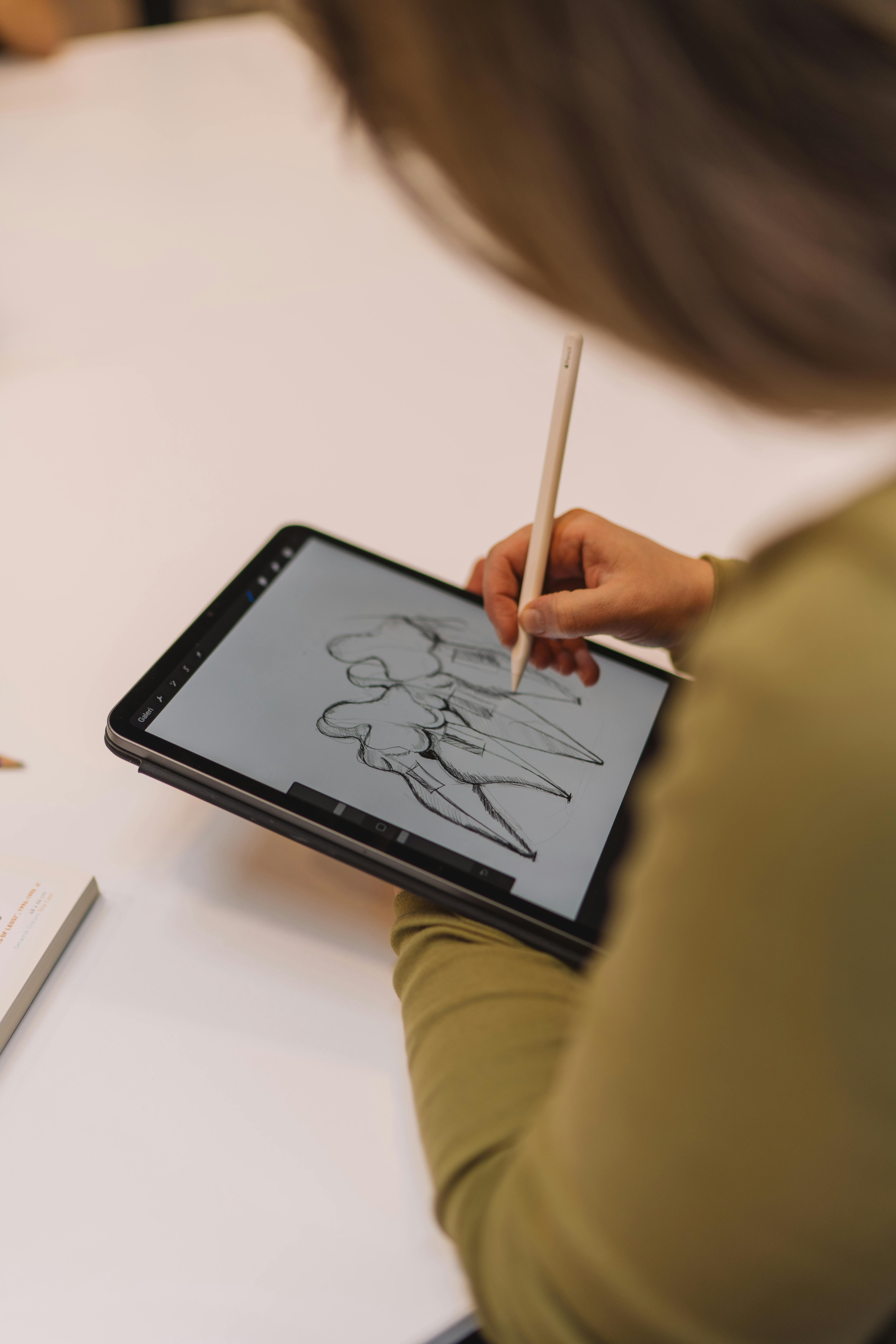 [credit](https://images.pexels.com/photos/20515573/pexels-photo-20515573/free-photo-of-woman-sketching-in-drawing-tablet.jpeg), [licence](https://creativecommons.org/public-domain/) ## Your First Digital Painting: Step-by-Step Playbook ## Digital Art Tools and Techniques Deep Dive ### Advanced Brush Techniques Beyond basic brush strokes, digital artists use advanced techniques to create stunning effects: #### Brush Dynamics and Controls Most [digital art](/finder/page/history-of-digital-art) software offers sophisticated brush controls: 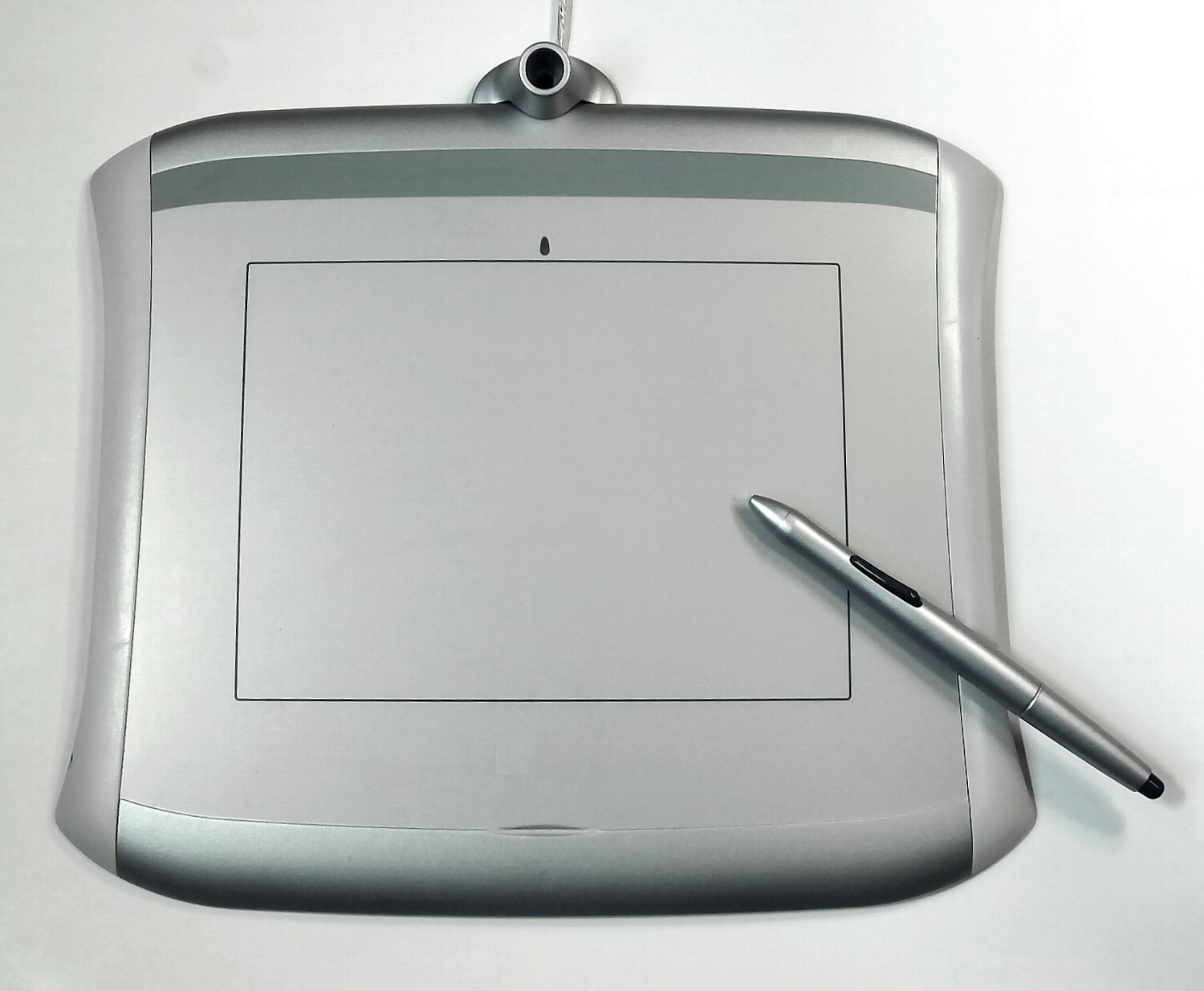 [credit](https://upload.wikimedia.org/wikipedia/commons/3/3b/Pen_Tablet.jpg), [licence](http://creativecommons.org/licenses/by-sa/3.0/) - **Opacity/Flow**: Control how transparent your brush strokes are - **Pressure Sensitivity**: Vary brush size, opacity, or color based on stylus pressure - **Tilt Sensitivity**: Change brush characteristics based on stylus angle - **Rotation**: Control brush rotation for natural strokes - **Smoothing**: Reduce hand tremors for smoother lines - **Texture Integration**: Apply real-world textures to digital brushes #### Custom Brush Creation Create brushes that match your unique style: 1. **Base Shape**: Start with a basic brush shape (round, square, custom) 2. **Texture**: Add image textures for organic effects 3. **Dynamics**: Set how the brush responds to pressure, speed, and tilt 4. **Scattering**: Create spray or particle effects 5. **Dual Brush**: Combine two brush textures for complex effects 6. **Color Dynamics**: Vary color, saturation, and brightness ### Color Theory for Digital Artists Understanding color theory transforms your [digital art](/finder/page/history-of-digital-art):  [credit](https://images.pexels.com/photos/12863738/pexels-photo-12863738.jpeg), [licence](https://creativecommons.org/public-domain/) #### The Color Wheel and Relationships - **Primary Colors**: Red, Yellow, Blue (traditional) / Red, Green, Blue (digital) - **Secondary Colors**: Orange, Green, Purple (traditional) / Cyan, Magenta, Yellow (digital) - **Tertiary Colors**: Mix of primary and secondary colors - **Complementary Colors**: Opposite on the [color wheel](/finder/page/what-is-a-color-wheel-how-to-use-it) (high contrast) - **Analogous Colors**: Adjacent on the [color wheel](/finder/page/what-is-a-color-wheel-how-to-use-it) (harmonious) - **Triadic Colors**: Three evenly spaced colors (balanced) - **Monochromatic**: Variations of a single color #### Digital Color Psychology Colors evoke specific emotions and associations: | Color | Psychological Impact | Best Uses | |-------|---------------------|-----------| | **Red** | Energy, passion, urgency | Calls to action, dramatic scenes | | **Blue** | Calm, trust, professionalism | Corporate art, peaceful scenes | | **Green** | Growth, nature, health | Environmental themes, healing art | | **Yellow** | Happiness, optimism, attention | Cheerful designs, highlighting | | **Purple** | Luxury, creativity, mystery | Fantasy art, premium branding | | **Orange** | Enthusiasm, creativity, warmth | Playful designs, energetic scenes | | **Black** | Power, sophistication, elegance | Luxury branding, dramatic contrast | | **White** | Purity, simplicity, space | Minimalist design, breathing room | ### Composition Principles for Digital Art Great digital art follows composition principles: #### Rule of Thirds Divide your canvas into nine equal sections. Place important elements along the lines or at their intersections for more dynamic compositions. 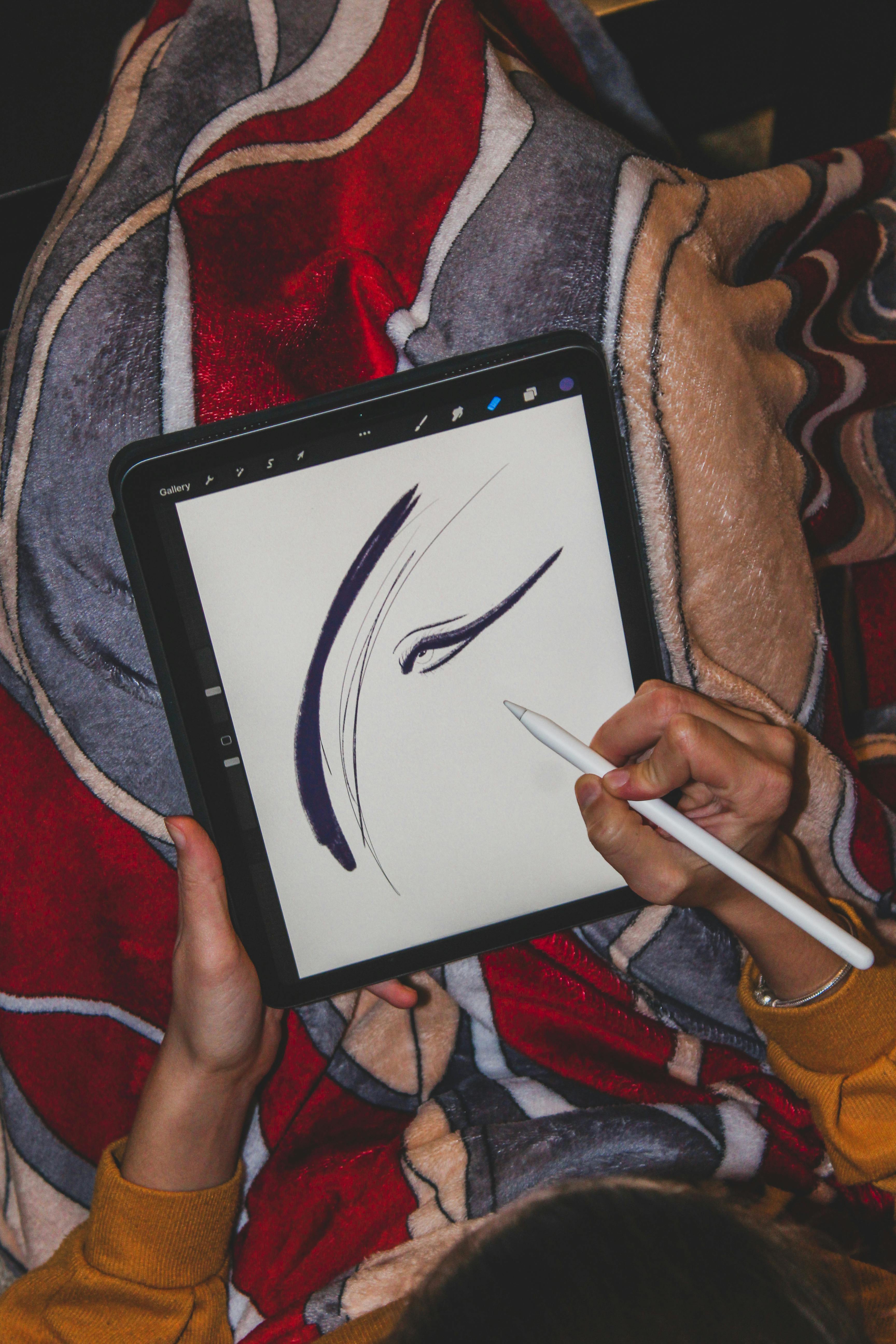 [credit](https://images.pexels.com/photos/11977112/pexels-photo-11977112.jpeg), [licence](https://creativecommons.org/public-domain/) #### Leading Lines Use lines, shapes, or objects to guide the viewer's eye through your artwork. #### Balance and Symmetry n Create visual equilibrium through symmetrical, asymmetrical, or radial balance. #### Contrast and Emphasis n Create focal points through contrast in color, size, value, or texture. ### Lighting and Shadow Techniques n Lighting makes digital art feel three-dimensional: #### Basic Lighting Setup - **Key Light**: Primary light source, creates main highlights and shadows - **Fill Light**: Secondary light, reduces shadows and adds detail - **Rim Light**: Backlight, separates subject from background - **Ambient Light**: General environmental lighting #### Digital Lighting Effects - **Global Illumination**: Simulates how light bounces in environments - **Subsurface Scattering**: Creates realistic skin and translucent materials - **Caustics**: Light patterns created by reflection/refraction - **Volumetric Lighting**: Light visible through atmospheric effects - **Emissive Materials**: Objects that produce their own light Let’s demystify the process. Think of this as “finger painting for grown-ups with more buttons.” 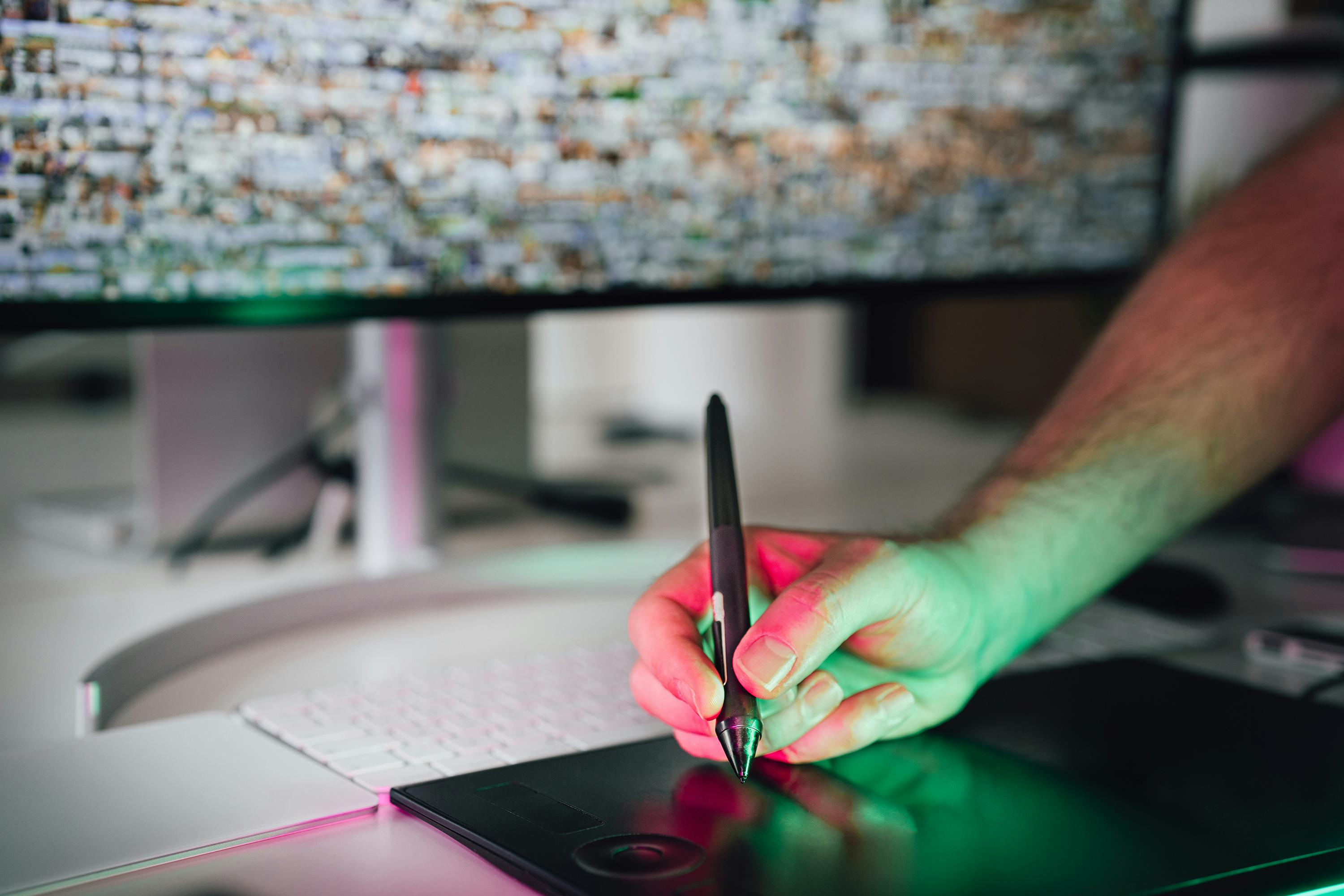 [credit](https://images.pexels.com/photos/20456575/pexels-photo-20456575.jpeg?cs=srgb&dl=pexels-jakubzerdzicki-20456575.jpg&fm=jpg), [licence](https://creativecommons.org/public-domain/) ### Understanding Digital Art File Formats When working with digital art, understanding file formats is crucial for both quality and practicality. Here's a quick guide to the most common formats: | Format | Best Use | Quality | File Size | Transparency | |--------|----------|---------|-----------|--------------| | **PSD/SAI/CSP** | Working files | Excellent | Large | Yes | | **TIFF** | Print work | Excellent | Very Large | Yes | | **PNG** | Web graphics, transparent backgrounds | Excellent | Medium | Yes | | **JPG** | Photos, web images | Good | Small | No | | **GIF** | Animated images, simple graphics | Fair | Small | Yes | | **SVG** | Vector graphics, logos | Excellent | Very Small | Yes | 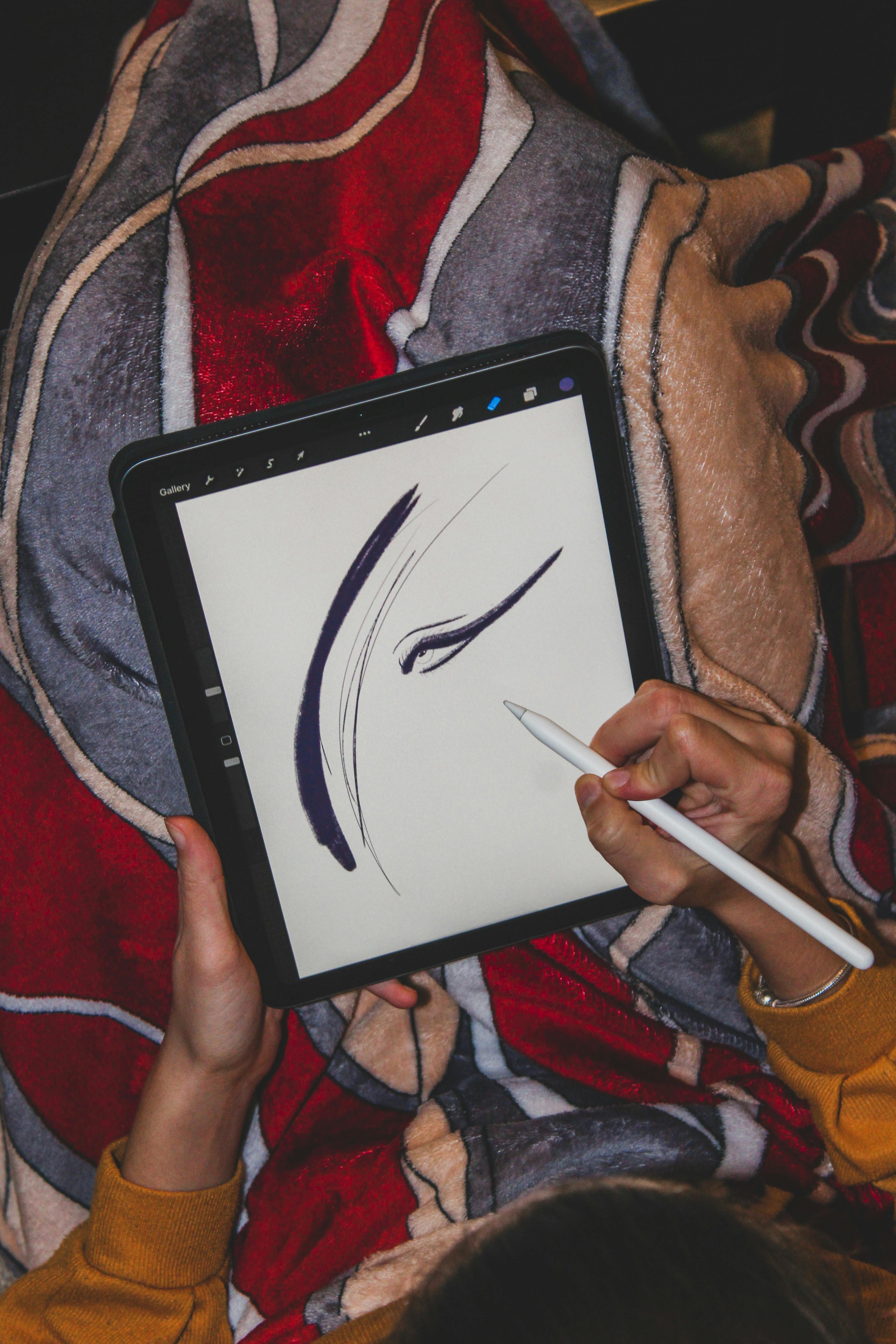 [credit](https://images.pexels.com/photos/11977112/pexels-photo-11977112.jpeg), [licence](https://creativecommons.org/public-domain/) **Pro Tip**: Always keep your original layered files! Export different versions for specific uses, but never work directly from compressed formats like JPG. ### Phase 1: Sketching Without Fear "But I can’t draw!" you might cry. *Perfect!* Digital art thrives on happy accidents: 1. **Start loose**: Set opacity to 10-20% and sketch shapes like you’re playing with Play-Doh. No details yet. Just blobs and squiggles. 2. **Reference liberally**: Google anything! Want a horse jumping? Study horse legs. Reference is theft, but it’s the best kind. 3. **New layer habit**: Sketch on Layer 1, refine on Layer 2. This lets you nuke the sketch later without harming your progress. ### Phase 2: Adding Color Like a Pro (or a Glorious Novice) 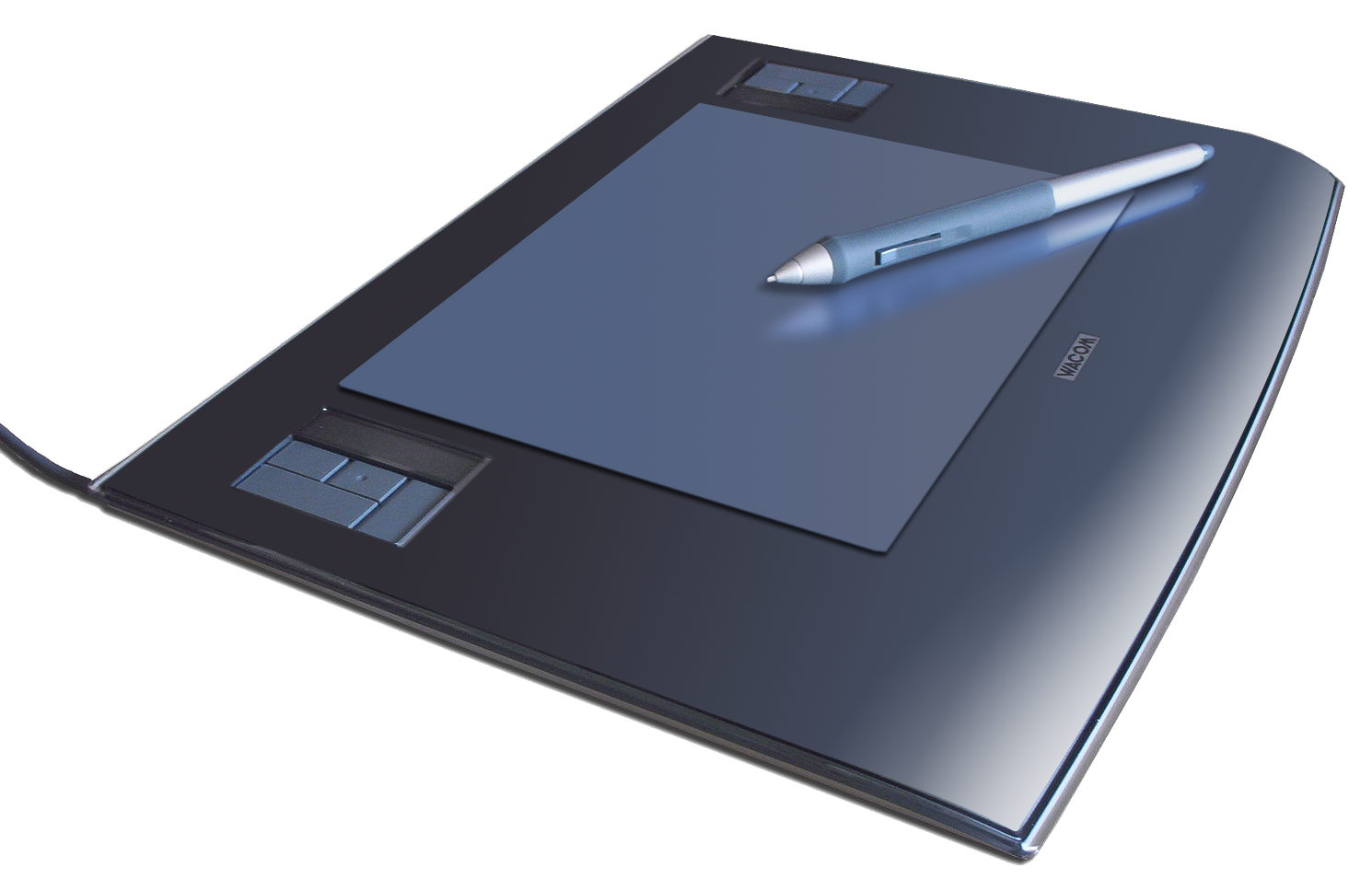 [credit](https://upload.wikimedia.org/wikipedia/commons/d/d4/Wacom_graphics_tablet_and_pen.png), [licence](https://creativecommons.org/licenses/by-sa/3.0) credit, licence 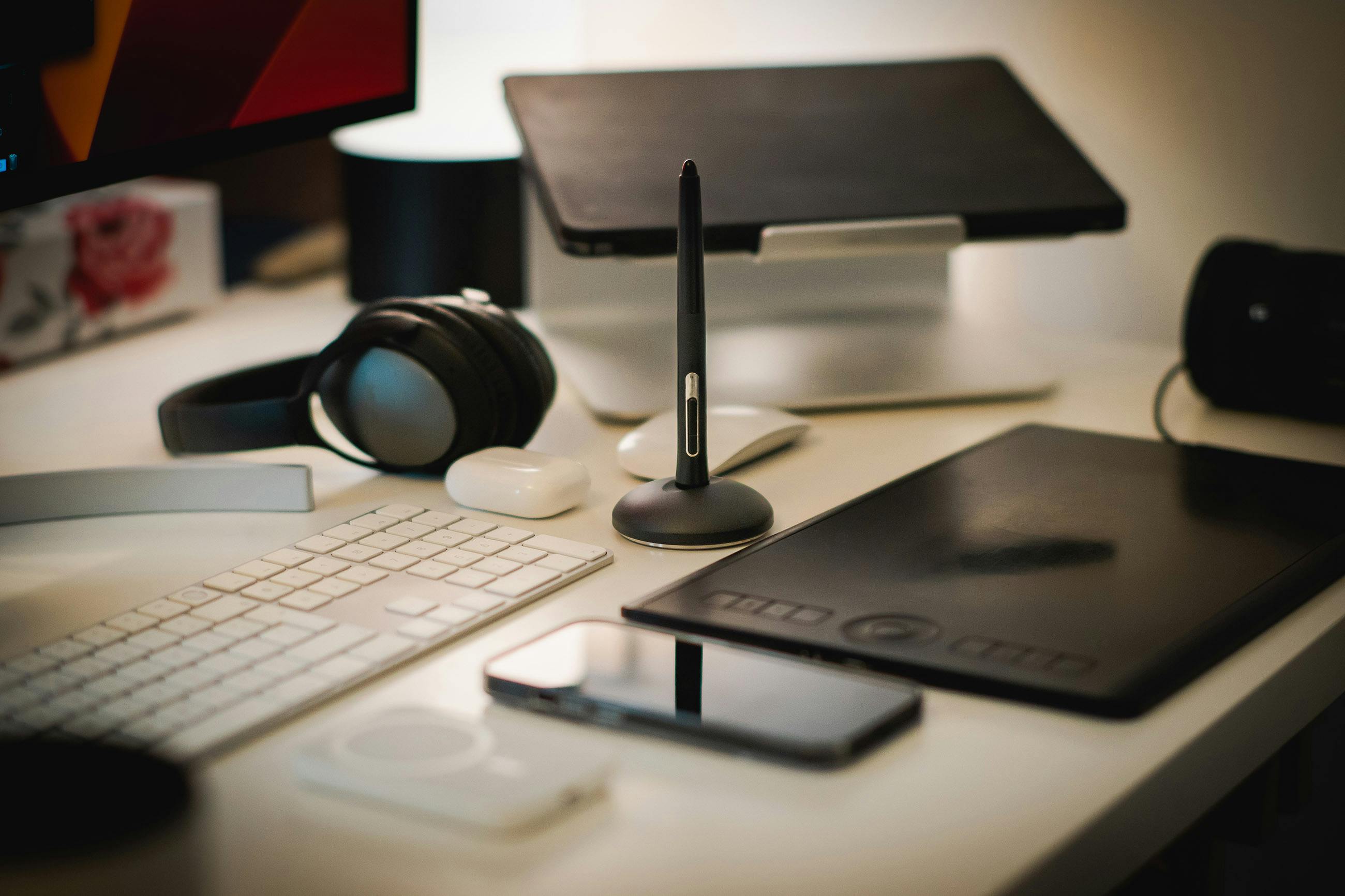 [credit](https://images.pexels.com/photos/16284696/pexels-photo-16284696/free-photo-of-graphic-designer-home-office-studio.jpeg), [licence](https://creativecommons.org/public-domain/) [Color theory](/finder/page/what-is-color-theory) sounds fancy, but it’s really just “which colors make my heart sing?” - **Pick 3-5 colors**: Start limited! Too many choices paralyze creativity. Use a **color palette generator** like Coolors.co for instant harmony. - **Digital magic**: Use the ‘Multiply’ layer mode for shadows and ‘Overlay’ for highlights. It’s like having a tiny art assistant inside your computer. - **Blending for beginners**: Don’t obsess over smooth blending yet. Use textured brushes for a handmade vibe. Some of my favorite abstract pieces look like I forgot to press ‘smooth’. ### Phase 3: Final Flourishes (AKA "Why Undo is My Religion") When your painting looks "almost there"—but also *definitely* not—try these: - **Overpaint freely**: Splash complementary colors. Hide layers? Who cares! Sometimes chaos becomes magic. - **Add texture**: Scan real fabrics (crumpled parchment!) or use texture brushes. Digital art loves tactile surprises. - **Zoom out regularly**: Step back and squint. Does it work as a thumbnail? If yes, you’ve got something. ## Common Hurdles: My Stumbles, Your Wins I once spent 6 hours perfecting a leaf only to realize it was sideways. You will too. Here are classic traps: 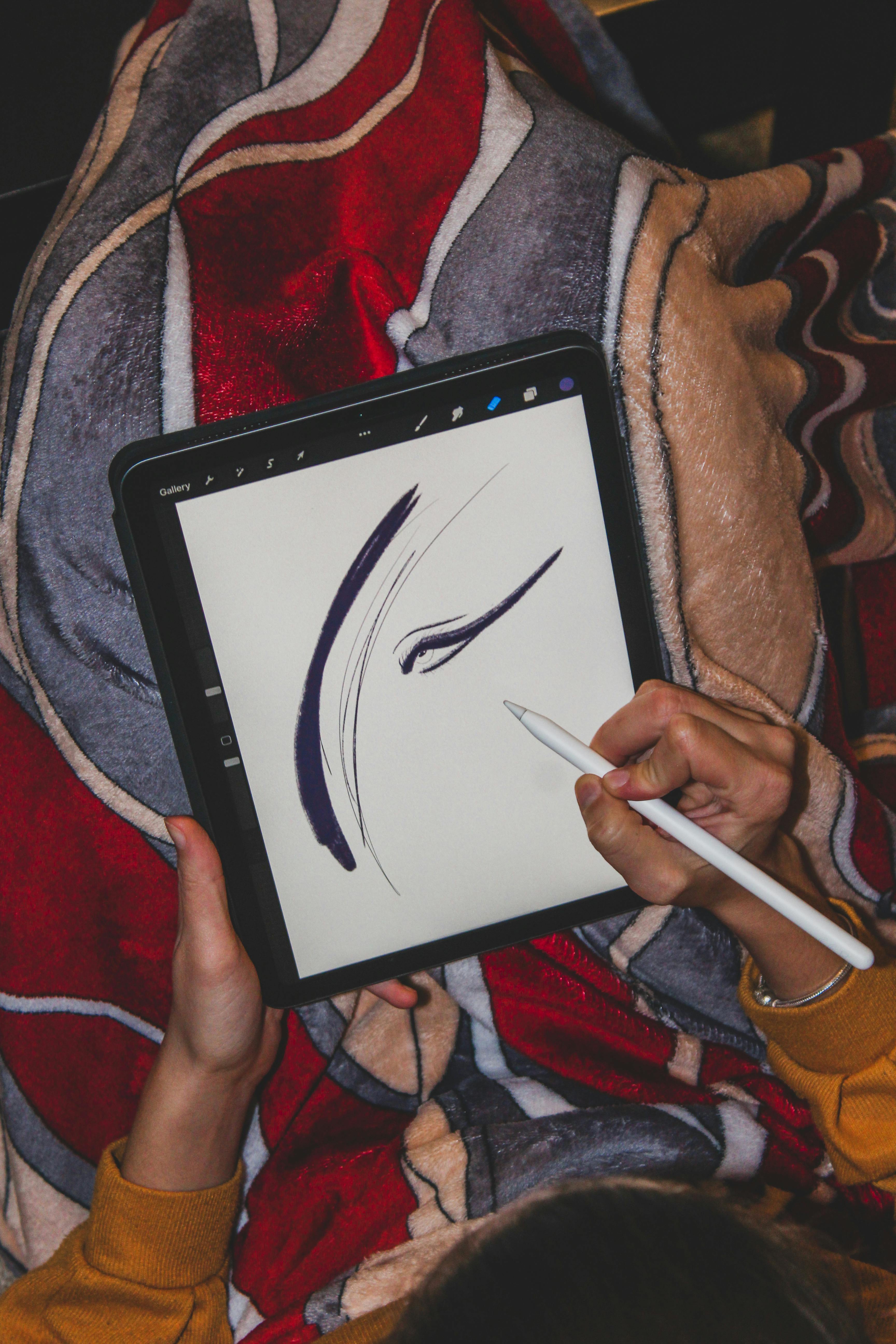 [credit](https://images.pexels.com/photos/11977112/pexels-photo-11977112.jpeg), [licence](https://creativecommons.org/public-domain/) ### Advanced Digital Art Workflow Management #### Organizing Your Digital Files A good organizational system saves hours of frustration and lost work: - **Folder Structure**: Create consistent folder hierarchies (e.g., Artwork → 2024 → January → Projects) - **File Naming**: Use descriptive names (e.g., "Portrait_Final_240115.psd" rather than "art1.psd") - **Version Control**: Save iterations as versions (e.g., "Character_v1.psd", "Character_v2.psd") - **Backup Strategy**: Use the 3-2-1 rule: 3 copies, 2 different media, 1 off-site #### Time Management for Digital Artists - **Pomodoro Technique**: Work in 25-minute focused sessions with 5-minute breaks - **Batch Processing**: Group similar tasks (e.g., all color corrections in one session) - **Energy Management**: Schedule creative work for your most productive hours - **Project Planning**: Break large projects into smaller, manageable tasks #### Digital Art Business Basics | Aspect | Beginner Consideration | Professional Consideration | |--------|------------------------|---------------------------| | **Pricing** | Charge for time + materials | Research market rates + value | | **Portfolio** | Share on social media | Professional website + curated selection | | **Clients** | Friends/family first | Formal contracts + deposits | | **Taxes** | Track expenses | Quarterly estimated payments | 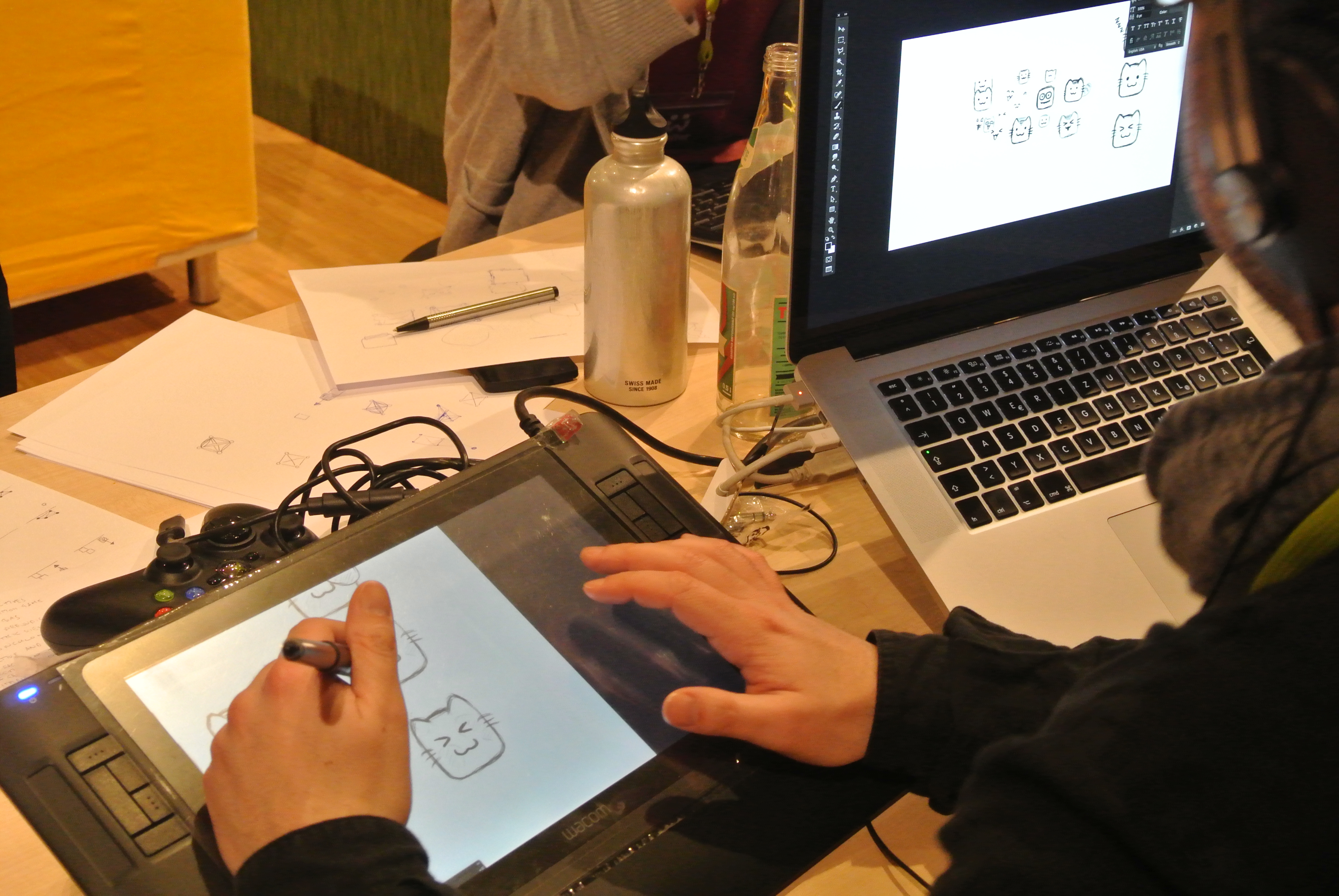 [credit](https://upload.wikimedia.org/wikipedia/commons/d/da/Drawing_Cats_on_Wacom_Intuos3_A5_graphics_tablet_-_Global_Game_Jam_Berlin_2014.jpg), [licence](https://creativecommons.org/licenses/by/2.0) #### Building Your Digital Art Brand - **Consistent Visual Identity**: Use consistent colors, fonts, and style across platforms - **Artist Statement**: Develop a brief description of your artistic vision and process - **Social Media Strategy**: Choose 1-2 platforms and post consistently - **Networking**: Connect with other artists, potential clients, and art communities  [credit](https://images.pexels.com/photos/30767247/pexels-photo-30767247.jpeg?cs=srgb&dl=pexels-rostislav-30767247.jpg&fm=jpg), [licence](https://creativecommons.org/public-domain/) - **Tool paralysis**: Too many brushes? Pick ONE for the whole project. Consistency builds confidence faster than options. - **Perfectionism vortex**: Embrace the “ugly phase.” Every masterpiece looks like a potato at first. My current favorite started as a muddy brown blob I almost deleted. - **Comparisonitis**: Scrolling Instagram after 10 minutes of work? Recipe for despair. Close tabs. You’re not racing anyone. - **Burnout**: Staring at screens fatigues eyes. Follow the **20-20-20 rule**: Every 20 minutes, look at something 20 feet away for 20 seconds. ## FAQ: Your Digital Art Questions Answered ## Digital Art Career and Monetization Guide ### How to Make Money with Digital Art Digital art offers numerous monetization opportunities. Here's how artists turn their passion into income: #### Direct Sales - **Print-on-Demand**: Services like Redbubble or Society6 handle printing and shipping - **Limited Edition Prints**: Sell signed, numbered prints directly to collectors - **Original Digital Files**: Sell high-resolution files for commercial use - **Custom Commissions**: Create artwork tailored to client needs #### Digital Products - **Brush Packs**: Sell custom digital brushes - **Texture Packs**: Offer high-quality textures for other artists - **Actions/Presets**: Create time-saving Photoshop actions or Lightroom presets - **Online Courses**: Teach digital art skills through platforms like Udemy or Teachable #### Platforms and Marketplaces | Platform | Best For | Fee Structure | Audience | |----------|----------|---------------|----------| | **Etsy** | Handmade feel, physical prints | 5% + payment fees | Art buyers, collectors | | **ArtStation** | Professional artists, portfolios | Free basic, premium upgrade | Industry professionals | | **DeviantArt** | Community engagement | Free basic, premium features | General art audience | | **Redbubble** | Print-on-demand products | Commission-based | General consumers | | **Society6** | Art prints, home decor | Commission-based | Home decor buyers | | **Fiverr** | Freelance services | 20% commission | Clients seeking services | | **Upwork** | Professional freelance work | 5-20% commission | Business clients |  [credit](https://images.pexels.com/photos/7429230/pexels-photo-7429230.jpeg), [licence](https://creativecommons.org/public-domain/) #### Building Your Art Business **Pricing Strategy**: - **Hourly Rate**: Calculate your time + desired income + business expenses - **Project-Based**: Quote based on complexity and time required - **Value-Based**: Price based on the value to the client, not your time - **Market Research**: Check what similar artists charge in your niche **Marketing Your Art**: - **Portfolio Website**: Essential for professional presentation - **Social Media**: Choose 1-2 platforms and post consistently - **Email List**: Build a relationship with potential buyers - **Art Shows**: Participate in local and online exhibitions - **Networking**: Connect with other artists and potential clients **Legal Considerations**: - **Contracts**: Always use written agreements for commissions - **Copyright**: Understand your rights and register important work - **Taxes**: Track income and expenses, consider business structure - **Licensing**: Understand how others can use your work ### Digital Art for Beginners: Common Mistakes to Avoid #### Technical Mistakes 1. **Starting with Complex Software**: Begin with simpler programs like Krita or Procreate before tackling Photoshop 2. **Ignoring File Organization**: Develop a consistent file naming and folder system from day one 3. **Not Learning Keyboard Shortcuts**: Mastering shortcuts saves hours of time 4. **Over-relying on Filters**: Learn manual techniques before relying on automated effects 5. **Poor Color Management**: Learn about color modes, profiles, and calibration #### Creative Mistakes 1. **Copying Without Understanding**: Study artists you admire but develop your own style 2. **Neglecting Fundamentals**: Perspective, anatomy, and composition matter regardless of medium 3. **Comparing to Others**: Everyone progresses at different speeds 4. **Giving Up Too Soon**: Artistic growth takes time and consistent practice 5. **Fear of Experimentation**: Try new techniques and styles to discover your voice #### Business Mistakes 1. **Underpricing Work**: Research market rates and value your time appropriately 2. **Not Building a Portfolio**: Start creating a portfolio early, even if you're not "ready" 3. **Ignoring Legal Aspects**: Understand copyright, contracts, and licensing 4. **Poor Customer Service**: Even in art, professionalism matters 5. **Neglecting Marketing**: Great art needs to be seen to sell ### Digital Art Communities and Learning Resources #### Online Communities - **Reddit**: r/DigitalArt, r/LearnArt, r/ArtFundamentals - **Discord**: Many art servers with feedback channels and challenges - **ArtStation**: Professional community with portfolio features - **DeviantArt**: Large community with diverse art styles - **Behance**: Adobe's platform for creative professionals #### Learning Platforms - **YouTube**: Free tutorials from thousands of artists - **Skillshare**: Subscription-based courses on art techniques - **Udemy**: Affordable courses on various digital art topics - **Domestika**: High-quality courses in multiple languages - **Schoolism**: Professional art instruction from industry experts #### Books and Resources - **Digital Painting Techniques**: Various books covering software and techniques - **Color Theory Books**: Understanding how colors work together - **Composition Books**: Learning visual design principles - **Art History**: Understanding artistic traditions and movements - **Business Books**: Marketing, pricing, and entrepreneurship for artists **Q: Can digital art look as valuable as traditional artwork?**<br> A: Absolutely! Many collectors now value digital originals and high-quality prints equally. Platform authenticity matters—hence why we archive everything [securely](/timeline). It’s about the artist’s vision, not the medium. **Q: Do I need to learn anatomy/realistic drawing first?**<br> A: Not necessarily! If [abstract expression](/finder/page/my-artistic-journey:-from-early-explorations-to-embracing-abstract-expression) calls you, run with it. Technical skills help, but **break rules first, understand them later**. My first “professional” piece? A squiggly line called "Cosmic Anxiety." Sold it at a coffee shop. **Q: How do I avoid that "cold" digital feel?**<br> A: Add intentional "flaws"—uneased edges, texture overlays, or even printing your art on canvas. I blend scanned pencil roughs with digital layers to keep warmth. Digital doesn’t mean sterile unless you let it. **Q: Any ethical red flags to watch for?**<br> A: Be wary of [NFT](/finder/page/what-is-the-nft-virtual-racing-game-market) markets promoting "get rich quick" schemes. Most digital platforms offer fairer artist compensation models. NFTs? Skeptical. They often serve speculators more than creators. Your art deserves better than volatility. **Q: How long should I practice daily?**<br> A: 15 focused minutes beats 3 hours distracted scrolling. My habit? Morning coffee → [quick sketch](/finder/page/how-to-do-quick-sketches). Weekends? Longer explorations. Consistency beats intensity every time. ## Your Colorful Path Starts Now ## The Future of Digital Art: Emerging Trends and Technologies ### AI and Digital Art: Friend or Foe? Artificial intelligence is transforming the digital art landscape in fascinating ways: #### AI-Assisted Creation Tools - **Generative AI**: Tools like Midjourney and DALL-E create art from text descriptions - **AI Enhancement**: Software that suggests improvements or automates repetitive tasks - **Style Transfer**: Applying artistic styles to photos or existing artwork - **Automated Backgrounds**: AI-generated backgrounds and environments #### The Artist's Role in the AI Era Rather than replacing artists, AI is becoming a powerful tool: - **Idea Generation**: AI can help overcome creative blocks - **Speed Enhancement**: Automate tedious tasks to focus on creative decisions - **Learning Aid**: Analyze art styles and techniques for educational purposes - **Collaboration Partner**: Work alongside AI for unique creative results ### Virtual and Augmented Reality in Digital Art #### VR Art Creation - **Tilt Brush**: Create 3D art in virtual space - **Medium**: Sculpt and paint in immersive 3D environments - **Gravity Sketch**: Professional 3D design and sketching - **Quill**: Animation and illustration in VR #### AR Art Applications - **Digital Galleries**: View art in physical spaces through AR - **Interactive Installations**: Art that responds to viewers and environment - **Educational AR**: Art history come to life through augmented reality - **Public Art**: AR-enhanced murals and street art ### Blockchain and Digital Ownership While we remain skeptical of NFT speculation, blockchain technology offers interesting possibilities: #### Digital Provenance and Authenticity - **Verifiable Ownership**: Blockchain provides clear ownership records - **Smart Contracts**: Automated royalty payments and licensing - **Digital Scarcity**: Creating limited edition digital artworks - **Artist Authentication**: Verifying the source and authenticity of digital art #### Ethical Considerations - **Environmental Impact**: Energy consumption of blockchain technologies - **Artist Compensation**: Fair compensation models for digital creators - **Market Speculation**: Distinguishing genuine art appreciation from financial speculation - **Accessibility**: Making digital art ownership accessible to all, not just investors ### The Evolution of Digital Art Styles Digital art continues to evolve with new styles and movements:  [credit](https://images.pexels.com/photos/10996828/pexels-photo-10996828.jpeg), [licence](https://creativecommons.org/public-domain/) #### Neo-Digital and Hybrid Styles - **Digital Impressionism**: Emulating traditional impressionist techniques digitally - **Cyberpunk Aesthetics**: High-tech, low-life visual styles - **Biomechanical Art**: Merging organic and mechanical elements - **Glitch Art**: Embracing digital errors and corruption as artistic elements #### Cross-Media Integration - **Digital-to-Traditional**: Printing digital art on traditional surfaces - **Mixed Reality**: Combining digital and physical elements in installations - **Performance Art**: Digital elements in live performances - **Interactive Art**: Art that responds to viewer interaction ### Sustainable Digital Art Practices As digital art grows, so does awareness of its environmental impact: #### Energy-Efficient Creation - **Optimized Workflows**: Streamlined processes to reduce energy consumption - **Green Hosting**: Choosing environmentally conscious web hosting - **Hardware Longevity**: Maintaining and upgrading equipment rather than frequent replacement - **Remote Collaboration**: Reducing travel for art events and collaborations #### Ethical Digital Practices - **Inclusive Representation**: Creating art that represents diverse voices - **Accessibility**: Making digital art accessible to people with disabilities - **Cultural Sensitivity**: Respecting cultural contexts and representations - **Community Building**: Fostering supportive and inclusive art communities ### The Human Element in Digital Art As technology advances, what makes digital art human and meaningful?  [credit](https://live.staticflickr.com/6153/6201878402_04427939a3_b.jpg), [licence](https://creativecommons.org/licenses/by-nc-sa/2.0/) #### Authenticity and Voice - **Personal Experience**: Art rooted in genuine human experience - **Emotional Connection**: Work that resonates emotionally with viewers - **Cultural Context**: Art that reflects and responds to cultural moments - **Intentionality**: Art created with purpose and meaning beyond [technical skill](/finder/page/what-is-technical-skill-in-art) #### The Artist's Journey - **Learning Process**: Embracing the ongoing learning and growth - **Creative Struggle**: Valuing the challenges that lead to breakthroughs - **Community Connection**: The importance of human connection in art - **Legacy**: Creating work that endures and influences future generations The future of digital art isn't about technology replacing human creativity, but about new tools expanding what's possible. The most compelling digital art will always be that which connects us to our shared humanity, regardless of the tools used to create it. Digital art isn’t about becoming a tech wizard. It’s about seeing colors dance on a screen instead of paper; about forgiving “mistakes” that become brilliant accidents; about joining a global tribe making beauty from pixels. I still have days where my tablet feels alien, then—*click*—suddenly, a flower blooms from squiggles. That’s the magic. Forget comparing your first digital steps to masters who’ve coded for decades. You’re exploring a new playground, not taking an exam. Start messy. Start small. Start with squiggles if you must. The canvas doesn’t care if your hands are trembling—it only cares if your heart is in it. Now go make something gloriously imperfect. And hey, when you finish your first piece? [Consider letting the world see it through our gallery](/buy). But only if it feels right. No pressure. ***P.S.*** That confused firefly cursor? He’s now painting galaxies. So will you. Just give him some coffee first.